Priya's Wednesday, two ways
9 lessons · 22 prompts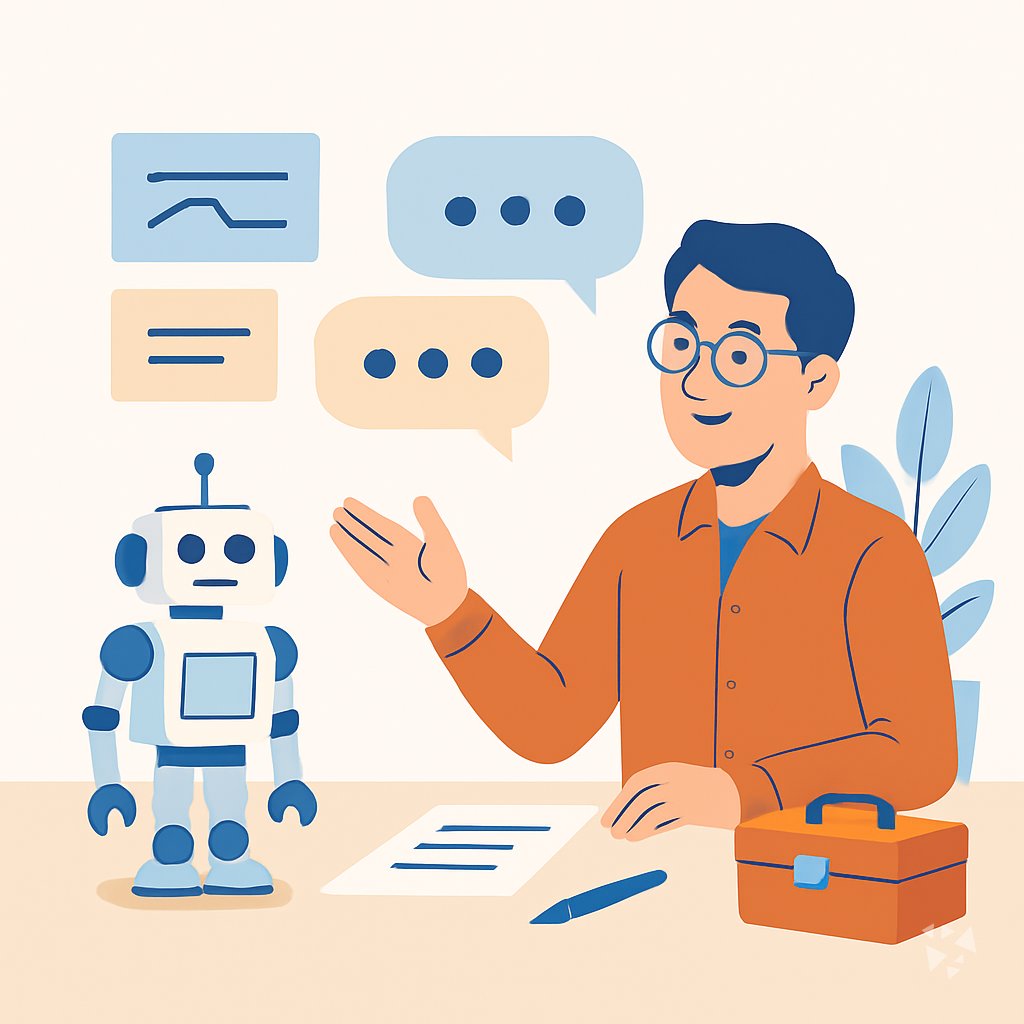
A day in the life of a Robotics Engineer: what changes with these prompts.
Track progress as a memberPriya, a robotics engineer at a mid-size manufacturer.
Priya starts Wednesday with a six-axis arm on the packaging line that keeps missing its pick position. Before the course, she would spend the first hour scrolling through ROS logs and guessing at the cause. Today she opens Claude and uses the Troubleshoot Robot Behavior prompt. She pastes a short description of the arm's motion, the gripper sensor readings, and a photo of the error screen. The AI gives her three ranked hypotheses and two quick checks. She finds a loose encoder cable in twenty minutes.
Next she needs to adjust the control loop for a new conveyor speed. She uses the Draft Control System Code prompt in ChatGPT. She writes: 'ROS node, Python, simple state machine for pick and place, conveyor speed 0.3 m/s, gripper open and close.' The AI returns starter code with comments. Priya reads it, fixes two lines, and runs it in simulation.
Before touching the real arm, she uses the Simulate Before You Build prompt in Gemini. She asks for a stress scenario where the conveyor jams and the arm has to pause safely. The AI suggests a test world and a few failure cases. Priya runs them and catches a timing bug that would have stopped the line later.
At the end of the day, she uses the Document and Communicate prompt to write a short summary for her team lead. The summary covers the fix, the test results, and the next check. Priya leaves on time and takes her dog for a long walk before dinner.
Before
- Staring at logs for hours
- Guessing at sensor faults
- Rewriting the same test notes
- Motion math on a whiteboard
After this course
- Clear hypotheses in minutes
- Sim runs before hardware
- Test plans come together fast
- More time for the build
What you'll learn
- Robotics fundamentals: Get plain-English explanations of core concepts and datasheets before you build.
- Control system code: Turn requirements into starter code for loops, state machines, and ROS nodes.
- Motion and paths: Work through kinematics and get adaptable motion planning code for your robot.
- Sensors and actuators: Choose hardware and write fusion and calibration logic that ties them together.
- Simulation setup: Build simulation worlds, generate stress scenarios, and debug errors before hardware.
- Troubleshoot behavior: Turn logs and descriptions into ranked hypotheses and next checks.
- Test and optimize: Build test plans, turn results into pass or fail findings, and improve cycle times.
- Document and communicate: Produce specs, safety notes, and stakeholder summaries from your technical work.
How this course works
- 9 lessonsOne task of your job each, from learn robotics fundamentals to document and communicate.
- Ready-to-paste promptsCopy, fill in the parts in {{brackets}}, paste into ChatGPT, Claude or Gemini.
- Tick and completeTick the prompts you tried and mark each lesson complete.
- Get certifiedFinish and keep the prompts as your own library.