Rosa's Wednesday, Two Ways
9 lessons · 24 prompts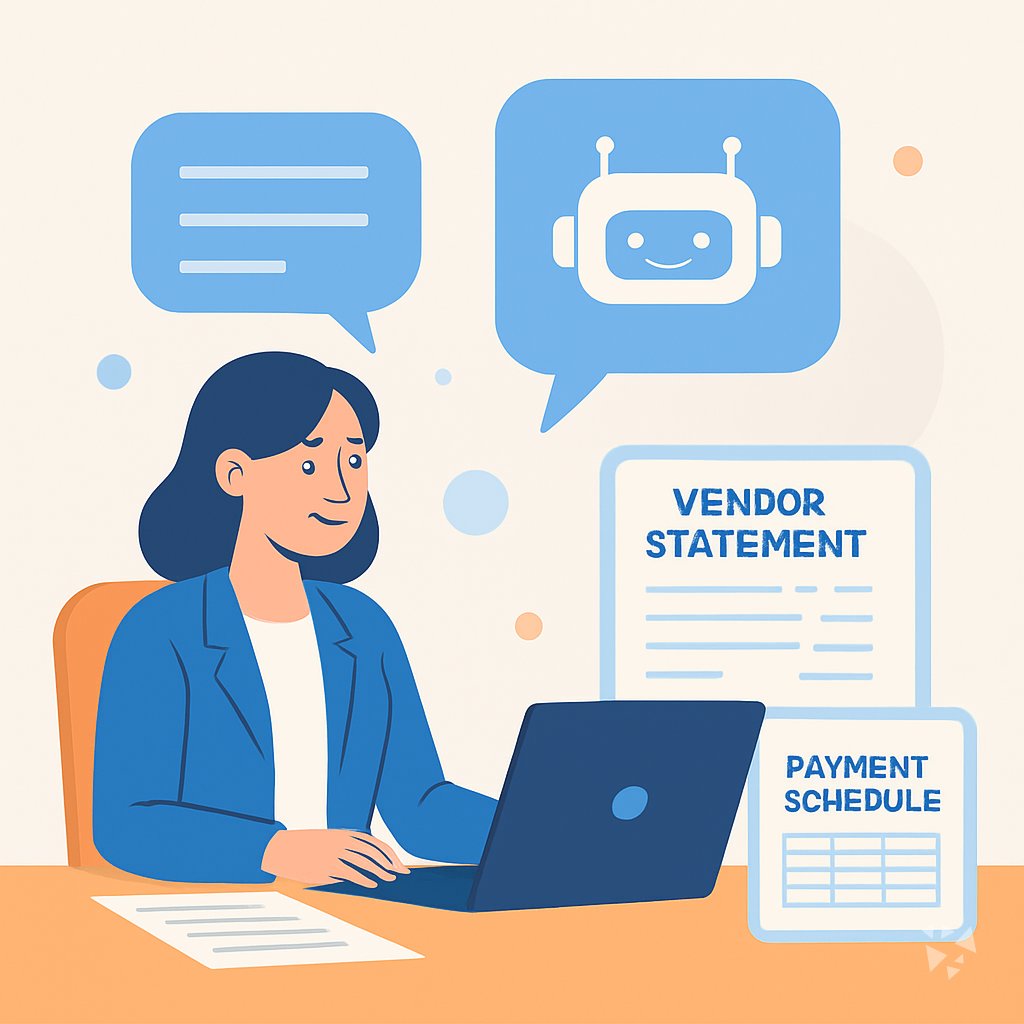
A day in the life of an Accounts Payable Specialist: what changes with these prompts.
Track progress as a memberRosa, an accounts payable specialist at a mid-sized food distributor.
Rosa starts Wednesday with more than thirty invoices in her queue. Before, she would open each PDF, type the vendor name and amount into the ERP, and hunt for the GL code. Now she pastes the invoice text into ChatGPT and asks for the key fields and a suggested account. She checks the result against the invoice and moves on. The first ten invoices take her a few minutes instead of most of the morning.
One invoice from a produce vendor does not match its purchase order. The quantity is off by two cases. Rosa uses the PO matching prompt in Claude. She pastes the invoice line, the PO line, and the receiving note. The AI points out the difference and drafts an exception note she can send to the buyer. She edits two words and sends it.
Later, a vendor emails about a missing payment. Rosa opens Gemini and uses the vendor email prompt. She gives the AI the invoice number, the payment date, and the check number. The AI writes a short, polite reply. Rosa adds the vendor's name and sends it. Then she runs the payment run prompt to plan Friday's batch, sorting by due date and discount terms.
By 3 p.m., Rosa has cleared her queue, resolved two discrepancies, and answered three vendor emails. She uses the extra hour to review a vendor statement against the ledger, something she used to push to Friday. She leaves on time, with a clean desk and a short list for tomorrow.
Before
- Invoices pile up faster than I can type.
- I hunt for GL codes in old emails.
- Vendor emails sit unanswered for days.
- Month-end feels like a scramble.
After this course
- I clear my queue before lunch.
- The AI drafts, I check and send.
- Discrepancies get resolved the same day.
- I leave on time with a clean desk.
What you'll learn
- Invoice Data: Pull vendor name, invoice number, amount, and dates from an invoice and flag missing fields.
- PO Matching: Compare an invoice to its purchase order and receipt, then write a clear exception note.
- Vendor Emails: Draft professional messages about missing information, payment status, and discrepancies.
- Discrepancy Plans: Turn messy notes into a step-by-step plan for resolving an invoice problem.
- Statement Reconciliation: Compare a vendor statement to your ledger and list what does not match.
- Payment Runs: Plan a payment run, prioritize vendors, and summarize it for approvers.
- Tax And Fraud: Check W-9 and TIN details, decide 1099 reporting, and review a payment batch for duplicates or oddities.
- Month-End Reporting: Estimate accruals, summarize AP aging, and explain policies or controls in plain English.
How this course works
- 9 lessonsOne task of your job each, from invoice data and coding to month-end, reporting and learning.
- Ready-to-paste promptsCopy, fill in the parts in {{brackets}}, paste into ChatGPT, Claude or Gemini.
- Tick and completeTick the prompts you tried and mark each lesson complete.
- Get certifiedFinish and keep the prompts as your own library.