
Prompt course · 9 lessons · 24 prompts · 1 hour · Beginner
AI for Accounts Payable Specialists
A hands-on prompt course for accounts payable specialists. Learn to pull invoice details, match purchase orders, write vendor emails, and review payment batches with AI.
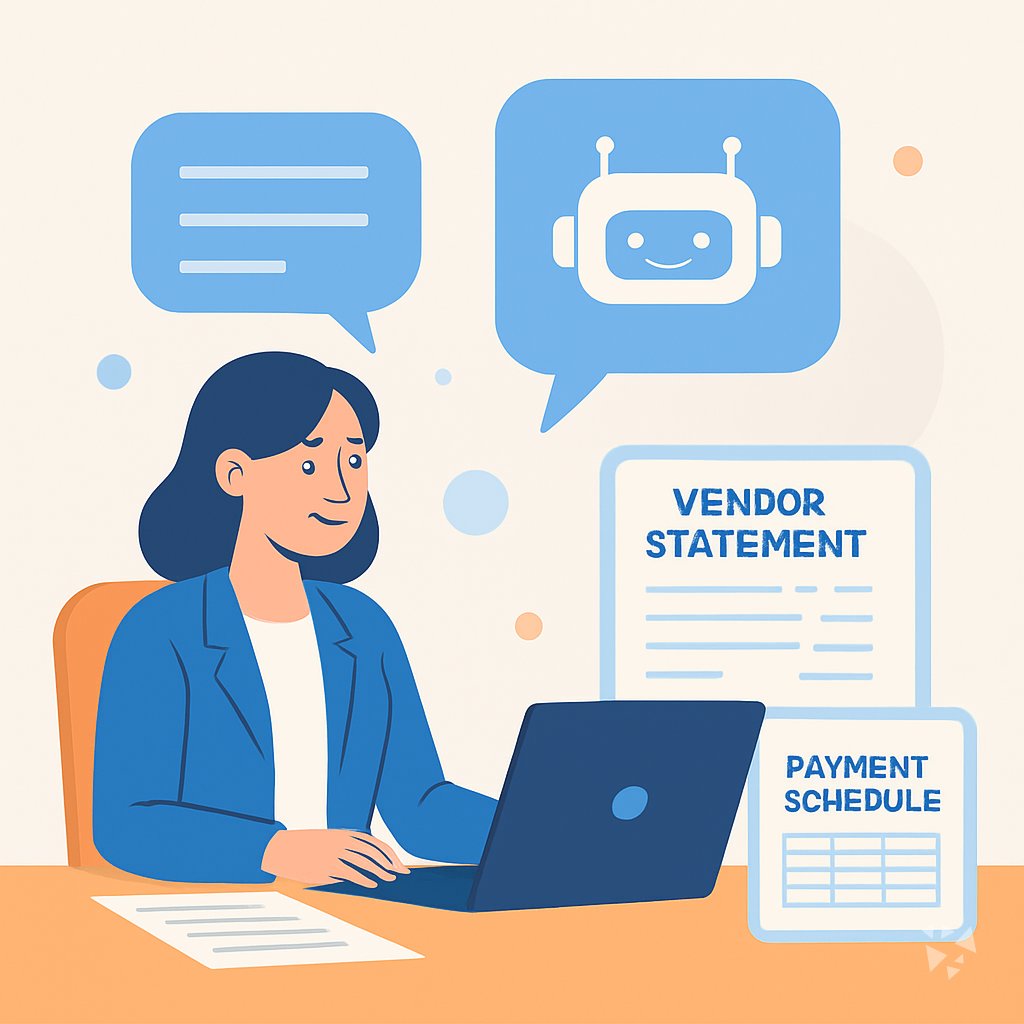
What you'll learn
- Invoice Data: Pull vendor name, invoice number, amount, and dates from an invoice and flag missing fields.
- PO Matching: Compare an invoice to its purchase order and receipt, then write a clear exception note.
- Vendor Emails: Draft professional messages about missing information, payment status, and discrepancies.
- Discrepancy Plans: Turn messy notes into a step-by-step plan for resolving an invoice problem.
- Statement Reconciliation: Compare a vendor statement to your ledger and list what does not match.
- Payment Runs: Plan a payment run, prioritize vendors, and summarize it for approvers.
- Tax And Fraud: Check W-9 and TIN details, decide 1099 reporting, and review a payment batch for duplicates or oddities.
- Month-End Reporting: Estimate accruals, summarize AP aging, and explain policies or controls in plain English.
What's inside
9 lessons · 24 prompts- Before you start · framework course ICIO and CIDI: Reusable Prompt TemplatesICIO and CIDI help you classify invoices, extract totals, and reuse templates for weekly vendor payment runs.
- Start here Rosa's Wednesday, Two WaysA day in the life of an Accounts Payable Specialist, before and after these prompts.
- 01 Lesson 1 · 3 prompts Invoice Data And Coding
- 02 Lesson 2 · 3 prompts Purchase Order Matching
- 03 Lesson 3 · 3 prompts Vendor Emails And Follow-Ups
- 04 Lesson 4 · 2 prompts Resolving Invoice Discrepancies
- 05 Lesson 5 · 2 prompts Vendor Statement Reconciliation
- 06 Lesson 6 · 3 prompts Payment Runs And Scheduling
- 07 Lesson 7 · 3 prompts Tax Info And Vendor Records
- 08 Lesson 8 · 2 prompts Batch Review And Fraud Checks
- 09 Lesson 9 · 3 prompts Month-End, Reporting And Learning
About this course
7 topicsPrompts For Accounts Payable: From Invoice To Payment
Accounts payable is full of small, careful tasks. You read an invoice, find the GL code, check it against a purchase order, and write a note when something does not line up. This course gives you prompts that turn those tasks into a conversation with your AI tool.
You will work through eight lessons, each one built around a real AP situation. You can use the prompts in ChatGPT, Claude, or Gemini, and you can bring your own examples as you go.
The lessons
- Invoice Data And Coding: Pull key details from a vendor invoice, pick the right GL account, and catch missing fields before it enters the system.
- Purchase Order Matching: Compare an invoice against its PO and receipt, explain any mismatch, and write a clean exception note.
- Vendor Emails And Follow-Ups: Write clear, professional emails to vendors about missing info, payment status, and discrepancies.
- Resolving Invoice Discrepancies: Work through a discrepancy from the notes you have and turn it into a clear resolution plan.
- Vendor Statement Reconciliation: Compare a vendor statement to your AP ledger and write up what does not line up.
- Payment Runs And Scheduling: Plan and prioritize a payment run and summarize it for approvers.
- Tax Info And Vendor Records: Check W-9 and TIN details, decide 1099 reporting, and tidy up vendor master records.
- Batch Review And Fraud Checks: Review a payment batch for oddities and catch duplicate or fraudulent payment red flags.
- Month-End, Reporting And Learning: Estimate accruals, summarize AP aging, and explain policies or controls in plain English.
What The Course Covers
The course walks through the full AP cycle, from the moment an invoice arrives to the month-end close. Each lesson gives you a prompt you can copy, paste, and adapt. You will practice pulling data, matching documents, writing emails, and reviewing batches.
How The Lessons Connect
The lessons follow the order of real work. You start with invoice data and coding, then move to PO matching and vendor emails. Later lessons cover discrepancies, reconciliations, payment runs, tax records, fraud checks, and month-end reporting. Each one builds on the last, so you are never jumping ahead.
Using The Prompts Well
A good prompt gives the AI a clear job and the exact text it needs. The course shows you how to paste invoice lines, ask for specific fields, and request a format you can use, like a table or a short note. You will also learn to ask the AI to show its work and to flag anything it is unsure about.
Who This Course Is For
This course is for accounts payable specialists who want to work faster without losing accuracy. It is also useful for AP clerks, finance assistants, and anyone who handles vendor invoices and payments. You do not need any technical background.
Safety And Privacy For AP
AP work involves bank details, tax IDs, and vendor contacts. The course teaches you to mask or remove sensitive information before you paste it into an AI tool. It also covers how to check your company policy and when to ask for permission.
Your Next Step
Start with the first lesson and try the prompt on a real invoice that is safe to use. Then move through the rest at your own pace. By the end, you will have a set of prompts you can reuse every week.