Priya's Thursday, Two Ways
8 lessons · 20 prompts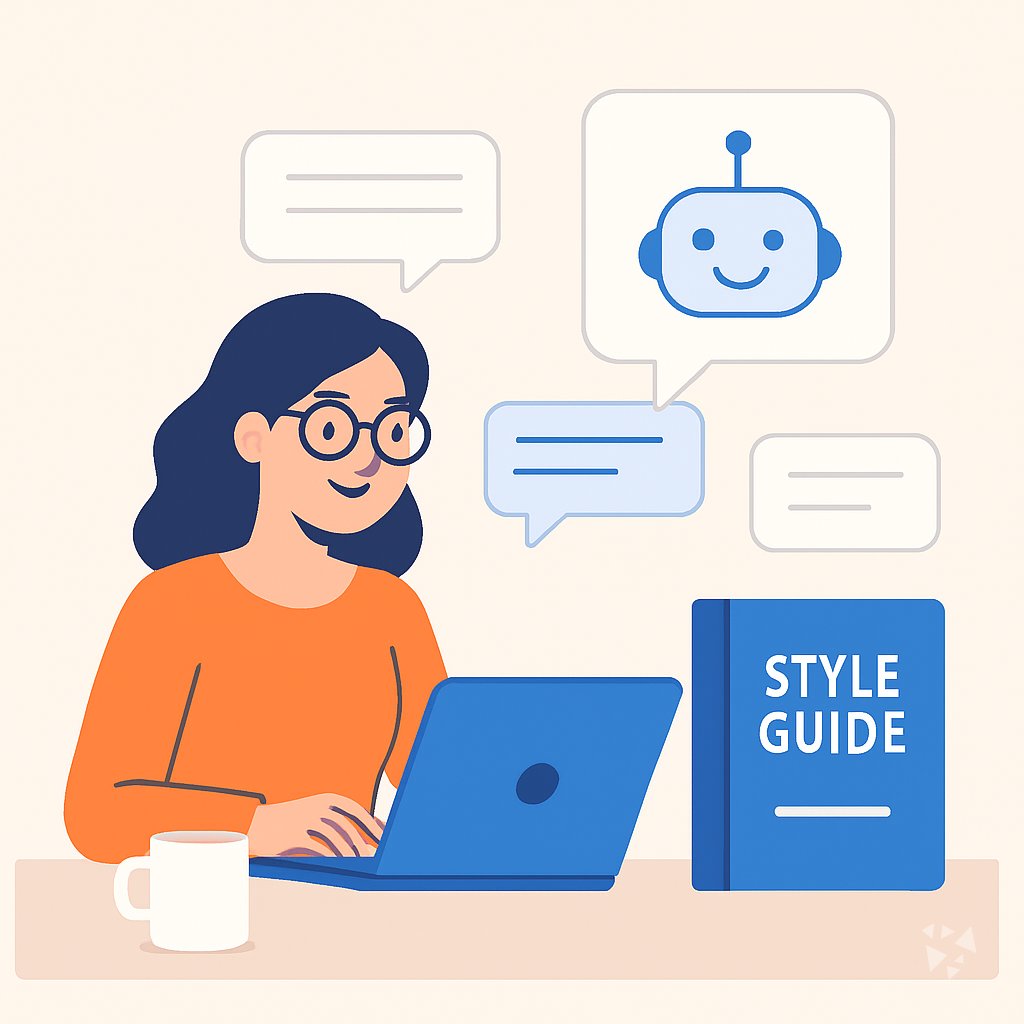
A day in the life of an UX Writer: what changes with these prompts.
Track progress as a memberPriya, a UX writer at a health app.
Priya starts Thursday with a screen full of error messages for a new medication reminder feature. The product manager wants clearer words before design review. Priya opens ChatGPT and pastes five error messages, then asks for three plain-language options for each. She picks the ones that match the health app's calm tone.
Next, she exports a set of strings from the app and brings them into Claude. She asks it to audit the strings for confusing terms and then help her build a shared glossary. Claude groups places where the team says "profile" on one screen and "account" on another. Priya adds the best terms to the glossary she keeps for the team.
After lunch, Priya uses Gemini to draft localization notes for Spanish and German reviewers. She flags phrases like "take as needed" that may need extra context. Then she writes a short QA checklist so translators can check button lengths and tone. She shares the notes in the localization channel.
At 4:30, she reviews the copy deck for tomorrow's design critique. She has time to walk her dog before dinner and call her sister. The work still has her judgment in every line.
Before
- Copy reviews pile up before every design sprint.
- Tiny wording choices take all afternoon.
- Terms drift across screens and teams.
- Localization notes get rushed at the end.
After this course
- First drafts of button labels appear in minutes.
- Wording drift is caught before review.
- Localization notes go out with clear context.
- Afternoons have room for focused writing.
What you'll learn
- Draft Microcopy: Generate button labels, empty states, and error messages with AI, then pick what fits the interface.
- Edit and Polish: Tighten user-facing strings and check tone so copy sounds like your brand.
- Build Style Guides: Outline a UX writing style guide your team can follow and update.
- Standardize Terms: Create a shared glossary and catch wording drift across screens and documents.
- Audit Content: Review screens or exported strings, rank copy problems, and explain findings to stakeholders.
- Test with Users: Plan copy tests, write comprehension questions, and turn feedback into specific fixes.
- Work with Designers: Prepare copy decks, critique questions, and clear edits from design feedback.
- Localize and Scale: Spot translation risks, write localization notes, and build a copy QA checklist.
How this course works
- 8 lessonsOne task of your job each, from drafting interface microcopy to localizing and scaling copy.
- Ready-to-paste promptsCopy, fill in the parts in {{brackets}}, paste into ChatGPT, Claude or Gemini.
- Tick and completeTick the prompts you tried and mark each lesson complete.
- Get certifiedFinish and keep the prompts as your own library.