AI tool
1Password for Agents
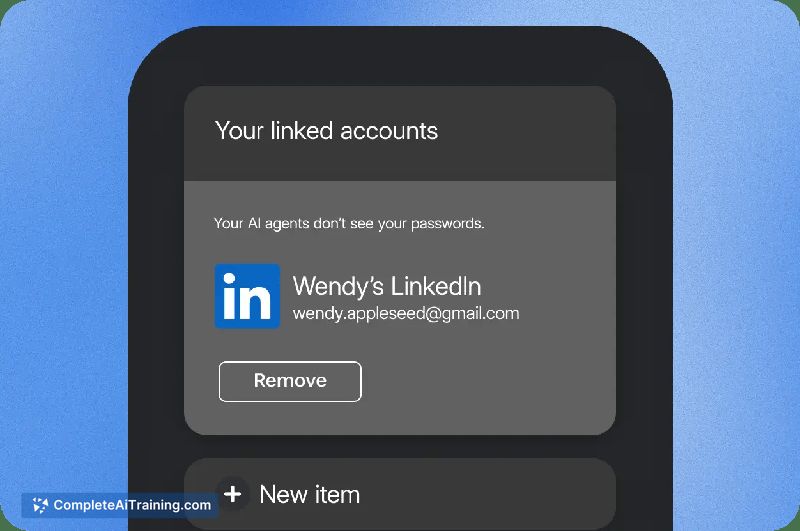
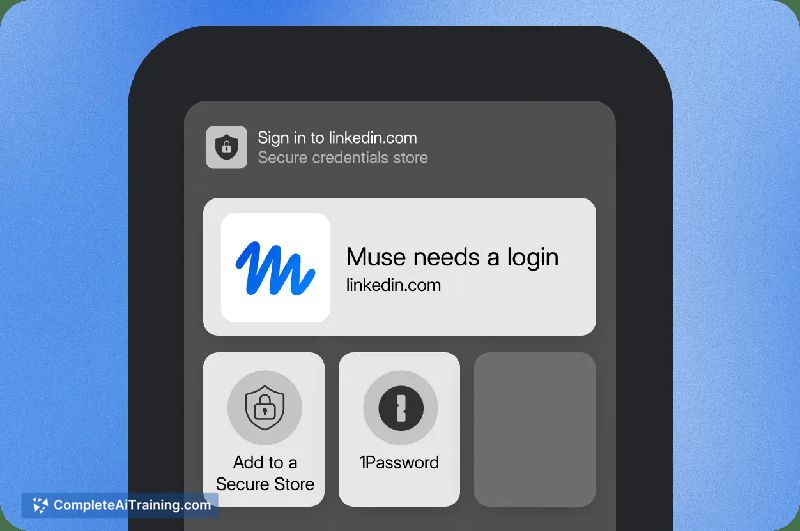
1Password for Agents lets supported AI agents sign in to accounts without seeing your passwords. When an agent hits a login, you approve or deny it on your own device. It is designed for people who use individual or family plans and want to let AI...
About 1Password for Agents
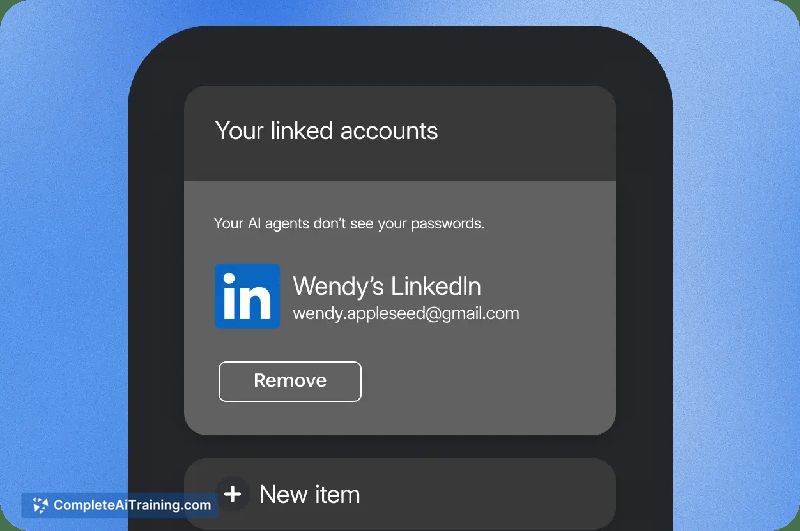
1Password for Agents is a feature within the 1Password password manager that lets supported AI agents sign in to websites and services on a user's behalf. The agent never receives the actual password or one-time code; instead, it requests access from 1Password, and the user approves or denies each request on their own device. It is included in existing Individual and Family plans, with initial support rolling out for Meta Muse and Grok Bot.
Review
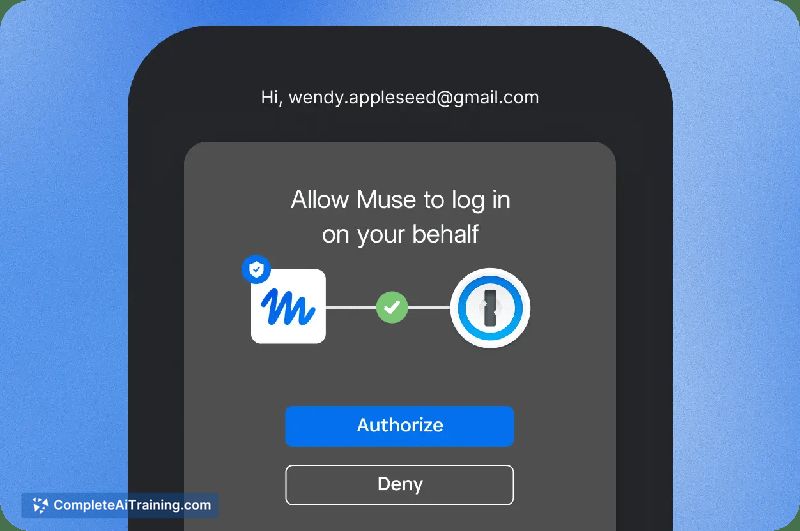
1Password for Agents addresses a concrete problem: personal AI agents need to log into sites to complete tasks, but handing over credentials creates a security risk. The feature keeps passwords inside the 1Password vault and puts a human approval step between the agent and the login. This review examines what's currently shipping, how it works, and where it fits.
Key Features
- Agentic Autofill: A supported agent signs in through a browser without handling the password. The agent only sees that access was granted.
- Per-request approval: Each time an agent wants to log in, 1Password prompts the user to approve or deny the request directly on their device.
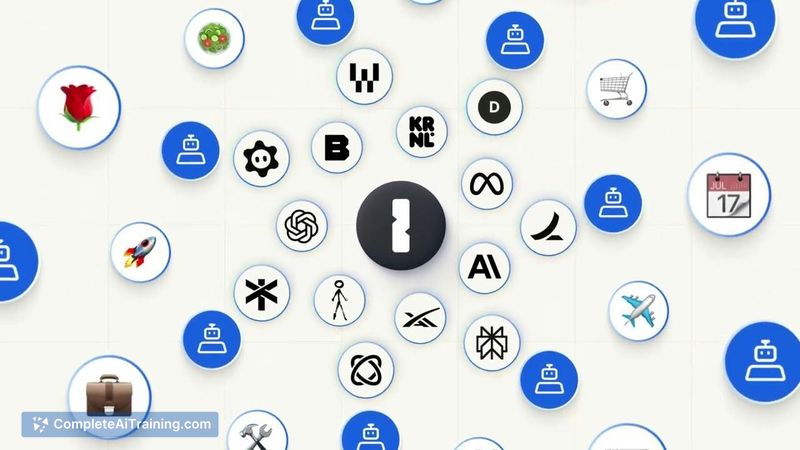
- Scoped vault access: Connecting an agent does not open the entire vault. The agent proves its identity with a unique digital key, and the vault remains end-to-end encrypted.
- Multiple login resolution: When several saved logins match a site, the user chooses which credential to use.
- New credential saving: Account details created during an agent session can be saved back to the 1Password vault.
Pricing and Value
1Password for Agents is included in all Individual and Family plans at no additional cost. The company has not announced separate pricing for this feature. Users on these plans can connect supported agents as the integrations become available. There is currently a waitlist for access, which suggests a phased rollout rather than immediate general availability.
Pros
- Passwords stay inside the vault-agents never see them, reducing exposure if an agent is compromised.
- Approval happens on the user's own device, keeping the decision local and under the account holder's control.
- Scoped access means connecting an agent doesn't grant it blanket permission across all saved logins.
- Works within existing 1Password plans, so current subscribers don't face an extra charge.
- Supports saving new credentials generated during agent sessions back to the vault.
Cons
- Agent support is limited at launch-only Meta Muse and Grok Bot are rolling out, with another integration on the roadmap.
- The feature requires a waitlist, so not all interested users can activate it immediately.
- This tool is not well suited for people who don't use personal AI agents or who prefer fully automated workflows without manual approval steps.
1Password for Agents fits users who already run personal AI agents and want to avoid pasting passwords into agent interfaces or sharing credentials in plain text. It's most relevant for Individual and Family plan subscribers who are comfortable approving each login request manually. Teams and business users, as well as those who don't use AI agents for web tasks, won't find much here yet.