AI tool
Aven App Agent
Aven App Agent answers user questions inside your app and provides guided, step-by-step walkthroughs to complete tasks. It is for product teams who want to help users navigate their app and find specific features.
About Aven App Agent
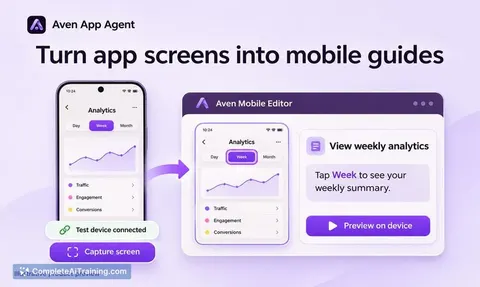
Aven App Agent is an AI tool that integrates into web applications to answer user questions and provide visual walkthroughs. When a user asks how to complete a task, Aven responds with an answer and offers a "Guide me" option that highlights the relevant UI controls. The product launched this week and is built for product teams who want to reduce the friction users experience when they can't locate a specific feature or setting.
Review
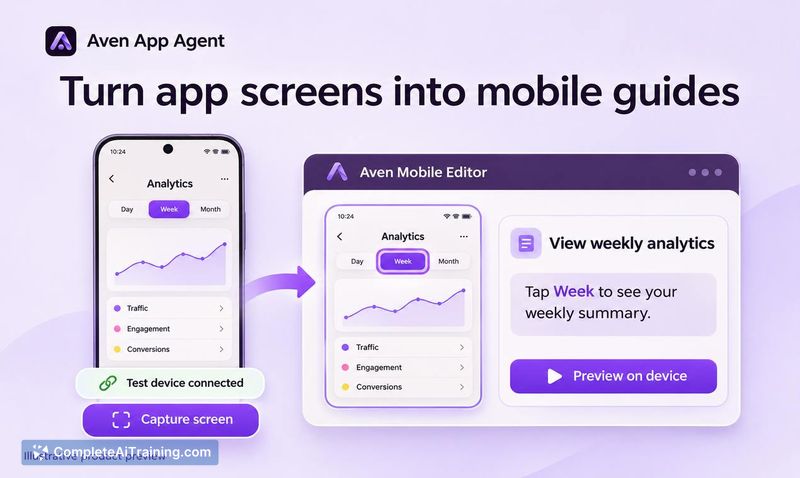
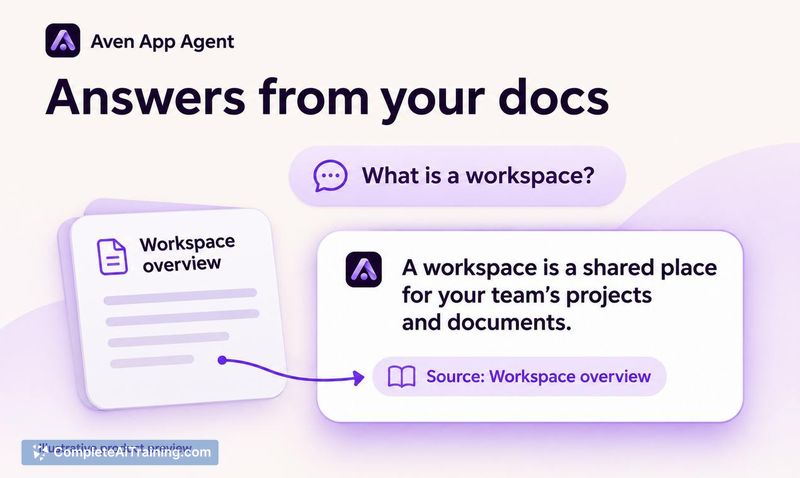
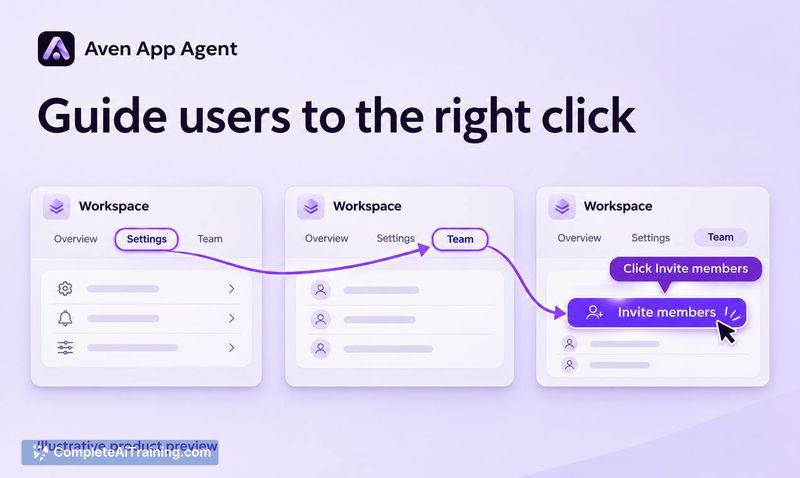
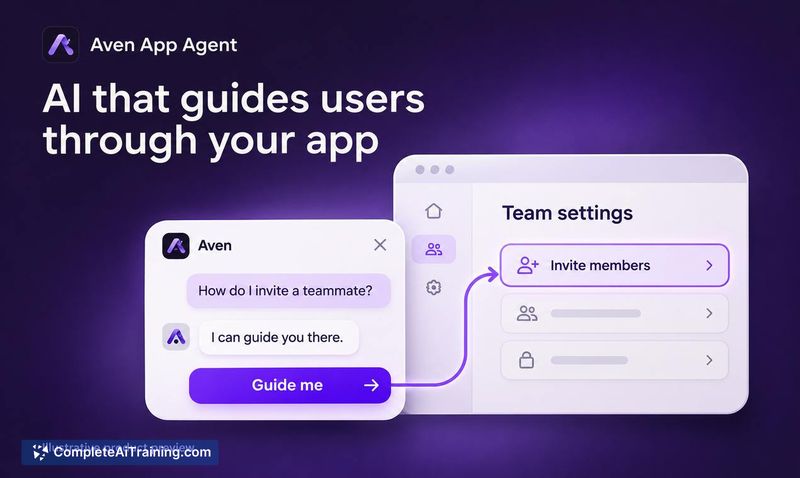
Aven App Agent tackles a narrow but common problem: the gap between knowing what you want to do in an app and finding where to do it. The tool sits inside your application and responds to natural language questions with targeted answers, then optionally lights up the exact controls a user needs to click. It's a focused utility rather than a broad platform, and the current feature set reflects that scope.
Key Features
- In-app Q&A where users type a task-related question and receive an answer without leaving the application.
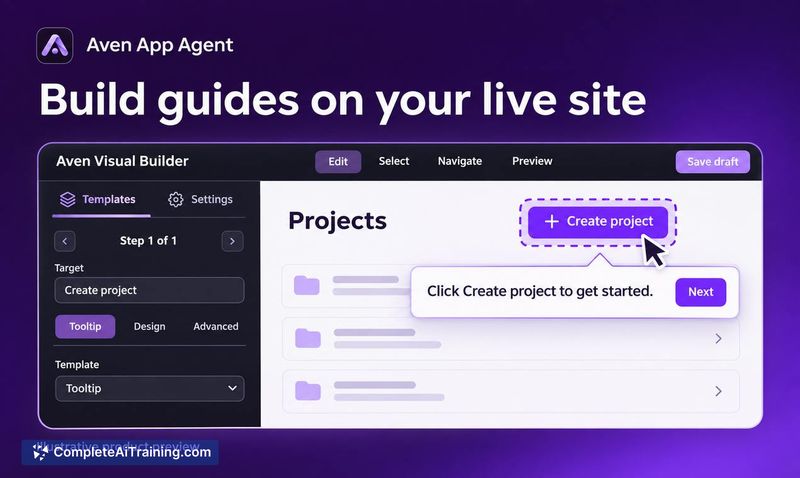
- "Guide me" walkthroughs that highlight specific UI elements-such as buttons or menu items-after a user opts in by tapping the prompt.
- Team-defined guides: your team specifies which screens and steps Aven can walk users through, while your own application code handles the actual navigation between screens.
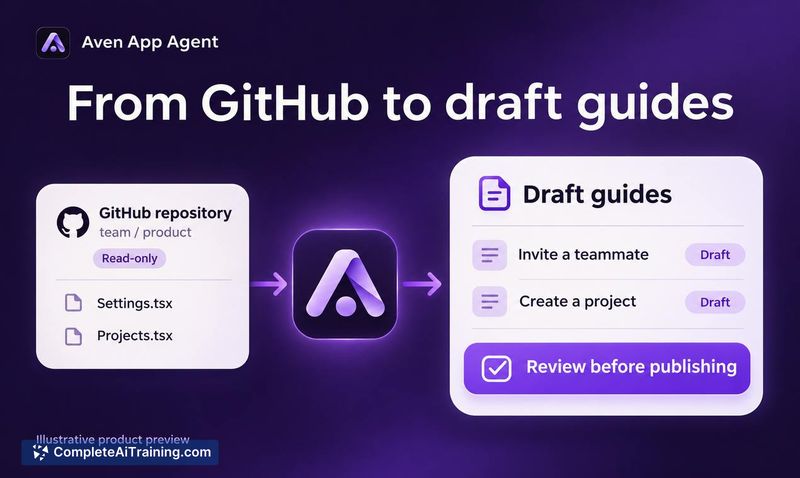
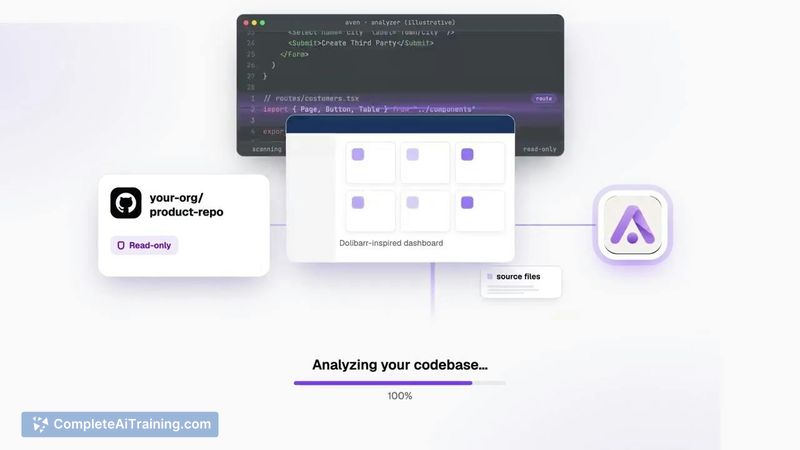
- GitHub-connected change tracking that detects when your app's UI shifts. Aven flags existing guides that need updates and refreshes its knowledge graph for review.
- Continuous learning from user questions, which the maker says helps Aven deliver faster guidance as usage grows.
Pricing and Value
Pricing details are not yet defined. The product page lists a 25% discount and a "Free Options" tag, but no plans or tiers appear in the available reference content. Interested teams will need to contact the maker or monitor the website for specifics.
Pros
- Targets underlying UI elements instead of text labels, so copy changes don't break the walkthroughs.
- Keeps navigation control with the host application rather than the agent, which reduces the risk of the tool routing users incorrectly after UI updates.
- Answers appear first, with the guided walkthrough as an optional second step-users who just need a setting's name aren't forced into a tour.
- Works across different app types, as shown in demos for an ERP system, a note-taking tool, and a task list app.
- No limit on the number of guide flows a team can define per app.
Cons
- The agent cannot perform tasks on behalf of the user; it only points to controls. Full task automation is listed as a future direction, with the maker citing safety concerns around unrestricted agent access.
- Aven relies on the product team to pre-define guides and steps-if a team hasn't mapped a particular workflow, the tool won't be able to guide users through it.
- This tool is not well suited for applications where users rarely need help locating features, or where the UI is simple enough that in-app search alone suffices.
Aven App Agent fits products where users regularly ask "where do I find this?"-think complex dashboards, ERP systems, or apps with deep feature sets. Teams that want to deflect repetitive support questions about feature location will find its approach practical. It's less relevant for simple apps with shallow navigation, and the lack of task automation means users still need to click through the steps themselves once they're shown where to go.