AI tool
CSuite
CSuite is a desktop app that gives text, image, audio, and video each a dedicated workspace, then connects them on a workflow canvas. It saves all generations to your own disk and supports local models without requiring an account. It is built for...
About CSuite
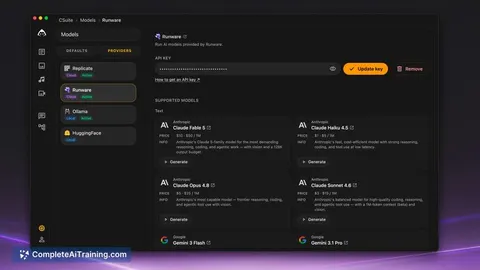
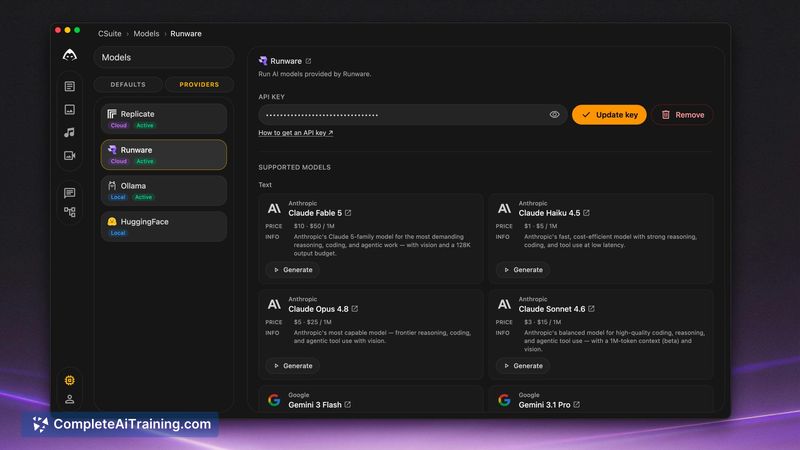
CSuite is a desktop application that combines text, image, audio, and video generation into a single suite. It runs local AI models directly on your machine and saves all generated files to your own disk. The tool requires a one-time payment with no login or subscription.
Review
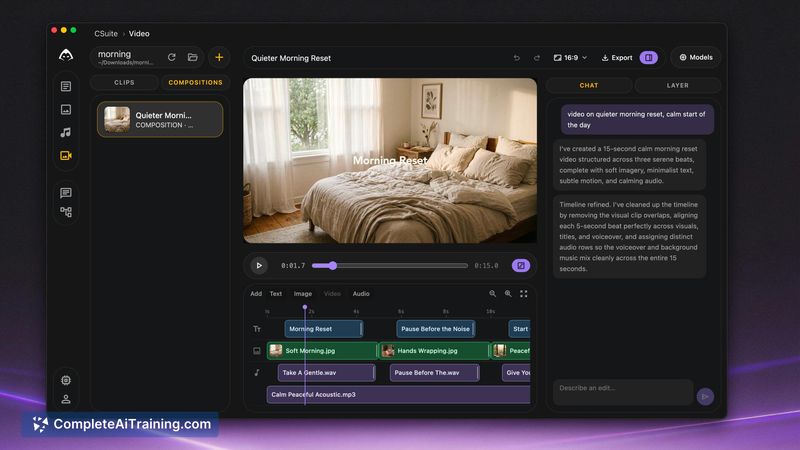

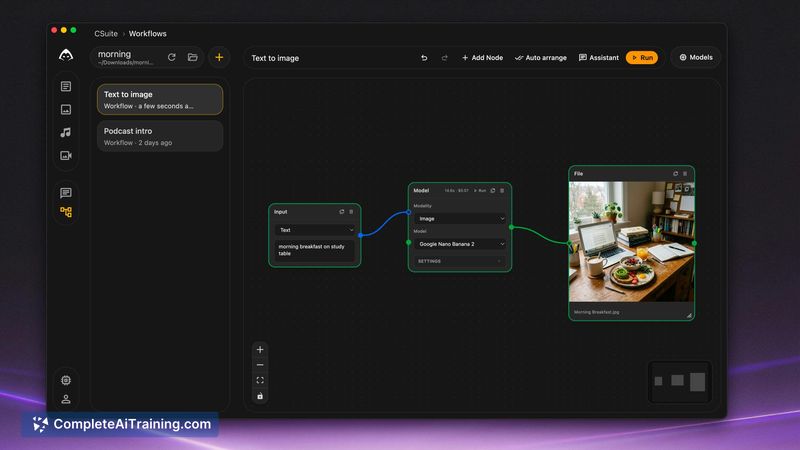
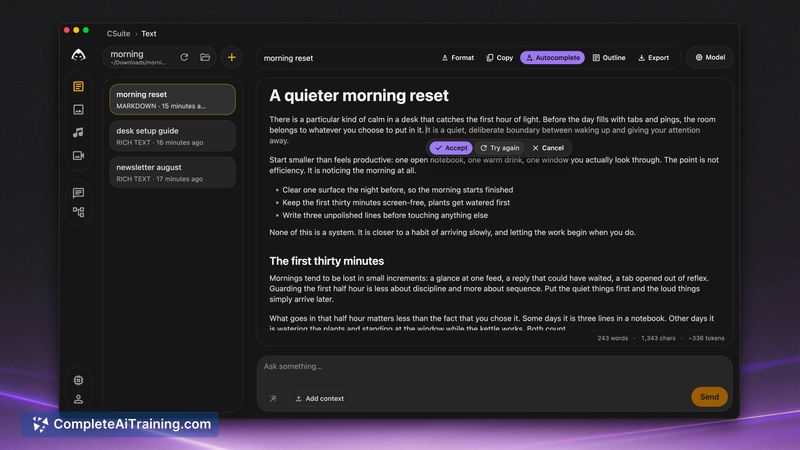
CSuite takes a different approach than most AI tools by keeping everything local. There's no account creation, no cloud processing unless you choose it, and the files land in a folder you control. It's built by the same maker behind Rytr and Fliki, and the design reflects a focus on chaining different content formats together.
Key Features
- Separate workspaces for text, image, audio, and video generation
- Workflow canvas that links outputs from one format into another
- Local model support - generations run on your own hardware without sending data to external servers
- File-based storage where all outputs save directly to a folder on your disk
- Optional cloud models for users who want them alongside local options
Pricing and Value
CSuite uses a one-time payment model. There are no recurring subscriptions. At launch, the team offered a 50 percent discount. The exact price after the launch period isn't specified in the available information.
Pros
- No account or login required to use the application
- Workflow canvas connects different media types without switching tools
- Local processing keeps data private and reduces dependency on internet connectivity
- Single payment replaces multiple separate tool subscriptions
- Built by a maker with prior experience shipping AI writing and media tools
Cons
- Local model performance depends heavily on your machine's hardware specifications
- Feature set is newer and less battle-tested than standalone, specialized alternatives
- Not well suited for teams that need cloud collaboration or shared asset libraries across multiple users
CSuite fits solo creators who regularly produce content across several formats and want to avoid juggling multiple subscriptions. It also makes sense for anyone handling sensitive material where sending data to third-party servers is a concern. Teams needing real-time collaboration or centralized asset management won't find those capabilities here.