AI tool
LiveReacting for ChatGPT
LiveReacting for ChatGPT lets you start and manage 24/7 live video streams by typing a request in the chat. It builds a looping playlist from your library and broadcasts to platforms like YouTube or Twitch, running the stream even when your comput...
About LiveReacting for ChatGPT
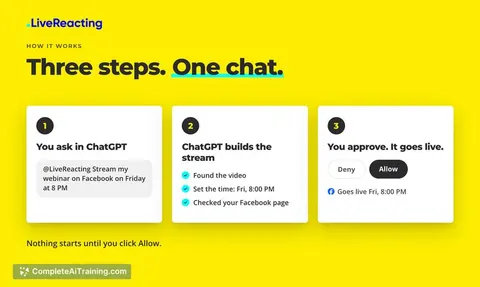
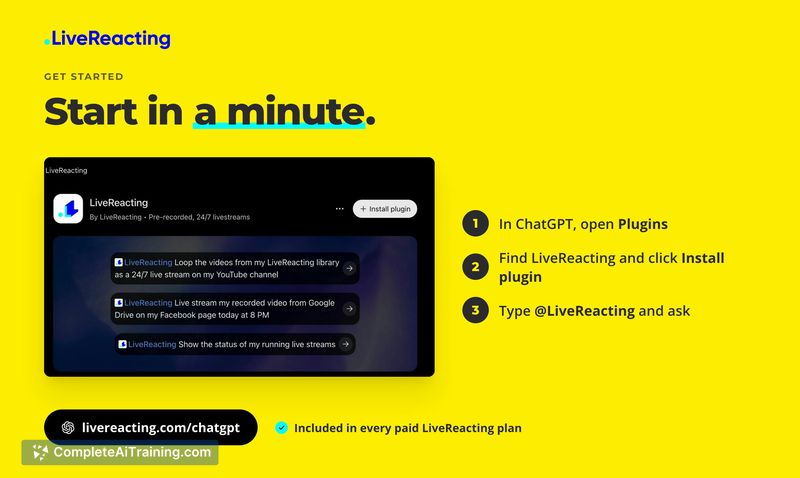
LiveReacting for ChatGPT is a plugin that connects the LiveReacting live streaming studio to OpenAI's ChatGPT interface. Users type commands with the @LiveReacting tag to start, schedule, or manage pre-recorded and 24/7 live streams. The actual video encoding and broadcasting runs on LiveReacting's servers, so the user's local machine doesn't need to stay online after a stream is launched.
Review
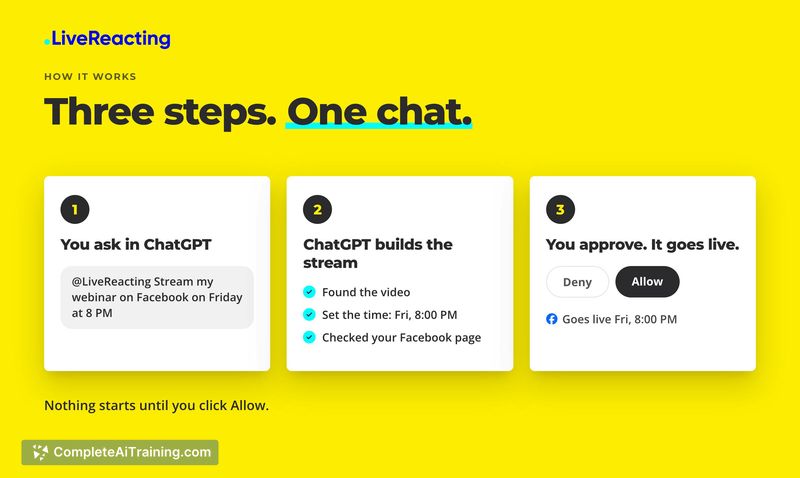
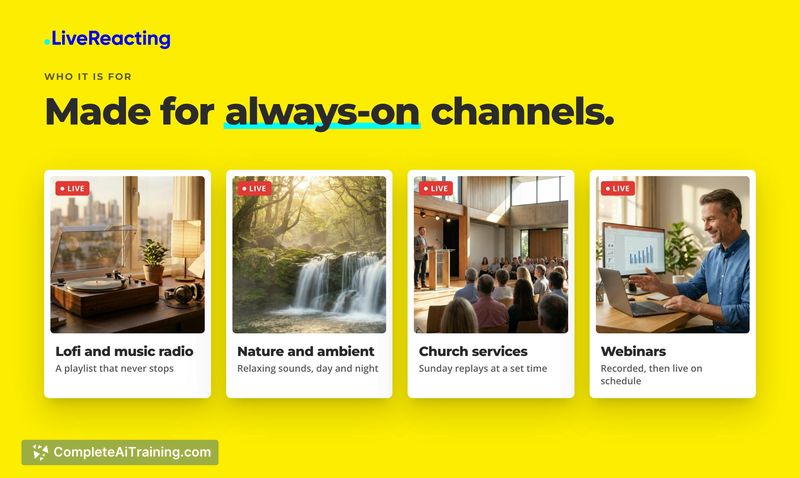
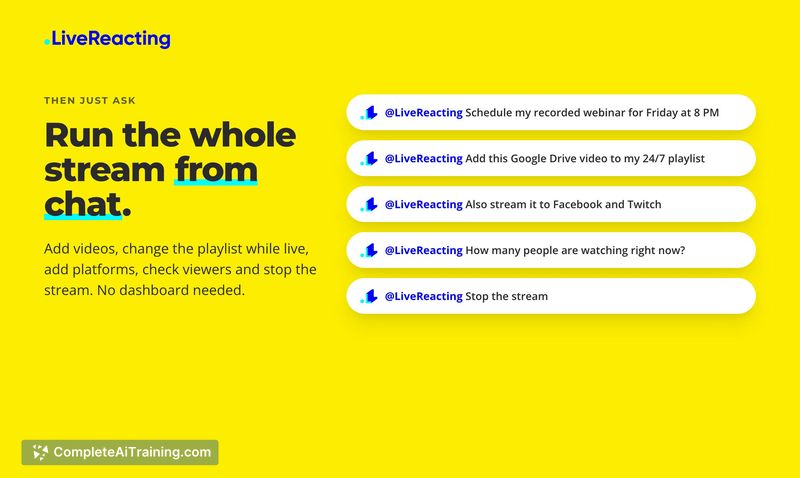
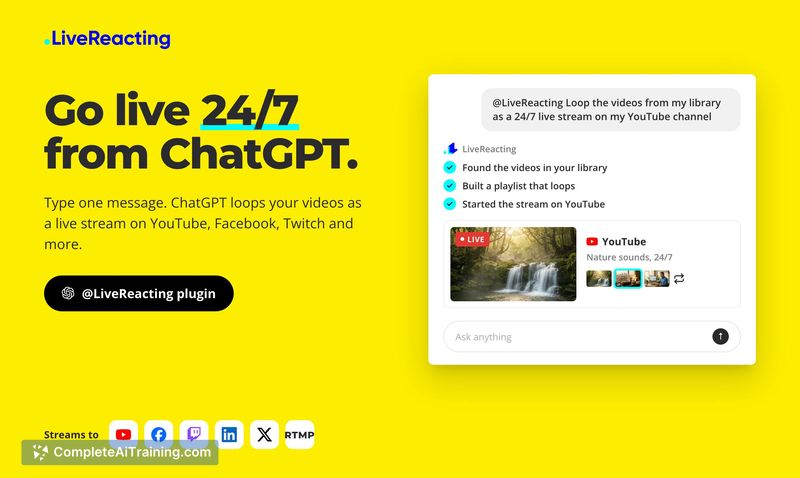
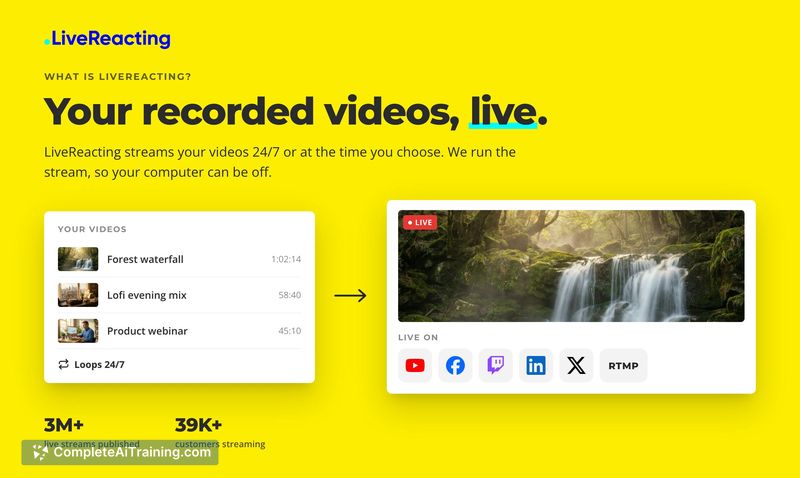
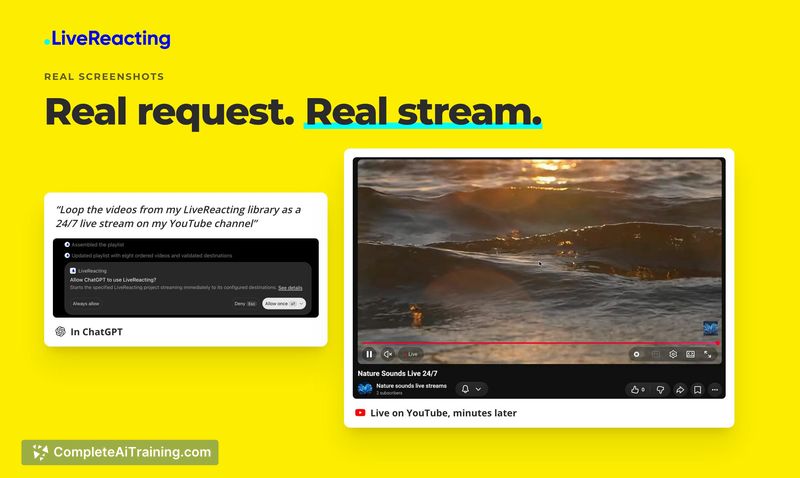
This plugin translates natural language requests into streaming actions inside the LiveReacting platform. Instead of navigating the studio dashboard, a user can ask ChatGPT to loop a playlist on YouTube or schedule a recorded video for a later time. It reduces the number of manual steps but still depends on content being uploaded to LiveReacting's library first.
Key Features
- ChatGPT plugin that accepts typed commands starting with @LiveReacting
- Builds a looping playlist from the user's existing LiveReacting library and starts a 24/7 live stream
- Schedules a pre-recorded video to go live at a specified time
- Streams to YouTube, Facebook, Twitch, LinkedIn, X, or a custom RTMP destination simultaneously
- Lets users modify the playlist while a stream is active and check viewer counts or stream status from the chat
Pricing and Value
The plugin is included with every paid LiveReacting plan. The developer has not published a dedicated price for the plugin alone, so the cost is tied to the existing subscription tiers of the LiveReacting studio. A free tier is not mentioned in the reference material, which means access requires a paid account. The value centers on hands-free stream management for users who already maintain a video library in LiveReacting.
Pros
- Streams keep running even after the user closes ChatGPT or shuts down their computer
- Multi-platform broadcasting to six destinations works from a single command
- Playlist changes can happen mid-stream without stopping the broadcast
- Commands stay within one chat thread, so scheduling and status checks don't require switching tools
Cons
- ChatGPT cannot accept video files directly; all content must be uploaded to LiveReacting Studio or pulled from Google Drive, Dropbox, a public URL, or YouTube beforehand
- The plugin depends on ChatGPT's availability and LiveReacting's server uptime, introducing two external dependencies for a live stream
- Not well suited for users who don't already have a LiveReacting library or who need real-time, camera-based live interaction instead of pre-recorded loops
The plugin fits a narrow workflow: someone who regularly runs 24/7 or scheduled pre-recorded streams and wants to manage them through a text interface. It won't replace the full studio for complex scene setups, but it handles basic playlist and scheduling tasks without opening a browser tab. Users who stream live camera feeds or who rely heavily on direct file uploads during a broadcast will find the library-first requirement limiting.