AI app for executives and strategy · no coding needed
Acquisition screening service
Transparent screening criteria with missing evidence kept visible.
Made for: Small business acquisition teams
What it does for you
The problem
Initial target research consumes scarce deal team time.
What it gives you
Target profiles and diligence questions
What you give it
Public company recordsbuyer-defined criteria
How it works, step by step
- Define investment criteria
- Collect public indicators
- Flag missing data
- Explain fit factors
- Deduplicate targets
- Export review packs
What you see on screen
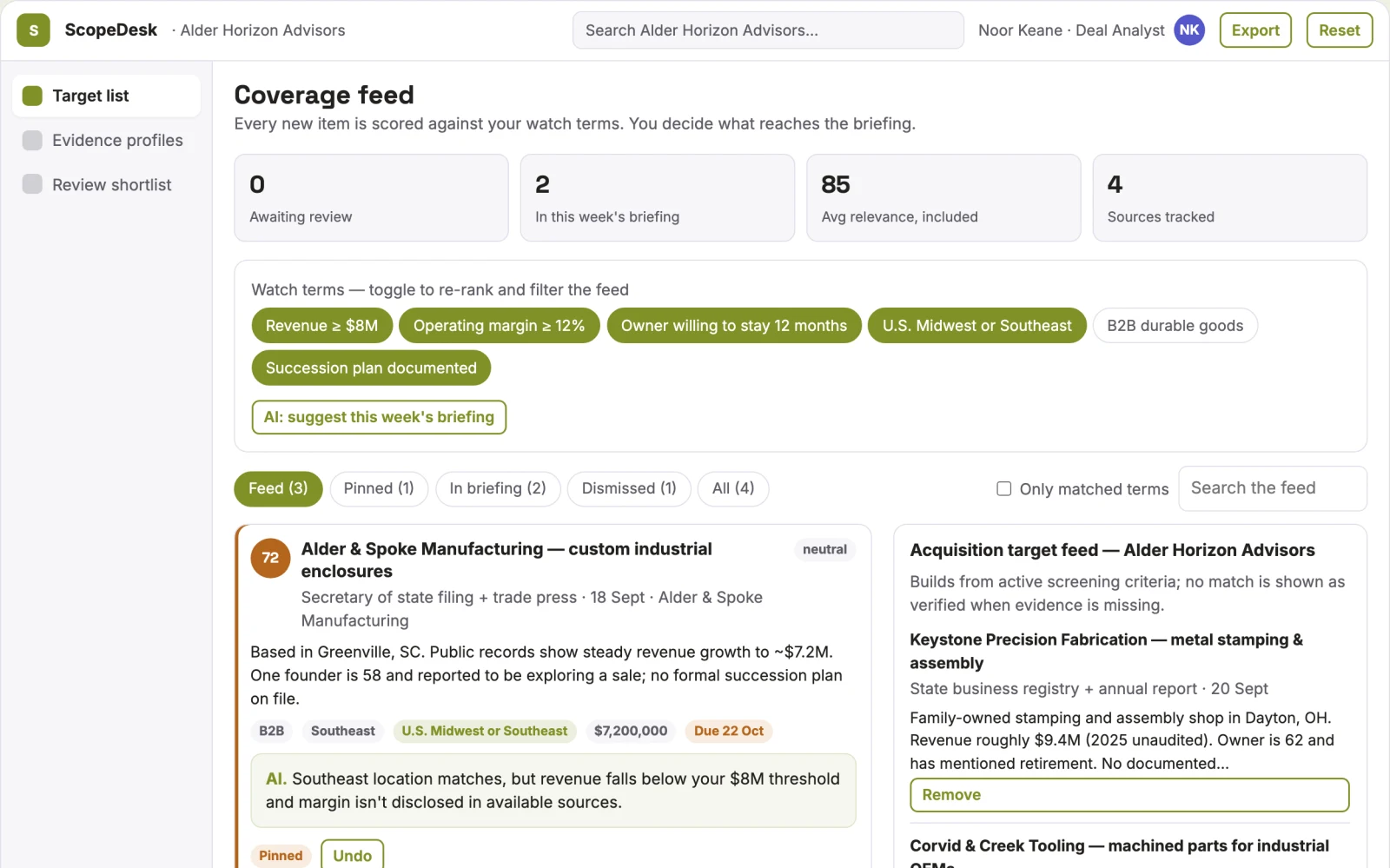
- Target list
- evidence profile
- review shortlist
Jobs this app suits
Our AI checked this app against 500 jobs; these get the most out of it. Each job links to its learning path.
Build it yourself with your AI system
Build this app yourself, no coding needed
Start with a quick version you can try in a few minutes. Like it? Then build the full app by copying and pasting our step-by-step instructions: everything is prepared for you.
Sign in to see how to build it yourself
Build a quick version to try, or get the full app pack for Acquisition screening service with the step-by-step building instructions. You don't need any technical skills: you copy, paste and answer a few questions. Both are included in the membership.
4 Have it built for you days to a few weeks
Rather not do it yourself, or want it fully tailored to your data, your way of working and your brand? Nexibeo builds Acquisition screening service with you.
What's in the app pack
Included in the Complete AI Training membership.
- The building instructions your AI follows, step by step
- The questions your AI will ask you about your business before it starts
- A clickable demo you can open in your browser, to see how it should work
- A detailed blueprint of the screens, the information it keeps and the checks it runs
Become a member to get the app packAlready a member? Sign in
The files, for the technically curious
- START-HERE.mdHow to build it with your own AI (read first)3 KB
- README.mdOverview and links1 KB
- questions.mdQuestions to answer before you build3 KB
- prompt-cloudflare.mdThe full build prompt, hosted on Cloudflare24 KB
- prompt-vps.mdThe same build on your own server (Docker)24 KB
- spec.jsonData model, API, AI pipeline, acceptance criteria14 KB
- demo/index.htmlThe working demo on sample data194 KB
Questions
Do I need to know how to code?
No. You copy and paste the prompts on this page into ChatGPT or Claude, and the AI does the building. When it asks you something, you answer in your own words.
What does it cost?
The quick version, the app pack and the step-by-step instructions are for members: you pay the membership price, not a price per app (see the plans). Building the full app uses your own ChatGPT or Claude subscription. Putting it online is often cheap or no cost at the start, and your AI tells you before anything costs money.
How long does it take?
The quick version: about two minutes. The real app: an afternoon for a first version you can use, longer if you want every feature.
Can I change it to fit my business?
Yes. Tell your AI what to change in plain words, like “add a column for the price” or “use our logo and colours”. Or have Nexibeo build and customise it for you.
More detailsHow the AI works, safeguards and what to build first
For small business acquisition teams, turn public company records and buyer-defined criteria into target profiles and diligence questions. Address the recurring problem: initial target research consumes scarce deal team time. The pilot measures reviewer acceptance and time per screened target against the buyer's current method, before the larger build.
Define buyer-selected criteria, gather authorized opportunity information, apply explicit eligibility rules, propose matches with evidence, let the user review uncertain conditions, save a shortlist and track the resulting conversations or applications. Start with public company records and buyer-defined criteria and finish with target profiles and diligence questions.
How the AI works
Extract criteria, normalize opportunity descriptions and explain possible fit. Use explicit rules for hard requirements. Do not invent missing eligibility facts or represent a suggested match as a verified qualification.
Safeguards
Show source dates and distinguish evidence from strategic assumptions. Keep sensitive company plans restricted to authorized participants. Validate source access and reviewer availability during the pilot. Maintain customer-level access, data deletion controls and a record of final approvals.
What to build first
Begin with small business acquisition teams and one recurring use case. Build the first two modules: define investment criteria; collect public indicators. Provide operator assistance for the third module: flag missing data. Deliver target profiles and diligence questions through a manual review queue. Perform other necessary full-scope functions manually during the pilot. Include all applicable access, accuracy and professional-review controls from the start.
What it can connect to
Internal reports, public company information and decision registers. Permitted opportunity feeds, customer profiles, calendars and CRM exports. Keep initial outreach or applications as user-reviewed drafts. These are candidate integration categories, not verified supported connectors.
The screens in detail
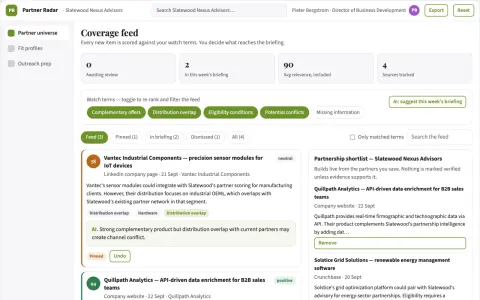
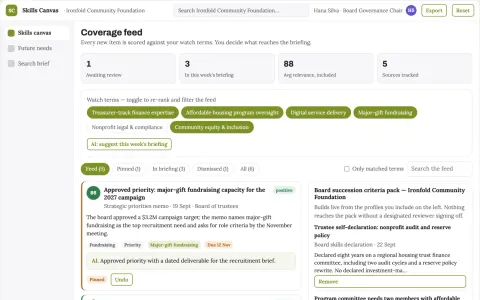
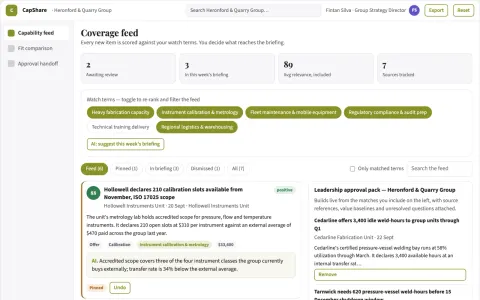
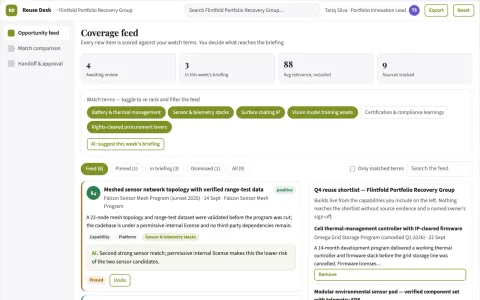
Open with a filterable opportunity feed and clear fit explanations. Each profile shows source evidence, eligibility conditions and missing information. Keep saved, rejected and needs-review states. Include a deadline or next-action view without hiding the basis of recommendations. In this product, the first view is target list, followed by evidence profile and review shortlist.