AI app for marketing · no coding needed
Daily Marketing Brief Agent
The brief regenerates whenever the underlying source changes, so the team never studies an outdated tactic, and every claim links back to the source it came from.
Made for: Marketing directors at B2B SaaS companies
What it does for you
The problem
Marketing playbooks go stale between updates and teams waste budget on tactics that quietly stopped working.
What it gives you
Daily one-page brief, two-minute voice summary, one recommended experiment, source citations and weekly adoption history
What you give it
Marketing stack connectionsCRM accesscompetitorplatform watchlistindustryrole contextcurrent campaign goals
How it works, step by step
- Monitor changelogs, help centres and ad libraries of selected platforms and competitors
- Rank the three most relevant changes per day for the client's business
- Write a one-page brief and two-minute voice script per change
- Reference the client's own segments and live campaigns in each brief
- Suggest one low-effort experiment per brief
- Adjust follow-up briefs based on which actions were ignored or adopted
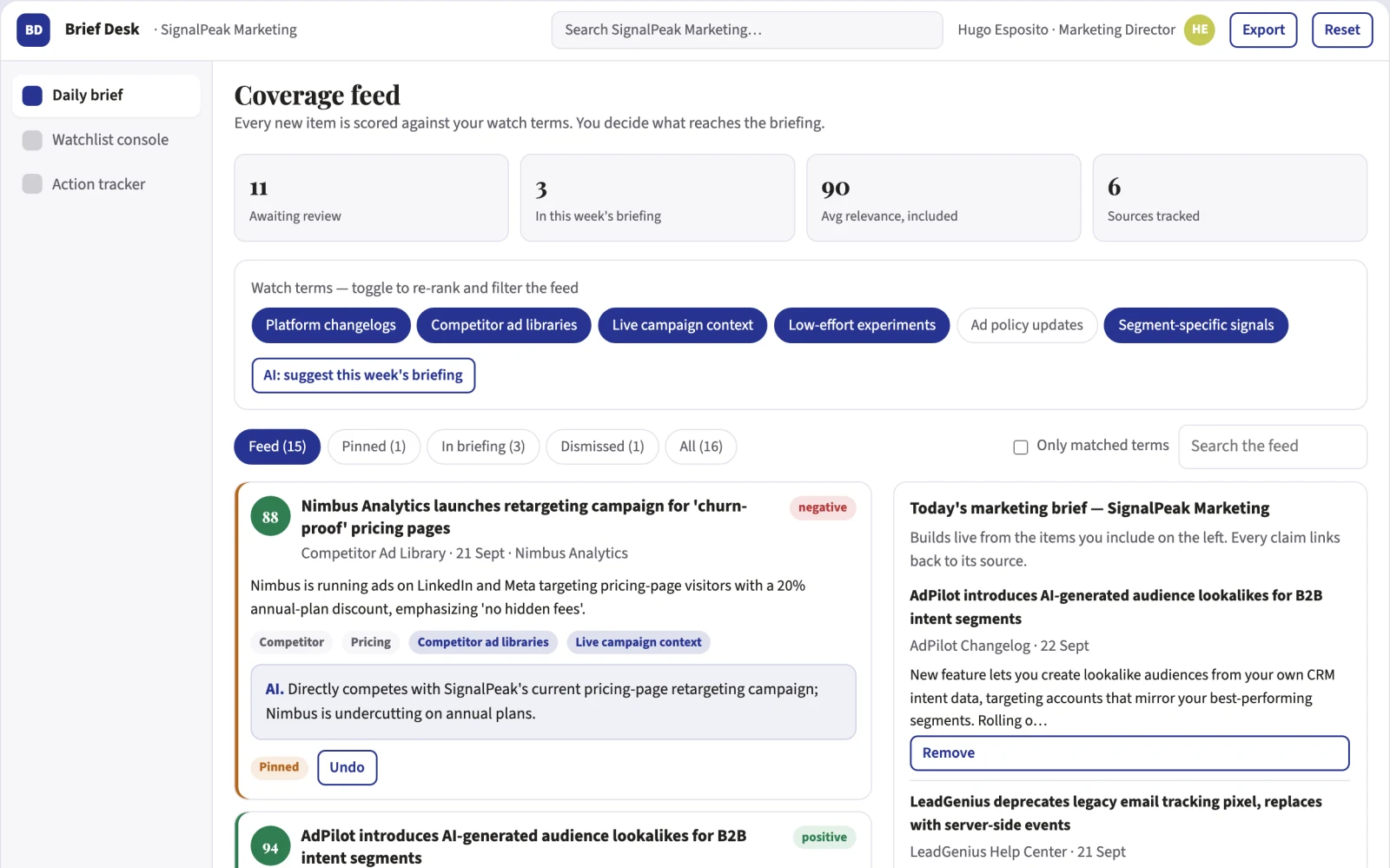
What you see on screen
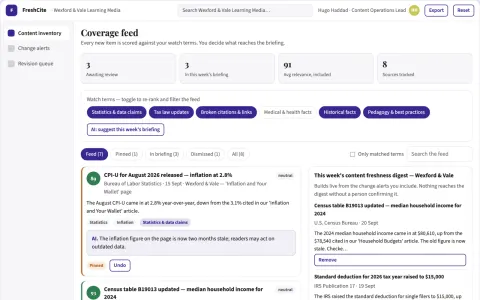
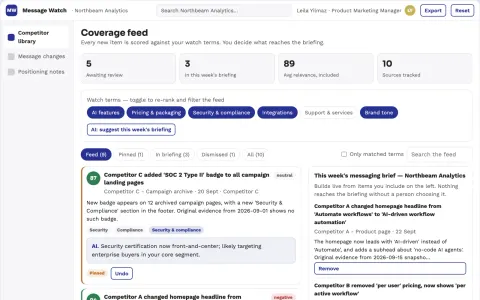
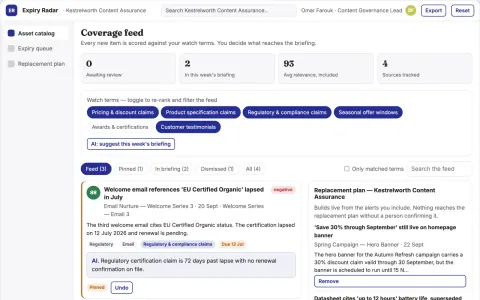
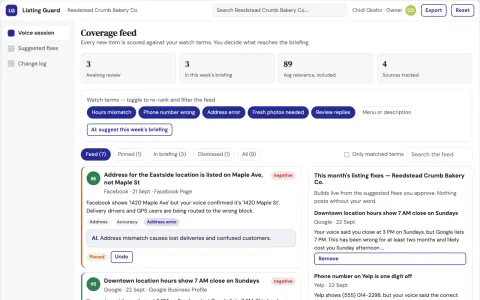
- Watchlist console
- daily brief
- action tracker
Jobs this app suits
Our AI checked this app against 500 jobs; these get the most out of it. Each job links to its learning path.
Build it yourself with your AI system
Build this app yourself, no coding needed
Start with a quick version you can try in a few minutes. Like it? Then build the full app by copying and pasting our step-by-step instructions: everything is prepared for you.
Sign in to see how to build it yourself
Build a quick version to try, or get the full app pack for Daily Marketing Brief Agent with the step-by-step building instructions. You don't need any technical skills: you copy, paste and answer a few questions. Both are included in the membership.
4 Have it built for you days to a few weeks
Rather not do it yourself, or want it fully tailored to your data, your way of working and your brand? Nexibeo builds Daily Marketing Brief Agent with you.
What's in the app pack
Included in the Complete AI Training membership.
- The building instructions your AI follows, step by step
- The questions your AI will ask you about your business before it starts
- A clickable demo you can open in your browser, to see how it should work
- A detailed blueprint of the screens, the information it keeps and the checks it runs
Become a member to get the app packAlready a member? Sign in
The files, for the technically curious
- START-HERE.mdHow to build it with your own AI (read first)3 KB
- README.mdOverview and links1 KB
- questions.mdQuestions to answer before you build2 KB
- prompt-cloudflare.mdThe full build prompt, hosted on Cloudflare21 KB
- prompt-vps.mdThe same build on your own server (Docker)21 KB
- spec.jsonData model, API, AI pipeline, acceptance criteria11 KB
- demo/index.htmlThe working demo on sample data200 KB
Questions
Do I need to know how to code?
No. You copy and paste the prompts on this page into ChatGPT or Claude, and the AI does the building. When it asks you something, you answer in your own words.
What does it cost?
The quick version, the app pack and the step-by-step instructions are for members: you pay the membership price, not a price per app (see the plans). Building the full app uses your own ChatGPT or Claude subscription. Putting it online is often cheap or no cost at the start, and your AI tells you before anything costs money.
How long does it take?
The quick version: about two minutes. The real app: an afternoon for a first version you can use, longer if you want every feature.
Can I change it to fit my business?
Yes. Tell your AI what to change in plain words, like “add a column for the price” or “use our logo and colours”. Or have Nexibeo build and customise it for you.
More detailsHow the AI works, safeguards and what to build first
For marketing directors at B2B SaaS companies, turn platform changelogs, competitor ad libraries and campaign context into a daily one-page brief with a two-minute voice summary and one recommended action. Address the recurring problem: marketing playbooks go stale between updates and teams waste budget on tactics that quietly stopped working. The value hypothesis is a continuously current briefing that replaces hours of manual reading; the pilot must establish whether that benefit is real.
Connect the marketing stack, add competitors and platforms to the watchlist, confirm priorities, receive the daily brief, listen or read the summary, act on or defer the suggested experiment, and review weekly adoption history. Start with platform changelogs, competitor ad libraries and campaign context and finish with a daily brief, voice summary and recommended action.
How the AI works
Use language models to read release notes, help articles and ad library patterns, then synthesise them into role-specific briefs with reasoning tied to the client's context. Deterministic checks confirm sources resolved and citations present. A human reviewer flags misleading or nonsense summaries before each brief ships, at least during the pilot.
Safeguards
Every brief carries source citations and a review state before release. Permissions limit who can edit watchlists and approve briefs. The agent must not publish unreviewed claims, act on the client's ad accounts, contact competitors, or use non-public data, and misleading release notes must be flagged rather than summarised faithfully.
What to build first
One marketing team as buyer, one use case: a daily email brief covering the changelogs of their three most-used platforms and one top competitor's public ads. Modules: watchlist console and daily brief. Every brief passes manual review before sending, no voice output and no personalisation beyond industry.
What it can connect to
Start with email delivery and RSS or public changelog pages, then Google Ads and Meta ad libraries, HubSpot or Salesforce CRM, Slack and calendar for delivery timing.
The screens in detail
Use a left-hand panel listing monitored platforms and competitors, a central brief view with the one-page summary and audio player, and a right-hand panel showing why each change was selected with links to sources. Let users mark actions as tried, dismissed or deferred, and show past briefs in a searchable archive. In this product, the first view is daily brief, followed by watchlist console and action tracker.