
Certification
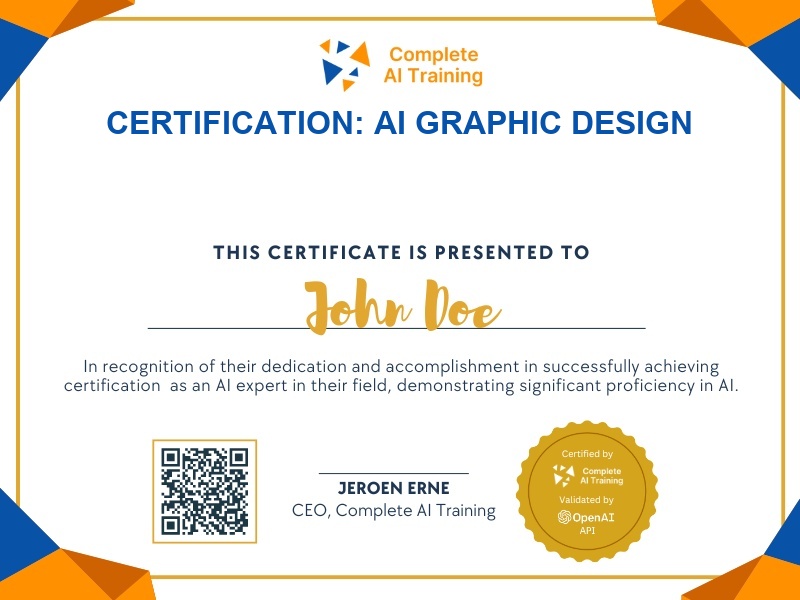
Certification: AI Graphic Design
Earn the Certification: AI Graphic Design by demonstrating your ability to build a complete branded campaign in Adobe Express using AI image generation, brand kits, social graphics, and animated video.
The exam
Take the certification exam
Multiple-choice questions about the course. Pass with 70% or more and your certificate is issued at once, with a public page and an "Add to LinkedIn" button.
What the exam covers
2 questions from each of the 42 chapters of the course
20 multiple-choice questions, drawn fresh for every attempt. Pass with 70% or more.
- 01Finding Your Way Around0:34
- 02The Express Interface4:24
- 03Using AI in Express and Non-Firefly Models2:31
- 04Introduction to AI Models0:17
- 05Generating Images with Firefly and a Reference3:20
- 06Using Gemini and OpenAI Models1:59
- 07Adjusting Image Brightness and Color1:47
- 08Cutting Out an Image3:04
- 09Rewriting Text with AI1:40
- 10Adding Text Effects2:22
- 11Creating Other Format Shapes1:38
- 12Using AI for Branding0:59
- 13Branding with ChatGPT2:00
- 14Adding Color to Your Brand2:29
- 15Adding Fonts to Your Brand1:50
- 16Adding Logos to Your Brand3:35
- 17Adding Photos and Graphics to Your Brand0:51
- 18Adding Transparency to Your Logo2:14
- 19Social Media Project Overview0:28
- 20Getting a Business Name from ChatGPT2:20
- 21Setting Up Colors with ChatGPT3:11
- 22Adding ChatGPT Colors to Brand Guidelines1:17
- 23Adding ChatGPT Fonts to Brand Guidelines2:21
- 24Making a Logo in Express3:48
- 25Making a Logo White or Black1:59
- 26Applying Brand Font Styles0:53
- 27Making a Background with Firefly and Gemini Flash5:12
- 28Downloading and Adapting for Other Platforms2:16
- 29Video Effects and Animation Overview0:39
- 30Creating a Video Effect from an AI Prompt3:17
- 31Creating a Title with Title Pro3:22
- 32Removing a Video Background1:53
- 33Recording Yourself or Adding Videos4:45
- 34Adding a Transition1:18
- 35Adding More Video2:00
- 36Creating Fake B-Roll3:14
- 37Fixing a Mistake0:59
- 38Creating Avatars and Animated Characters5:08
- 39Adding a Last Video Clip1:45
- 40Adding and Enhancing a Voiceover2:04
- 41Adding a Final Effect1:07
- 42Fading In and Out, Then Downloading2:19
What it certifies
This certification confirms that you can plan, design, and deliver a branded campaign in Adobe Express using AI tools including Firefly, Gemini, ChatGPT, and OpenAI models. You have proven your ability to create brand kits, logos, social graphics, and animated video assets from concept to final export.
Skills you prove
- Navigate Adobe Express and edit images with essential tools
- Generate and refine AI images using Firefly, Gemini, and OpenAI models
- Build a complete brand kit with ChatGPT, including colors, fonts, and logos
- Design social media graphics and adapt them for multiple platforms
- Produce animated video with AI-generated effects, avatars, voiceover, and transitions
- Export final branded campaign assets ready for professional use
Who it is for
This certification is for marketers, content creators, social media managers, entrepreneurs, and designers who want to produce professional branded campaigns faster using Adobe Express and generative AI. No prior AI design experience is required.
How the exam works
The certification exam is multiple choice and draws questions from every lesson in the course. You must demonstrate practical knowledge of Adobe Express, AI image generation, branding with ChatGPT, social graphics, and animated video production. A passing score is required to earn the certification.