
Certification
Certification: AI Portrait Editing
Complete AI Training's Certification: AI Portrait Editing verifies your ability to use Lightroom Classic AI masks, Select Subject, AI Denoise, and gradient masks for faster, polished portrait retouching.
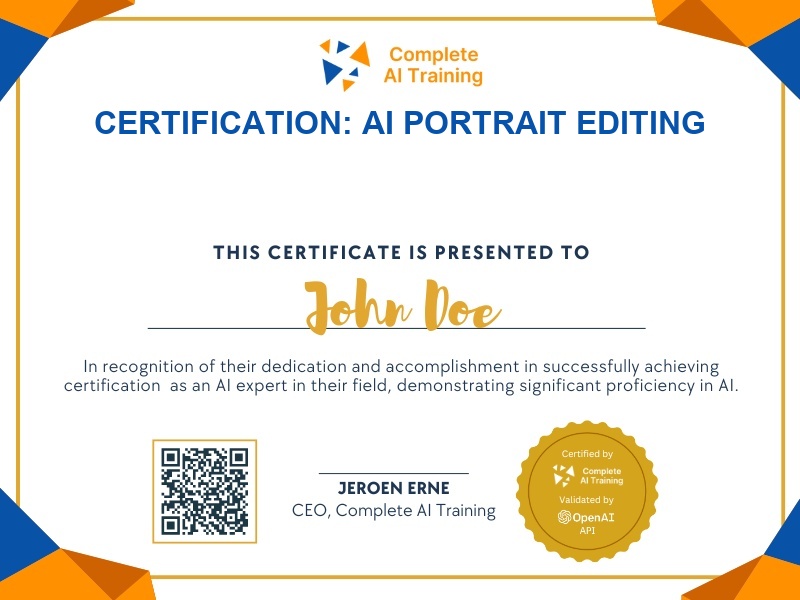
The exam
Take the certification exam
Multiple-choice questions about the course. Pass with 70% or more and your certificate is issued at once, with a public page and an "Add to LinkedIn" button.
What the exam covers
2 questions from each of the 6 chapters of the course
12 multiple-choice questions, drawn fresh for every attempt. Pass with 70% or more.
- 01Introduction to AI Portrait Editing0:27
- 02Project: Edit a Portrait1:15
- 03People Masking for Targeted Edits1:16
- 04Select Subject for Background Adjustments1:14
- 05AI Noise Reduction1:22
- 06Gradient Masks for Natural Lighting1:19
What it certifies
This certification confirms you can independently retouch portraits in Lightroom Classic using AI people masks, Select Subject, AI Denoise, and gradient masks to improve skin, eyes, hair, background, and natural light.
Skills you prove
- Use AI people masking for targeted skin, eye, and hair adjustments
- Select the subject automatically to edit the background separately
- Remove noise from portraits with AI noise reduction
- Add natural light using gradient masks with AI refinement
- Combine several AI masks into a polished portrait edit
- Edit a portrait of your own using the AI tools shown
Who it is for
This certification is for photographers, retouchers, and content creators who want to speed up portrait editing and prove their skills with Lightroom Classic AI masking tools.
How the exam works
The exam is a multiple-choice assessment with questions drawn from every lesson in the course, including introduction to AI portrait editing, people masking, Select Subject, AI noise reduction, and gradient masks.