
Certification
Certification: AI Tools for Designers
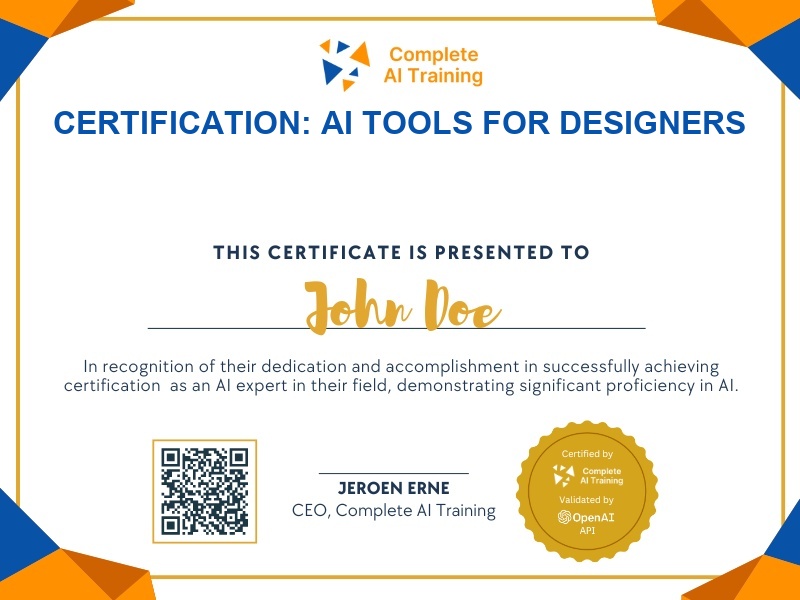
Earn the Certification: AI Tools for Designers by proving you can use eight AI-powered tools to plan projects, generate images, build palettes, pair fonts, sketch icons, upscale images, and remove backgrounds faster.
The exam
Take the certification exam
Multiple-choice questions about the course. Pass with 70% or more and your certificate is issued at once, with a public page and an "Add to LinkedIn" button.
What the exam covers
2 questions from each of the 19 chapters of the course
20 multiple-choice questions, drawn fresh for every attempt. Pass with 70% or more.
- 01Introduction to AI Design Tools1:22
- 02Practice Project Overview1:10
- 03Using ChatGPT for Design Projects8:21
- 04Hands On With ChatGPT9:11
- 05Midjourney and Its Features9:24
- 06Hands On With Midjourney6:06
- 07Generating Images With DALL-E 2 (Part 1)5:18
- 08Generating Images With DALL-E 2 (Part 2)5:38
- 09Hands On With DALL-E 24:42
- 10Khroma for Perfect Colors7:23
- 11Hands On With Khroma5:08
- 12Choosing Fonts With Fontjoy6:51
- 13Hands On With Fontjoy6:45
- 14Quick Illustrations With AutoDraw6:49
- 15Hands On With AutoDraw4:44
- 16Upscaling to 4K With Let's Enhance6:55
- 17Hands On With Let's Enhance6:34
- 18Fast Background Removal With remove.bg7:58
- 19Hands On With remove.bg4:14
What it certifies
This certification verifies your ability to apply a practical eight-tool AI design workflow—from briefing and image generation to color, typography, illustration, upscaling, and asset cleanup—to accelerate everyday creative work.
Skills you prove
- Plan design projects and write creative briefs with ChatGPT
- Generate and refine concept images using Midjourney and DALL-E prompts
- Build harmonious color palettes and font pairings with Khroma and Fontjoy
- Sketch quick illustrations and icons with AutoDraw
- Upscale low-resolution images to 4K with Let’s Enhance
- Remove backgrounds and clean up image assets with remove.bg
Who it is for
Designers, art directors, marketers, content creators, and creative professionals who want to integrate AI tools into daily visual workflows while keeping creative control.
How the exam works
The certification exam is multiple choice, with questions drawn from every lesson in the course—including tool features, hands-on practice, prompt strategies, and real-world use cases. A passing score demonstrates practical proficiency across all eight tools.