
Certification
Certification: AI Video Editing
Earn the Certification: AI Video Editing by proving you can cut, animate, and score talking-head videos faster using AI inside Premiere Pro and After Effects.
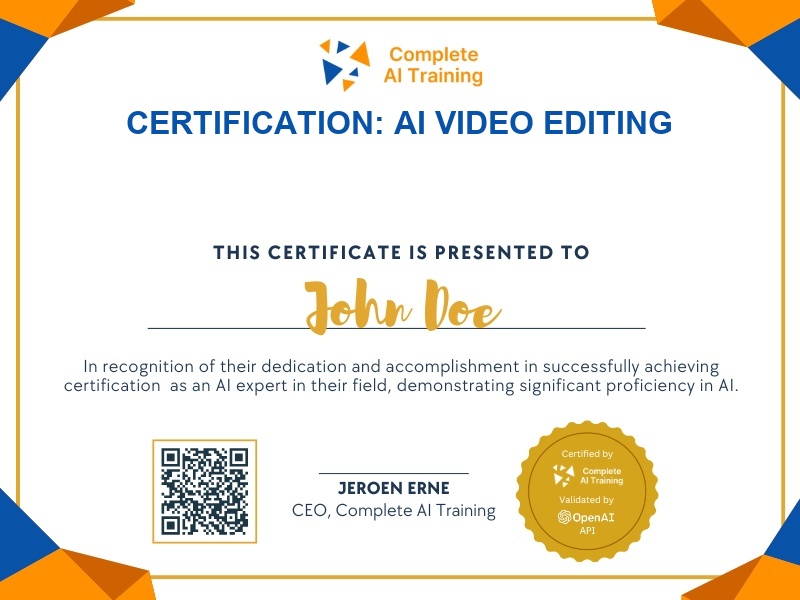
The exam
Take the certification exam
Multiple-choice questions about the course. Pass with 70% or more and your certificate is issued at once, with a public page and an "Add to LinkedIn" button.
What the exam covers
2 questions from each of the 19 chapters of the course
20 multiple-choice questions, drawn fresh for every attempt. Pass with 70% or more.
- 01What AI Can Actually Edit4:50
- 02Auto-Cut Silences (Part 1)4:20
- 03Auto-Cut Silences (Part 2)4:00
- 04AI Motion Graphics with Claude and After Effects (Part 1)5:48
- 05AI Motion Graphics with Claude and After Effects (Part 2)4:59
- 06AI Motion Graphics with Claude and After Effects (Part 3)4:58
- 07AI Motion Graphics with Claude and After Effects (Part 4)4:29
- 08AI Motion Graphics with Claude and After Effects (Part 5)4:46
- 09AI Motion Graphics with Claude and After Effects (Part 6)5:13
- 10Replicating Any Motion Graphics Style (Part 1)5:25
- 11Replicating Any Motion Graphics Style (Part 2)5:18
- 12AI B-Roll with OpenArt and Envato (Part 1)4:55
- 13AI B-Roll with OpenArt and Envato (Part 2)4:08
- 14Automatic Zooms with Claude in Premiere Pro (Part 1)3:51
- 15Automatic Zooms with Claude in Premiere Pro (Part 2)3:47
- 16AI Music and Sound Design with Epidemic Sound (Part 1)4:15
- 17AI Music and Sound Design with Epidemic Sound (Part 2)3:32
- 18AI Music and Sound Design with Epidemic Sound (Part 3)3:36
- 19When to Use AI and When Not To4:08
What it certifies
This certification verifies that you can use AI tools inside Premiere Pro and After Effects to cut, animate, and score talking-head videos faster, while knowing when AI genuinely helps or hurts the edit.
Skills you prove
- Identify which video editing tasks AI can handle well today
- Remove silences from talking-head footage automatically in Premiere Pro
- Build custom motion graphics in After Effects by prompting Claude
- Replicate any reference motion graphics style using AI-assisted techniques
- Generate and source B-roll with OpenArt and Envato to cover edits
- Add automatic zooms, AI music, and sound design to a finished cut
Who it is for
Video editors, creators, marketers, and post-production professionals who want to speed up talking-head edits with AI inside Premiere Pro and After Effects.
How the exam works
The exam is multiple choice, with questions drawn from every lesson, covering AI editing capabilities, automatic silence removal, Claude-built motion graphics, style replication, AI B-roll, automatic zooms, AI music and sound design, and when to use AI and when not to.