
Certification
Certification: Canva AI Layout Design
Earn the Canva AI Layout Design certification by demonstrating your ability to create a soft pastel minimalist starter page using AI-generated visuals, supporting graphics, and balanced spacing in Canva.
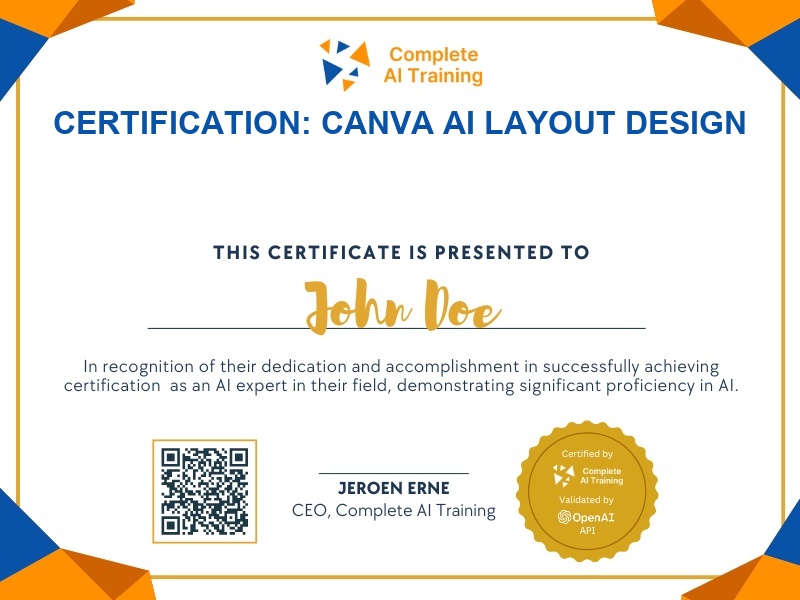
The exam
Take the certification exam
Multiple-choice questions about the course. Pass with 70% or more and your certificate is issued at once, with a public page and an "Add to LinkedIn" button.
What the exam covers
2 questions from each of the 7 chapters of the course
14 multiple-choice questions, drawn fresh for every attempt. Pass with 70% or more.
- 01Your First Soft Pastel Layout1:43
- 02Understanding the Starting Point1:29
- 03Generating a Soft Pastel Visual1:31
- 04Adding Supporting Graphics1:29
- 05Building the Layout and Finish1:22
- 06Creating Your Minimalist Starter Layout1:00
- 07Bringing It All Together1:08
What it certifies
This certification confirms you can independently design a soft pastel minimalist layout in Canva using AI-generated visuals, simple shapes, and intentional spacing. You have completed the course “Canva AI Layouts: Design a Soft Pastel Starter Page” and demonstrated practical ability to turn a blank canvas into a reusable starter design.
Skills you prove
- Set up a clear starting point for a new layout
- Generate a soft pastel visual with Canva AI tools
- Add simple graphics that support the main visual
- Arrange elements into a clean, balanced minimalist layout
- Apply colors and finishing touches for a consistent aesthetic
- Save your starter layout to reuse in future designs
Who it is for
This certification is for designers, content creators, social media managers, small business owners, and anyone who wants to create polished minimalist layouts in Canva without starting from scratch. It is especially useful for learners who want to build a repeatable design workflow using AI-assisted visuals and reusable starter pages.
How the exam works
The certification exam is multiple choice and includes questions drawn from every lesson in the course. You must demonstrate understanding of layout setup, AI image generation, supporting graphics, spacing, color consistency, and saving reusable designs. A passing score confirms you can apply the course workflow to real Canva projects.