
Certification
Certification: Copilot Edit Mode Specialist
Validates your ability to co-create and edit documents, data, and presentations using Copilot's agentic edit mode across Word, Excel, and PowerPoint.
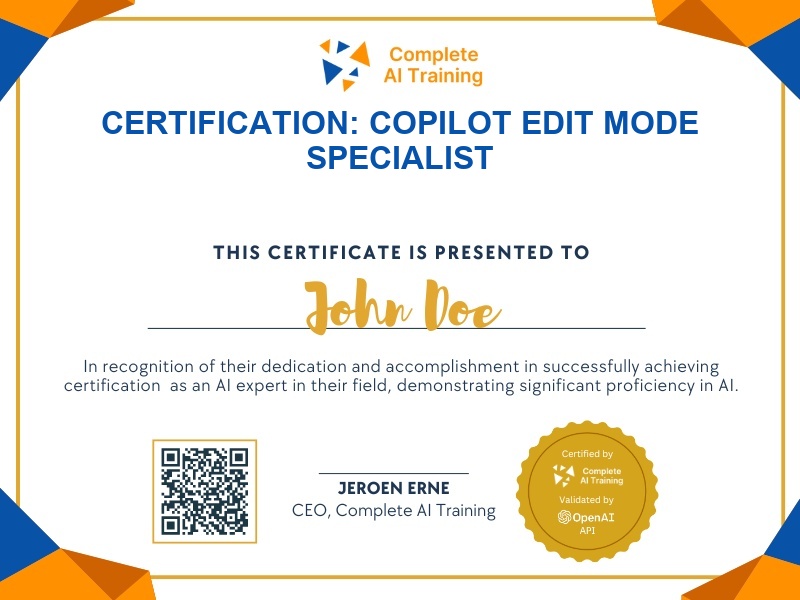
The exam
Take the certification exam
Multiple-choice questions about the course. Pass with 70% or more and your certificate is issued at once, with a public page and an "Add to LinkedIn" button.
What the exam covers
2 questions from each of the 3 chapters of the course
6 multiple-choice questions, drawn fresh for every attempt. Pass with 70% or more.
- 01Edit Documents with Copilot in Word8:01
- 02Analyse and Plan with Copilot in Excel4:28
- 03Reformat Slides and Manage Speaker Notes with Copilot3:50
What it certifies
This certification confirms you can use Copilot's allow editing mode to drive context-aware edits, structured document generation, data analysis, and presentation reformatting in Microsoft 365 apps.
Skills you prove
- Apply Copilot agentic editing across Word, Excel, and PowerPoint
- Transform unstructured emails into structured, populated Word forms
- Generate analysis tables and growth plans from Excel data
- Reformat slides and manage speaker notes from meeting transcripts
- Request and interpret Copilot's suggested capabilities and prompts
- Perform whole-document, context-aware edits in Word
Who it is for
Professionals who regularly create or revise business documents, analyze spreadsheet data, and build presentations, and who want to replace repetitive manual editing with AI-assisted workflows.
How the exam works
The certification exam is multiple choice and draws from every lesson in the course: Edit Documents with Copilot in Word, Analyse and Plan with Copilot in Excel, and Reformat Slides and Manage Speaker Notes with Copilot. Each lesson contributes a proportional set of questions covering key actions, prompts, and outcomes.