
Certification
Certification: Copilot for Word Practitioner
Earn the Copilot for Word Practitioner certification by demonstrating that you can reliably draft, rewrite, and polish professional documents in Microsoft Word using Copilot.
The exam
Take the certification exam
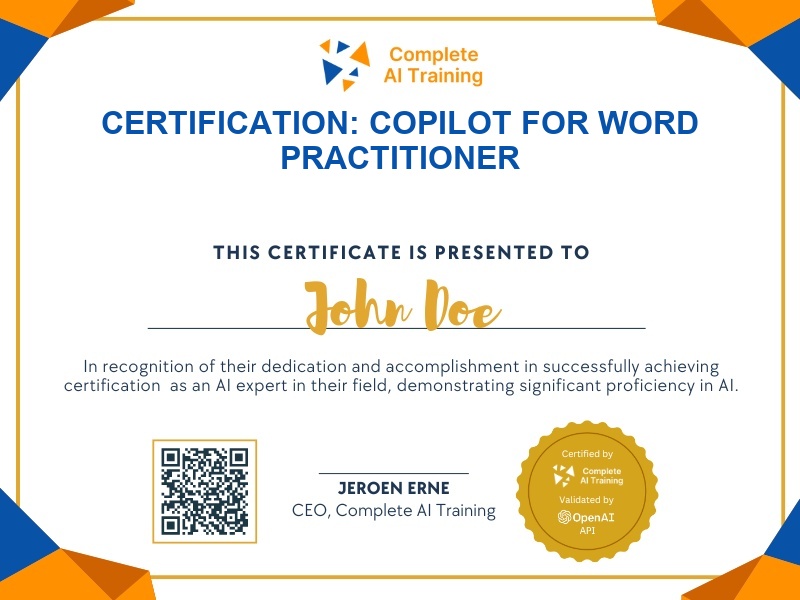
Multiple-choice questions about the course. Pass with 70% or more and your certificate is issued at once, with a public page and an "Add to LinkedIn" button.
What the exam covers
2 questions from each of the 7 chapters of the course
14 multiple-choice questions, drawn fresh for every attempt. Pass with 70% or more.
- 01Turn On Copilot in Word4:22
- 02Create Reports, Proposals and Briefs5:28
- 03Draft from a Reference Document4:06
- 04Prompts for Repeatable Results7:11
- 05Rewrite and Refine Text5:42
- 06Simplify or Expand Content4:34
- 07Prompts That Improve Your Drafts4:12
What it certifies
The Copilot for Word Practitioner certification verifies that you can use Copilot in Microsoft Word to move confidently from a blank page or reference file to a polished, professional document. It certifies practical, repeatable prompting skills for drafting reports, proposals, briefs, and other business documents, as well as the ability to rewrite, refine, simplify, and expand content without losing meaning or intended tone.
Skills you prove
- Turn on Copilot in Word and locate all major entry points for Copilot features
- Draft reports, proposals, and briefs from short prompts and document types
- Create a new document using an existing reference file as the source
- Rewrite and refine selected text to match the required tone and clarity
- Simplify or expand content while preserving the original meaning
- Apply repeatable prompting patterns to improve any draft quickly and consistently
Who it is for
This certification is for professionals who regularly create or edit documents in Word and want to prove their ability to work faster and more consistently with Copilot. It is ideal for analysts, consultants, writers, marketers, legal and operations professionals, executive assistants, project managers, and anyone responsible for producing polished business documents under time pressure. No prior AI certification is required, but learners should be comfortable with everyday Word tasks such as creating, formatting, and editing documents.
How the exam works
The certification exam is a timed, multiple-choice assessment delivered online. Questions are drawn from every lesson in the Copilot in Word course, including turning on Copilot, drafting from prompts and reference documents, rewriting and refining text, simplifying or expanding content, and using repeatable prompting patterns. You must demonstrate both conceptual understanding and practical judgment, such as choosing the best prompt or Copilot action for a given scenario. A passing score is required to earn the Certified Copilot for Word Practitioner credential and digital badge.