
Certification
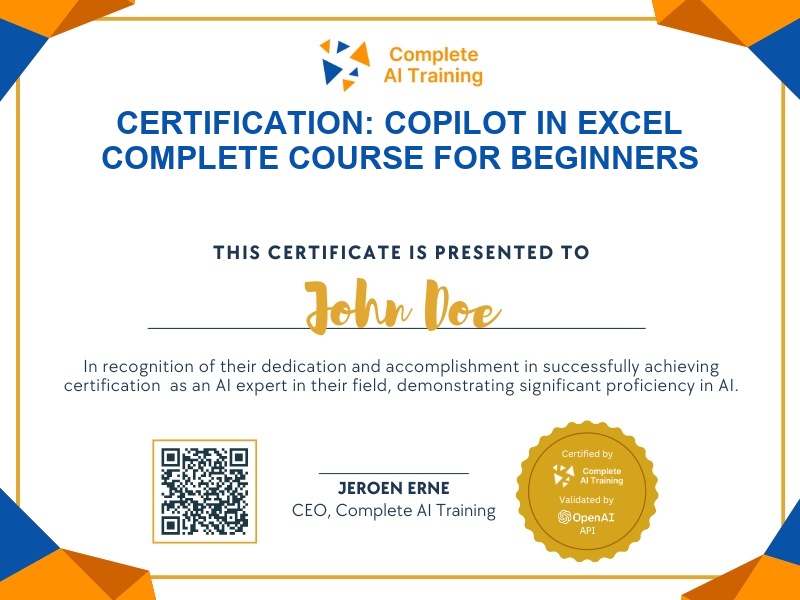
Certification: Copilot in Excel Complete Course for Beginners
Validates the ability to use Copilot in Excel to edit, analyze, import, clean, and generate data workflows from beginner to repeatable professional skills.
The exam
Take the certification exam
Multiple-choice questions about the course. Pass with 70% or more and your certificate is issued at once, with a public page and an "Add to LinkedIn" button.
What the exam covers
2 questions from each of the 12 chapters of the course
20 multiple-choice questions, drawn fresh for every attempt. Pass with 70% or more.
- 01Copilot in Excel Complete Course (Free)1:17
- 02What You'll Learn / Before You Start1:55
- 03Lesson 1: Edit, Plan & Chat with Copilot9:34
- 04Lesson 2: Analyse Data and Create Dashboards3:47
- 05Lesson 3: Bring in Data from Other Files7:08
- 06Lesson 4: Compare AI Models with Model Selector5:23
- 07Lesson 5: Clean Messy Data Automatically3:56
- 08Lesson 6: Personalize Your Copilot Experience4:38
- 09Lesson 7: Create Workbook Rules6:38
- 10Lesson 8: Generate Formulas with Copilot4:18
- 11Lesson 9: Create a Spreadsheet from Scratch8:11
- 12Lesson 10: Build Repeatable Workflows with Skills13:25
What it certifies
This certification validates your ability to use Copilot in Excel across core productivity workflows: editing and planning workbooks, creating dashboards, importing and combining data, comparing AI model outputs, cleaning data, applying workbook rules, generating formulas, and building repeatable Copilot workflows.
Skills you prove
- Editing, planning, and chatting with Copilot in Excel
- Analyzing data and creating dashboards with Copilot prompts
- Importing and combining data from multiple files
- Comparing AI model outputs using Model Selector
- Cleaning messy data and applying workbook rules
- Generating formulas and building repeatable Copilot workflows
Who it is for
This certification is for beginners and business professionals who want to become confident, efficient Copilot in Excel users, whether they are analysts, operations staff, or anyone who relies on Excel for data preparation, reporting, and automation.
How the exam works
The exam is multiple-choice and includes questions per lesson, covering the complete course from editing and dashboards to data import, Model Selector, data cleaning, workbook rules, formulas, blank-workbook creation, and repeatable skills.