
Certification
Certification: Certified Copilot for PowerPoint Professional
Validate your ability to create, edit, organise, and summarise PowerPoint presentations using Microsoft Copilot.
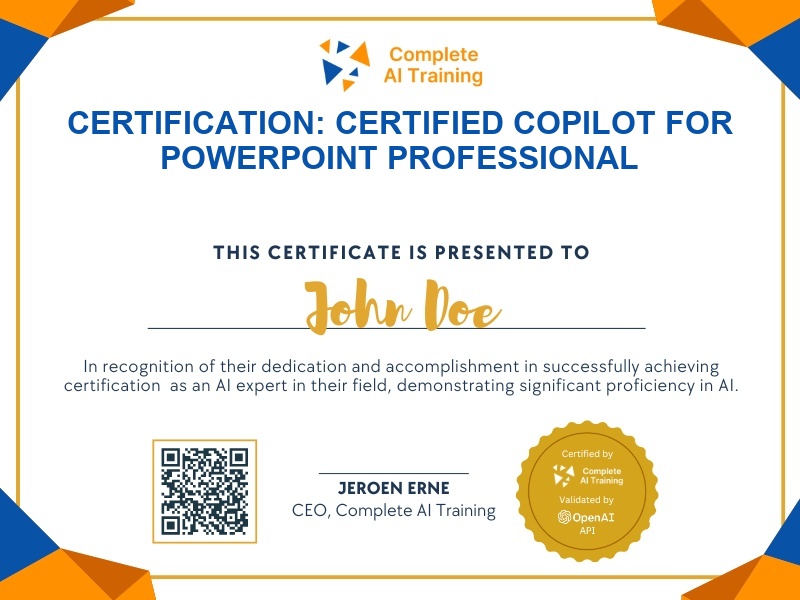
The exam
Take the certification exam
Multiple-choice questions about the course. Pass with 70% or more and your certificate is issued at once, with a public page and an "Add to LinkedIn" button.
What the exam covers
2 questions from each of the 9 chapters of the course
18 multiple-choice questions, drawn fresh for every attempt. Pass with 70% or more.
- 01Copilot in PowerPoint / Create and edit a presentation using natural language prompts5:28
- 02Designer and Copilot / View prompts and Copilot Lab1:42
- 03Organise the presentation1:17
- 04Using prompts to improve your results2:03
- 05Create a presentation from file3:11
- 06Use case: Training Presentation2:59
- 07Use case: Creating Presentations from Tenders and Proposals2:29
- 08Work with your branded template1:51
- 09Summarise and ask questions3:02
What it certifies
This certification confirms that you can use Microsoft Copilot in PowerPoint to draft decks from natural language, build presentations from existing files, apply branded templates, organise slides, and extract insights through Q&A.
Skills you prove
- Create draft decks from natural language prompts
- Build presentations from Word documents and other files
- Apply branded templates and Designer layouts
- Organise slides into sections
- Summarise decks and ask questions about slide content
- Improve Copilot output with detailed prompting
Who it is for
Professionals who regularly create PowerPoint presentations and want to work faster with Copilot, including consultants, trainers, proposal writers, and business analysts.
How the exam works
Multiple-choice exam with 3 questions per lesson across all 9 course lessons. Earn the certification by scoring 80% or higher.