
Certification
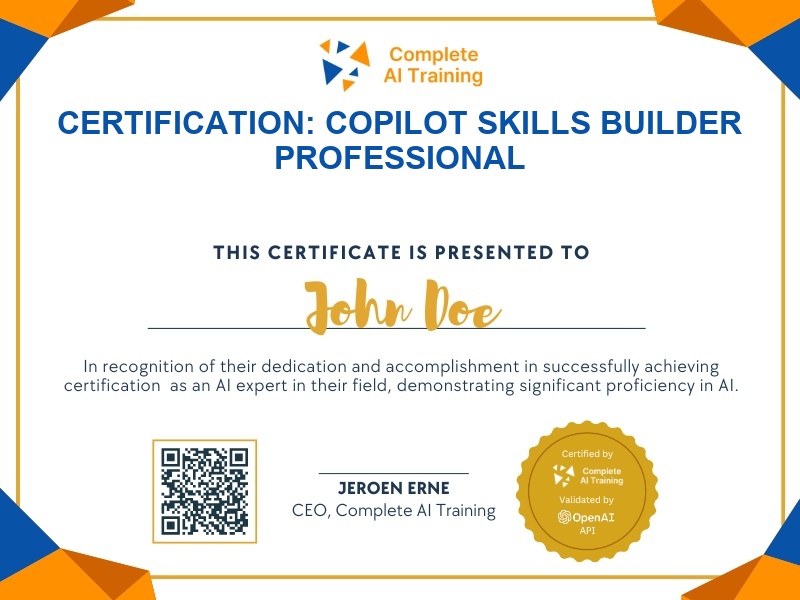
Certification: Copilot Skills Builder Professional
Validates your ability to design, build, and deploy reusable AI skills within Microsoft Copilot across Excel, PowerPoint, Agent Builder, and Cowork.
The exam
Take the certification exam
Multiple-choice questions about the course. Pass with 70% or more and your certificate is issued at once, with a public page and an "Add to LinkedIn" button.
What the exam covers
2 questions from each of the 9 chapters of the course
18 multiple-choice questions, drawn fresh for every attempt. Pass with 70% or more.
- 01AI Skills are suddenly everywhere!3:21
- 02A real skill example: Client Project Health Check1:32
- 03Understanding skill.md Files3:21
- 04Using Skills in Excel5:02
- 05Create Your First Skill with Copilot2:08
- 06Reviewing the results of running the skill in Excel1:21
- 07Using Skills in Agent Builder5:39
- 08Using Skills in Cowork2:34
- 09Skills in PowerPoint1:03
What it certifies
The Copilot Skills Builder Professional certification confirms you understand how to explain, create, upload, and run reusable AI skills in Microsoft Copilot. It proves you can work with skill.md files and apply skills across Excel, Copilot chat, Agent Builder, Cowork, and PowerPoint to save time and improve workflow consistency.
Skills you prove
- Explain what an AI skill is and why it saves time
- Identify the structure of a skill.md file
- Upload and run a skill in Microsoft Excel
- Create a new skill using Copilot chat
- Add skills to Agent Builder and Cowork
- Use built-in skills in PowerPoint
Who it is for
This certification is designed for beginners, knowledge workers, business analysts, operations professionals, and Microsoft 365 users who want to move from basic Copilot prompting to creating structured, reusable AI skills that streamline repeated tasks and team workflows.
How the exam works
The exam is multiple choice and draws directly from every lesson in the course. Questions are distributed evenly across each chapter, including AI Skills fundamentals, real skill examples, skill.md files, Excel, Copilot chat creation, Agent Builder, Cowork, and PowerPoint. You must demonstrate practical understanding of both the concepts and the step-by-step processes taught by Lisa Crosbie.