
Certification
Certification: Excel AI Analyst
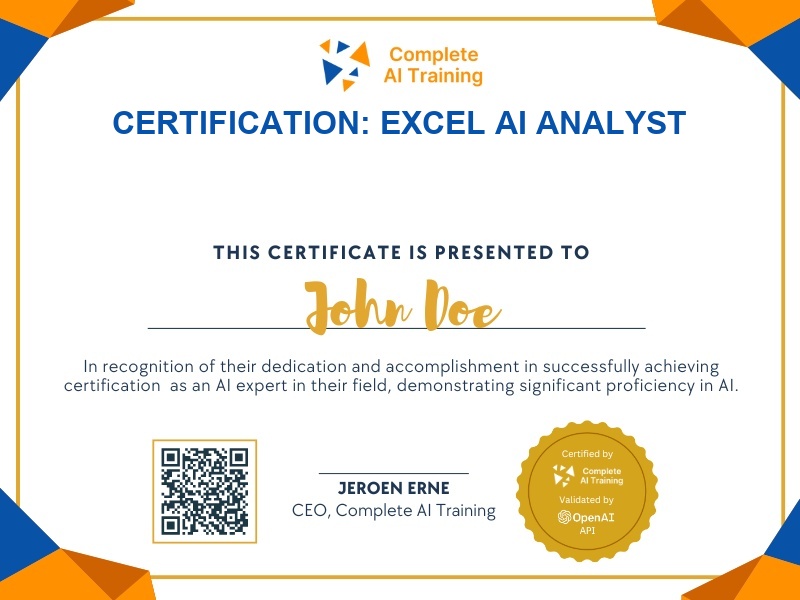
The Excel AI Analyst certification validates your ability to use Excel Agent Mode and Copilot to turn plain-language requests into charts, PivotTables, trend insights, sentiment analysis, and KPI dashboard elements.
The exam
Take the certification exam
Multiple-choice questions about the course. Pass with 70% or more and your certificate is issued at once, with a public page and an "Add to LinkedIn" button.
What the exam covers
2 questions from each of the 7 chapters of the course
14 multiple-choice questions, drawn fresh for every attempt. Pass with 70% or more.
- 01Charts and PivotTables with Copilot5:53
- 02Create Charts in Seconds with Agent Mode6:41
- 03Find Trends, Patterns and Anomalies5:18
- 04Sentiment Analysis with Agent Mode6:29
- 05Trend Analysis and Insights6:28
- 06Dashboard Elements and KPI Metrics4:02
- 07Build KPI Dashboards Automatically4:49
What it certifies
This certification confirms you can use Excel Agent Mode and Copilot to produce charts, PivotTables, trend insights, sentiment analysis, KPI metrics, and complete KPI dashboards from plain-language prompts.
Skills you prove
- Create charts and PivotTables with Copilot
- Spot trends, patterns, and anomalies with Agent Mode
- Run sentiment analysis on text data inside spreadsheets
- Build trend analysis with written insights automatically
- Create KPI metrics and dashboard elements from data
- Assemble a full KPI dashboard step by step with Agent Mode
Who it is for
Professionals who work with Excel for reporting, analysis, or dashboard building and want to use AI to speed up insight generation and presentation.
How the exam works
The exam is multiple choice, with questions drawn from every lesson in the course. Learners must complete all lessons and pass the exam to earn the certification.