
Certification
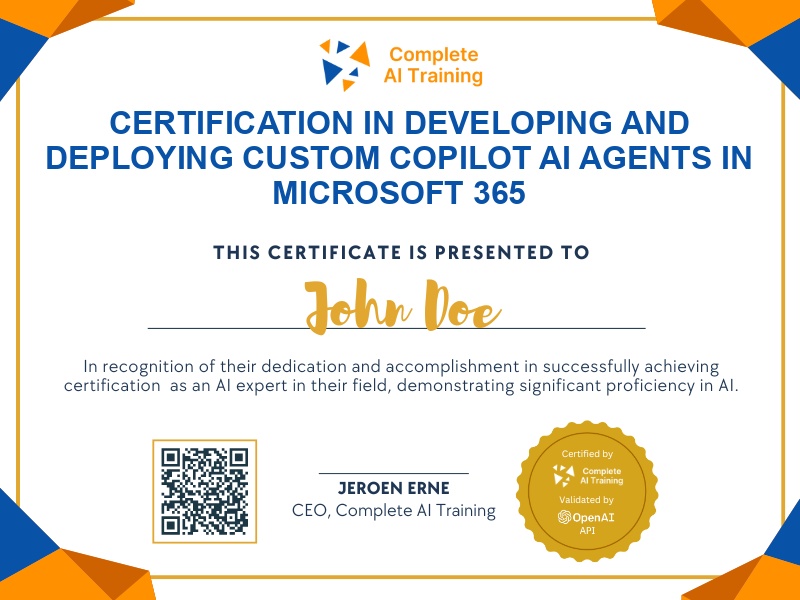
Certification in Developing and Deploying Custom Copilot AI Agents in Microsoft 365
Get certified in building custom Copilot AI agents in Microsoft 365,demonstrate the ability to automate workflows, create intelligent assistants, and enhance team productivity with hands-on, practical solutions.
The exam
Take the certification exam
Multiple-choice questions about the course. Pass with 70% or more and your certificate is issued at once, with a public page and an "Add to LinkedIn" button.
What the exam covers
2 questions from each of the 15 chapters of the course
20 multiple-choice questions, drawn fresh for every attempt. Pass with 70% or more.
- 01Lab overview and existing agents4:59
- 02Create your own agent7:41
- 03How the agent reacts2:30
- 04Refine the instructions6:18
- 05Try the agent and customize the icon7:02
- 06A second agent with more capability7:45
- 07SharePoint knowledge source5:13
- 08Test grounding and check knowledge first6:05
- 09Structured answers3:57
- 10Pin and Graph grounding4:54
- 11Index a website5:15
- 12Web grounding instructions7:50
- 13Test the web-grounded agent6:15
- 14Starter prompts and final icon6:02
- 15Sharing agents6:58
The "Build Custom Copilot AI Agents in Microsoft 365: Hands-On Lab with Examples" certification empowers you to design and implement tailored AI assistants that streamline workflows and enhance productivity within your organization. By mastering these in-demand skills, you'll gain a competitive edge, future-proof your career, and unlock greater adaptability and growth potential. Enroll today to gain practical experience and maximize your impact with Microsoft 365 AI tools.
This certification covers the following topics:
- Understanding Microsoft 365 Copilot Agents and Their Applications
- Accessing and Navigating the Copilot Agent Builder
- Discovering and Utilizing Pre-Built AI Agents
- Creating Custom Agents: From Templates to Blank Builds
- Defining Effective Agent Instructions
- Integrating and Setting Up Knowledge Sources
- Building Layered Agent Capabilities (Basic to Advanced)
- Customizing Agents: Name, Icon, Description, and Branding
- Implementing Advanced Features: Code Interpreter and Image Generation
- Guiding User Interactions with Startup Prompts
- Testing, Refining, and Expanding Agents Iteratively
- Agent Sharing, Collaboration, and Access Controls
Jobs this certification suits
Our AI checked this certification against 500 jobs; these get the most out of it. Each job links to its learning path.