
Certification
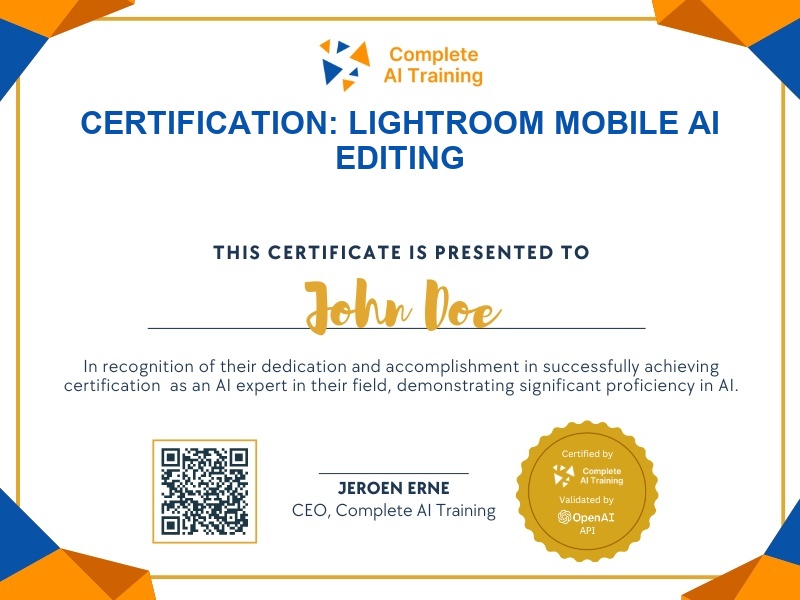
Certification: Lightroom Mobile AI Editing
Earn the Certification: Lightroom Mobile AI Editing by proving you can use AI masking, smart presets, object removal, lens blur, batch edits, and fast export workflows in Lightroom Mobile.
The exam
Take the certification exam
Multiple-choice questions about the course. Pass with 70% or more and your certificate is issued at once, with a public page and an "Add to LinkedIn" button.
What the exam covers
2 questions from each of the 8 chapters of the course
16 multiple-choice questions, drawn fresh for every attempt. Pass with 70% or more.
- 01Introduction to Lightroom Mobile AI1:24
- 02Practice Project Overview0:46
- 03AI Masking for Subject, Sky and Background3:01
- 04Smart Presets and AI Suggestions4:37
- 05Removing Objects With Subject-Aware Healing2:17
- 06Adding Depth With AI Lens Blur2:27
- 07Batch Editing and Quick Exports1:30
- 08Final Thoughts1:04
What it certifies
This certification verifies that you can confidently edit photos on your phone with Lightroom Mobile's AI-powered tools, including AI masking, smart presets, subject-aware healing, AI Lens Blur, batch editing, and quick export workflows.
Skills you prove
- Select subjects, skies, and backgrounds instantly with AI masking
- Apply smart presets and AI suggestions for fast, consistent looks
- Remove distracting objects using subject-aware healing tools
- Add realistic depth and focus with AI Lens Blur
- Batch edit a set of photos to save time
- Export finished images quickly in the right formats
Who it is for
This certification is for mobile photographers, content creators, social media managers, and photo enthusiasts who want to produce professional-quality edits quickly using Lightroom Mobile's AI features.
How the exam works
The exam is multiple choice, with questions drawn from every lesson in the course. You must demonstrate understanding of AI masking, smart presets, object removal, AI Lens Blur, batch editing, and export workflows to earn the certification.