
Certification
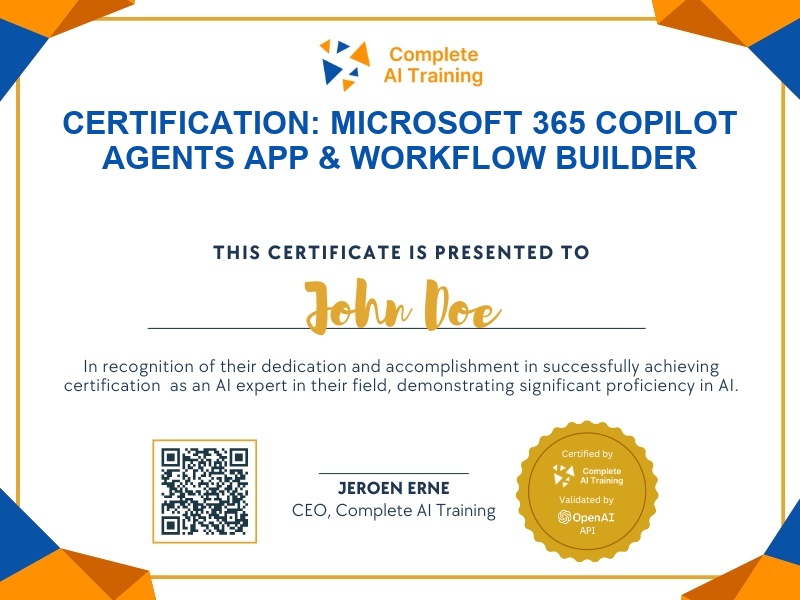
Certification: Microsoft 365 Copilot Agents App & Workflow Builder
Validates your ability to build lightweight apps and schedule workflows using Microsoft 365 Copilot's App Builder and Workflow Agents.
The exam
Take the certification exam
Multiple-choice questions about the course. Pass with 70% or more and your certificate is issued at once, with a public page and an "Add to LinkedIn" button.
What the exam covers
2 questions from each of the 4 chapters of the course
8 multiple-choice questions, drawn fresh for every attempt. Pass with 70% or more.
- 01Intro to App Builder and Workflow Agents1:13
- 02How to access and where to find these agents1:04
- 03Deep dive into the App Builder Agent11:50
- 04Exploring the Workflow Agent / 3 ways to Build with Copilot5:59
What it certifies
This certification confirms you can find, use, and build with Microsoft 365 Copilot's App Builder and Workflow Agents. You understand what each agent creates, where data is stored, and how to tailor prompts for reliable results.
Skills you prove
- Locate App Builder and Workflow Agent in Microsoft 365 Copilot
- Build simple personal productivity apps with the App Builder Agent
- Create scheduled workflows for email and meetings with the Workflow Agent
- Compare these Copilot agents with Power Apps, Power Automate, and Copilot Studio
- Customize app and workflow prompts for better outcomes
- Explain where Copilot-built app data lives and how it is managed
Who it is for
Business users, team leads, and citizen developers who want to automate daily tasks and create lightweight apps without deep coding, using Microsoft 365 Copilot.
How the exam works
The exam is multiple choice and draws from each lesson. You will answer one or more questions per lesson, covering access, App Builder outputs, Workflow Agent scheduling, and comparisons with Power Platform tools.