
Certification
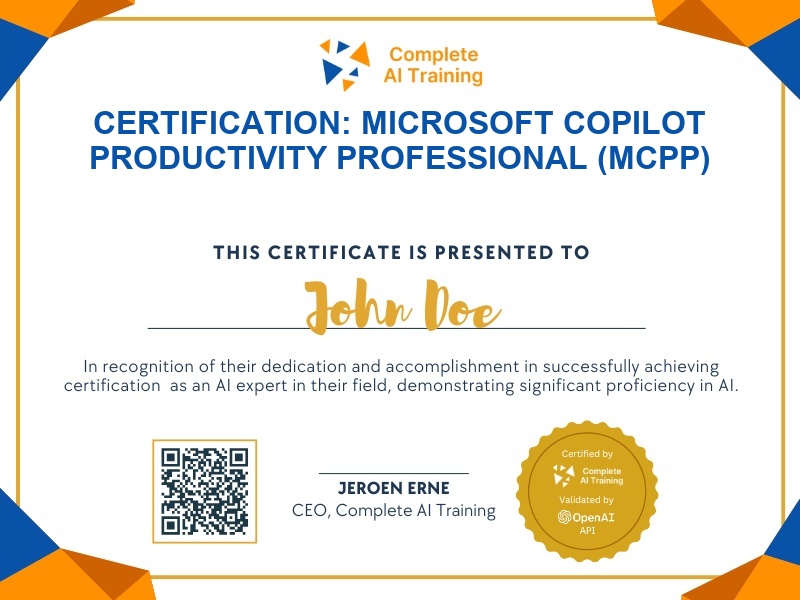
Certification: Microsoft Copilot Productivity Professional (MCPP)
Validate your ability to use Microsoft Copilot for everyday prompts, Excel data analysis, Teams collaboration, and building custom Copilot agents.
The exam
Take the certification exam
Multiple-choice questions about the course. Pass with 70% or more and your certificate is issued at once, with a public page and an "Add to LinkedIn" button.
What the exam covers
2 questions from each of the 5 chapters of the course
10 multiple-choice questions, drawn fresh for every attempt. Pass with 70% or more.
- 01Microsoft Copilot Full Course for Beginners1:05
- 02Introduction to Microsoft Copilot9:36
- 03Copilot in Excel Tutorial for Beginners8:28
- 04Copilot in Teams Tutorial for Beginners9:59
- 05Microsoft Copilot Agents FULL Tutorial35:41
What it certifies
This certification confirms you can use Microsoft Copilot confidently for everyday work prompts, Excel data tasks, Teams collaboration, PDF comparison, and building custom Copilot agents.
Skills you prove
- Prompting Microsoft Copilot for documents, summaries, and comparisons
- Using Copilot in Excel to format, clean, and analyze table data
- Setting up, transcribing, and recapping Teams meetings with Copilot
- Building and testing custom Copilot agents with instructions, knowledge, and skills
- Creating tables, charts, and dashboards from sales data
- Summarizing and comparing PDFs with Copilot prompts
Who it is for
Business professionals, analysts, project managers, and anyone who wants to integrate Microsoft Copilot into daily productivity workflows.
How the exam works
The certification exam is a multiple-choice assessment delivered online. You answer questions per lesson, with 5–10 questions drawn from each of the five course lessons. A passing score of 80% is required.