
Video course · 7 chapters · 14 min · certificate
AI Video Workflow: Turn Images Into Viral Clips
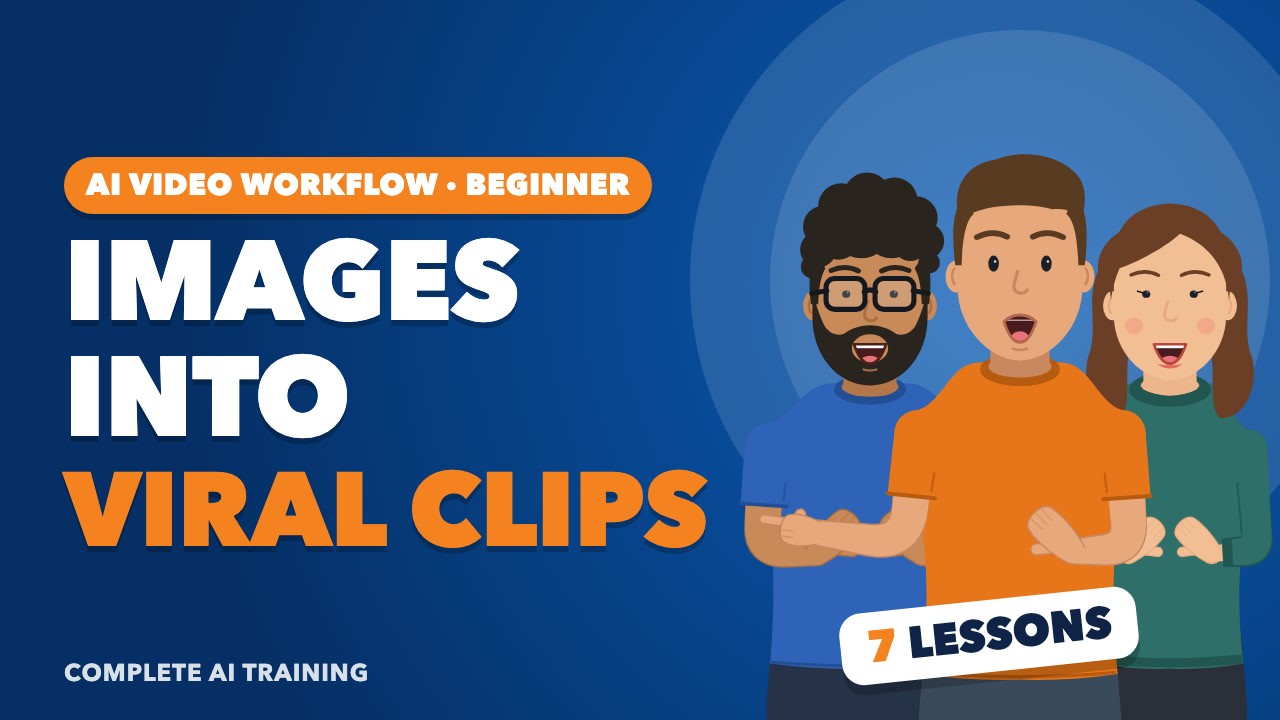
Learn to plan short viral-style AI videos, write precise prompts, and choose the right generators for each step. Lessons cover creating AI images, animating them into clips, and combining multiple clips into polished videos ready to share.
What you'll learn
- Choose a focused video idea that suits short viral formats
- Write clear AI prompts that produce the visuals you imagine
- Compare popular AI generators and pick the right tool for each job
- Generate high-quality AI images to use as video starting frames
- Turn a still AI image into a moving video clip
- Combine several AI clips into one longer, polished video
Chapters
7 chapters · 14:08-
 1:14
01Plan Your AI Video Members
Choose Your AI Video Idea
Omar and Adrian show you how to decide exactly what you want to generate, so the AI can deliver better results from your first prompt.
-
 2:51
02Plan Your AI Video Members
Write a Strong AI Video Prompt
Omar, Adrian and Abby show you how to have ChatGPT write a concise image prompt and video prompt from your idea.
-
 2:22
03Plan Your AI Video Members
Pick the Best AI Generator
Omar and Adrian compare image and video models, explain why Nano Banana Pro with Kling works well, and show what each costs in credits.
-
 2:18
04Create and Assemble the Video Members
Generate High-Quality AI Images
Omar and Abby show you how to paste your prompt into Nano Banana Pro, try a reference image, and pick the best result.
-
 1:59
05Create and Assemble the Video Members
Turn an AI Image Into Video
Omar and Abby show you how to animate a finished image in Kling by pasting your video prompt and choosing the settings.
-
 2:22
06Create and Assemble the Video Members
Combine Clips Into Longer Videos
Omar and Abby explain clip lengths across models and show how many short clips joined together become longer, social-ready videos.
-
 1:02
07Make Your Own Members
Final Step: Create Your Own Video
Adrian and Abby wrap up the course and encourage you to take your first step by creating your own AI video as a practice project.