
Video course · 12 chapters · 243 min · certificate
Build a No-Code AI Agent from Scratch: Beginner SDR Assistant
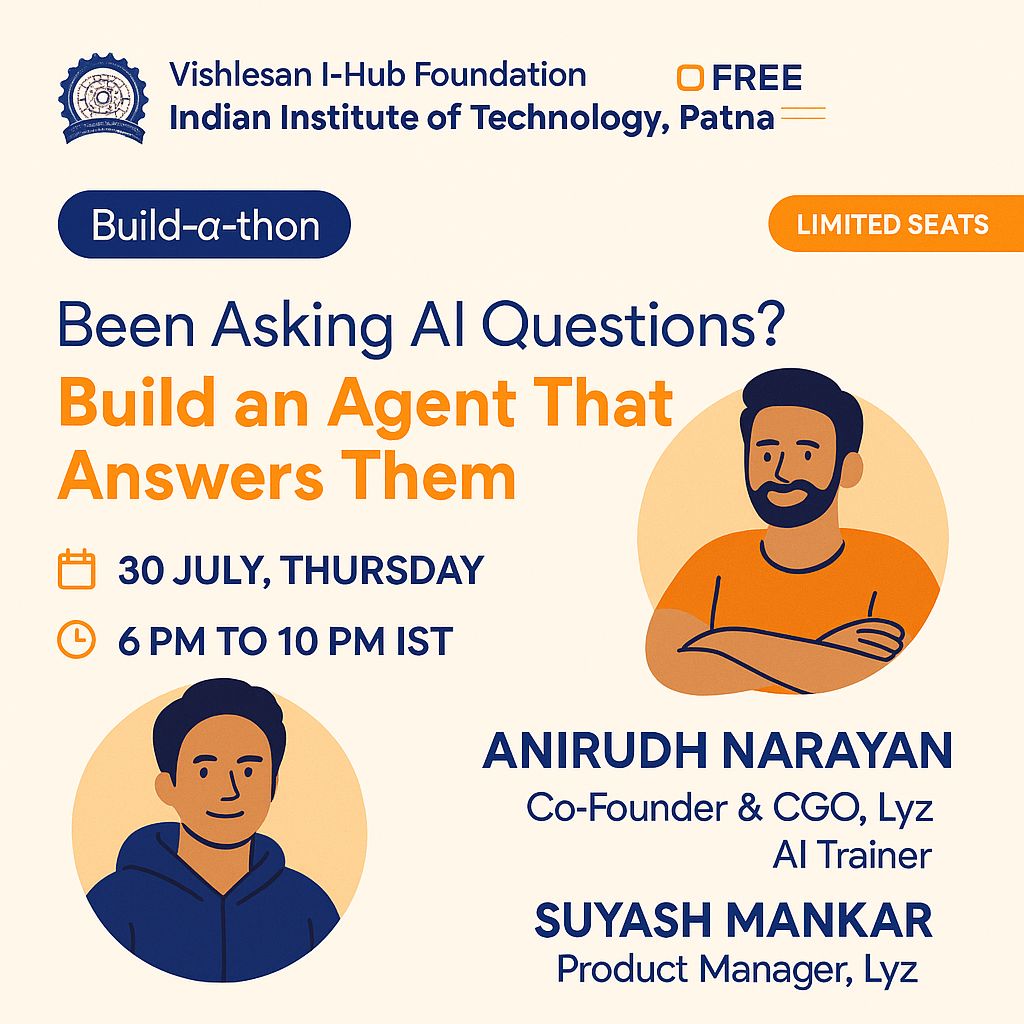
Build a no-code SDR assistant agent from a blank screen: what agents and agentic systems are, a studio walkthrough, real use cases, then designing the agent with an architect, adding a knowledge base and Gmail, testing and deploying.
What you'll learn
- Explain what AI agents and agentic systems are
- Name the components of an agent in a no-code studio
- Understand multi-agent orchestration
- Design an SDR assistant with an architect tool
- Connect a knowledge base and Gmail
- Test and deploy the agent as an app
Chapters
12 chapters · 242:49-
 4:48
01Intro Free preview
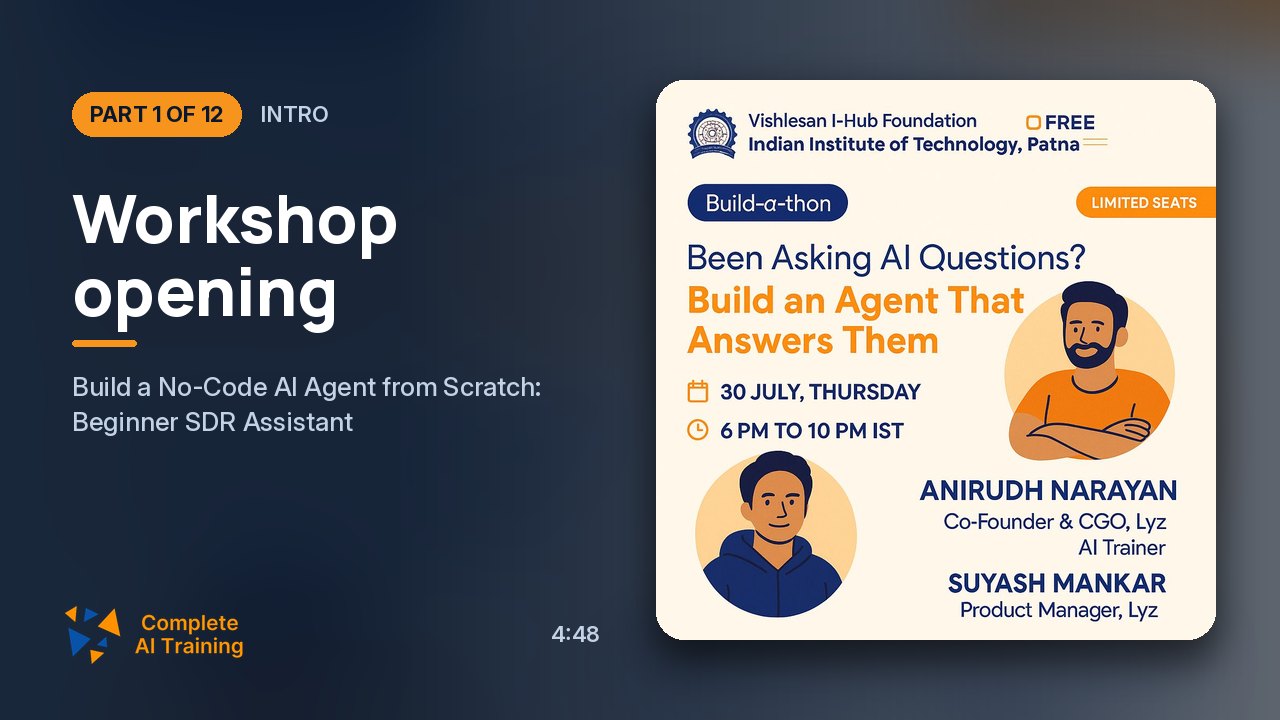
Workshop opening
A live workshop building a no-code SDR assistant agent.
4:48
01Intro Free preview
Workshop opening
A live workshop building a no-code SDR assistant agent.
-
 3:14
02Context Members
Context and organizer
The organizer's learning programs and the context for the session.
3:14
02Context Members
Context and organizer
The organizer's learning programs and the context for the session.
-
 3:09
03Context Members
Why agentic AI now
Setting context: why agents matter and how they change work.
3:09
03Context Members
Why agentic AI now
Setting context: why agents matter and how they change work.
-
 6:05
04Agenda Members
Agenda and experts
The session agenda and the guest experts leading the build.
6:05
04Agenda Members
Agenda and experts
The session agenda and the guest experts leading the build.
-
 9:26
05Concepts Members
What is an AI agent?
Agents versus earlier automation like RPA: goals, reasoning and tools.
9:26
05Concepts Members
What is an AI agent?
Agents versus earlier automation like RPA: goals, reasoning and tools.
-
 9:20
06Studio Members
Studio and agent components
Walking through the no-code studio and the parts of an agent.
9:20
06Studio Members
Studio and agent components
Walking through the no-code studio and the parts of an agent.
-
 12:12
07Systems Members
Agentic systems and orchestration
Moving from single agents to multi-agent systems with orchestration.
12:12
07Systems Members
Agentic systems and orchestration
Moving from single agents to multi-agent systems with orchestration.
-
 26:25
08Use cases Members
Real-world use cases
What organizations are building: workflows across agents, with demos.
26:25
08Use cases Members
Real-world use cases
What organizations are building: workflows across agents, with demos.
-
 44:05
09Build Members
Designing the SDR assistant
Using an architect tool to design the SDR assistant's agents, triggers and settings.
44:05
09Build Members
Designing the SDR assistant
Using an architect tool to design the SDR assistant's agents, triggers and settings.
-
 71:36
10Tools Members
Knowledge base and Gmail
Connecting a knowledge base and Gmail so the agent drafts emails.
71:36
10Tools Members
Knowledge base and Gmail
Connecting a knowledge base and Gmail so the agent drafts emails.
-
 31:35
11Deploy Members
Test and deploy
Testing the agent and deploying it as an app.
31:35
11Deploy Members
Test and deploy
Testing the agent and deploying it as an app.
-
 20:54
12Wrap-up Members
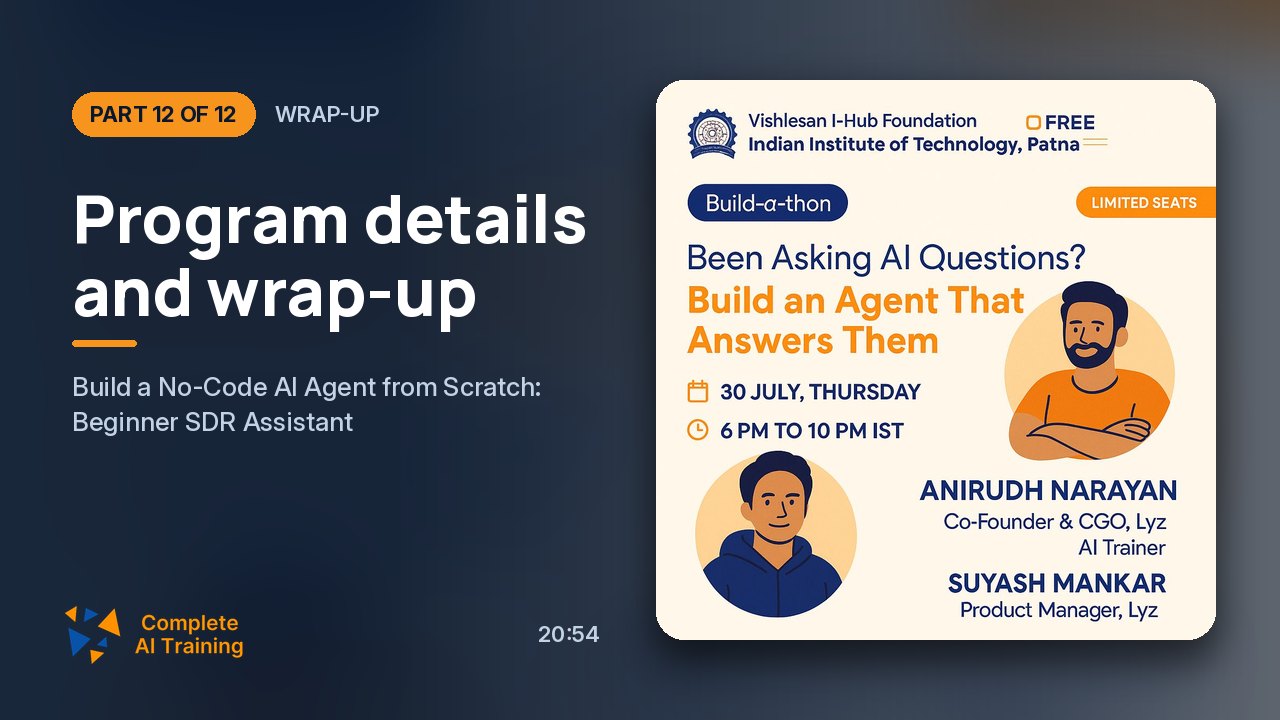
Program details and wrap-up
From blank screen to working agent in a couple of hours, and next steps.
20:54
12Wrap-up Members
Program details and wrap-up
From blank screen to working agent in a couple of hours, and next steps.
Jobs this course suits
Our AI checked this course against 500 jobs; these get the most out of it. Each job links to its learning path.