
Video course · 15 chapters · 264 min · certificate
Build a Perplexity AI Clone: Next.js, React, Tailwind, Clerk & Supabase
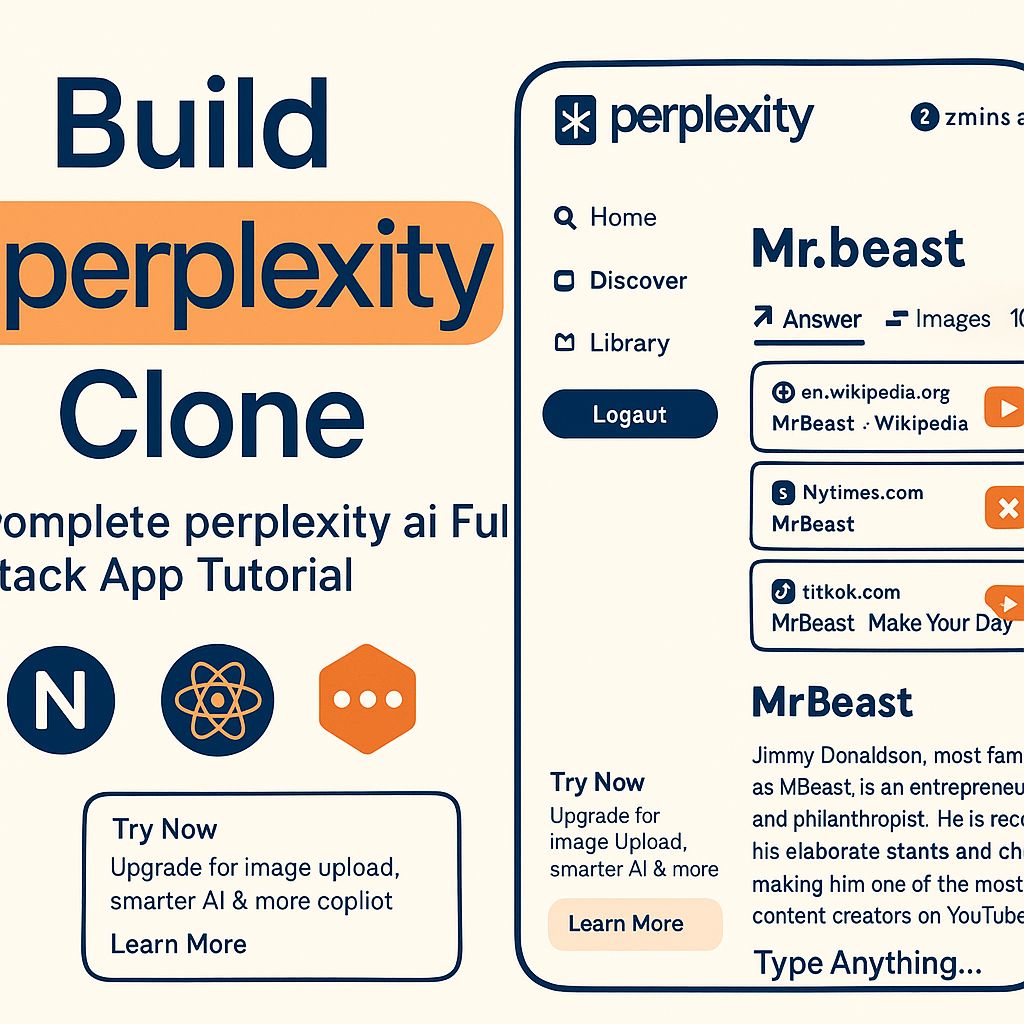
Build a Perplexity-style AI search app: Next.js setup, sidebar and home input, Clerk auth, Supabase backend, saving searches, a web search API, storing results, LLM summaries with Inngest, status polling, image tabs, loading states, a library, a Discover screen and Vercel deployment.
What you'll learn
- Set up a Next.js full-stack app
- Add authentication with Clerk
- Store searches in Supabase
- Fetch real-time web results
- Summarize with an LLM via Inngest
- Build library, discover and deploy to Vercel
Chapters
15 chapters · 263:36-
 16:16
01Setup Free preview
Introduction and Next.js app
Full-stack Perplexity clone with Next.js.
16:16
01Setup Free preview
Introduction and Next.js app
Full-stack Perplexity clone with Next.js.
-
 17:06
02UI Members
Sidebar
Building the sidebar.
17:06
02UI Members
Sidebar
Building the sidebar.
-
 19:00
03UI Members
Home input box
Logo, input and tabs.
19:00
03UI Members
Home input box
Logo, input and tabs.
-
 10:50
04Auth Members
Sign in and sign up
Clerk authentication.
10:50
04Auth Members
Sign in and sign up
Clerk authentication.
-
 14:19
05Backend Members
Backend setup
Supabase integration.
14:19
05Backend Members
Backend setup
Supabase integration.
-
 15:00
06Data Members
Saving search input
How Perplexity works; saving queries.
15:00
06Data Members
Saving search input
How Perplexity works; saving queries.
-
 27:38
07Search Members
Web search API
Real-time data via a search API.
27:38
07Search Members
Web search API
Real-time data via a search API.
-
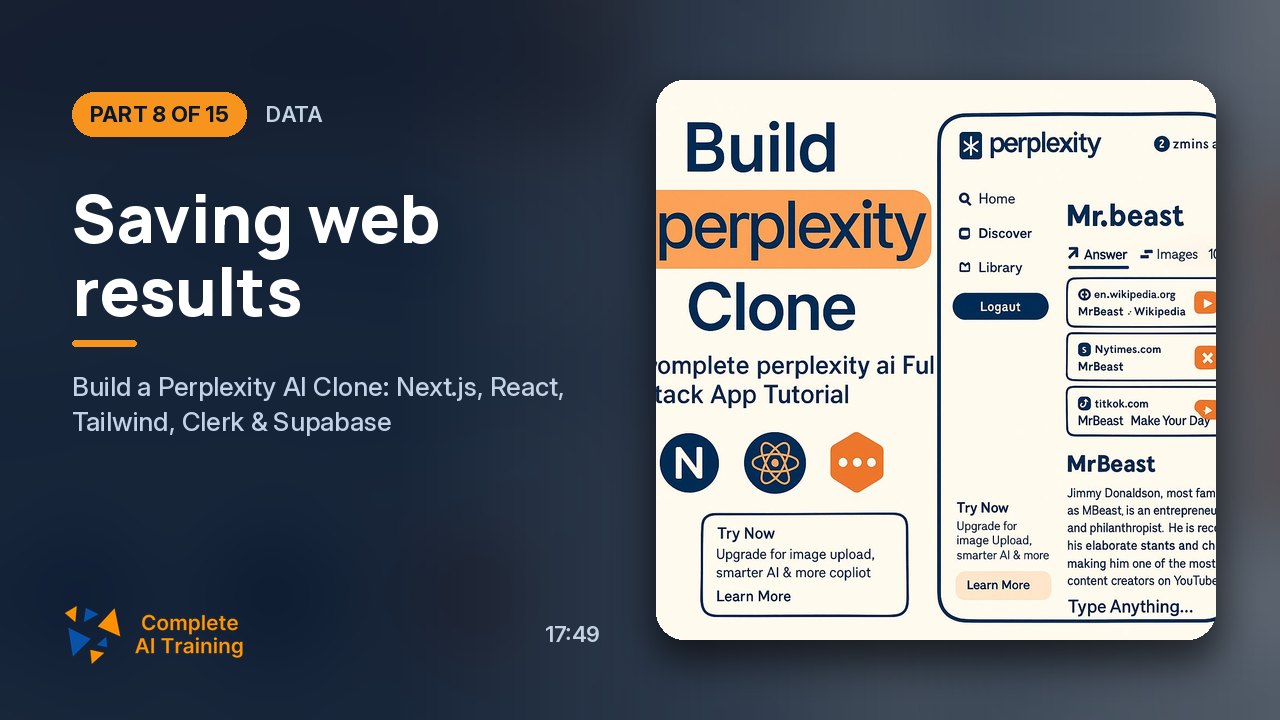 17:49
08Data Members
Saving web results
Storing search results.
17:49
08Data Members
Saving web results
Storing search results.
-
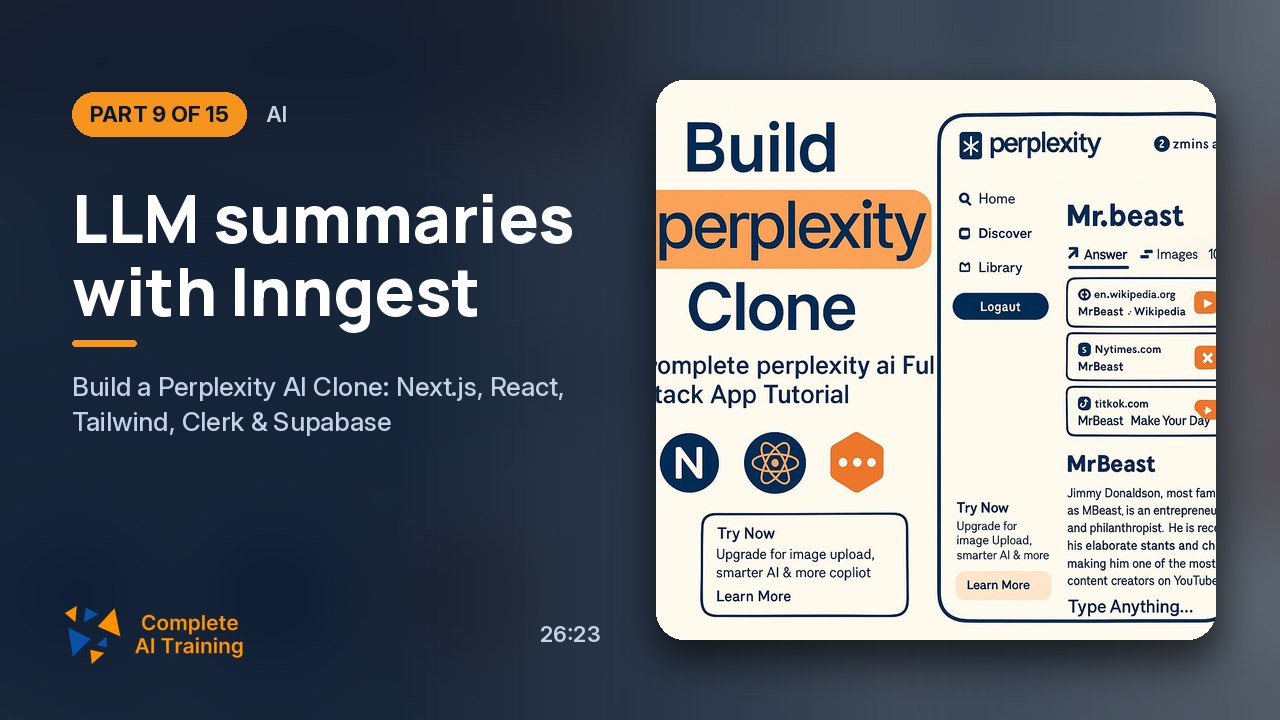 26:23
09AI Members
LLM summaries with Inngest
Generating summaries in background jobs.
26:23
09AI Members
LLM summaries with Inngest
Generating summaries in background jobs.
-
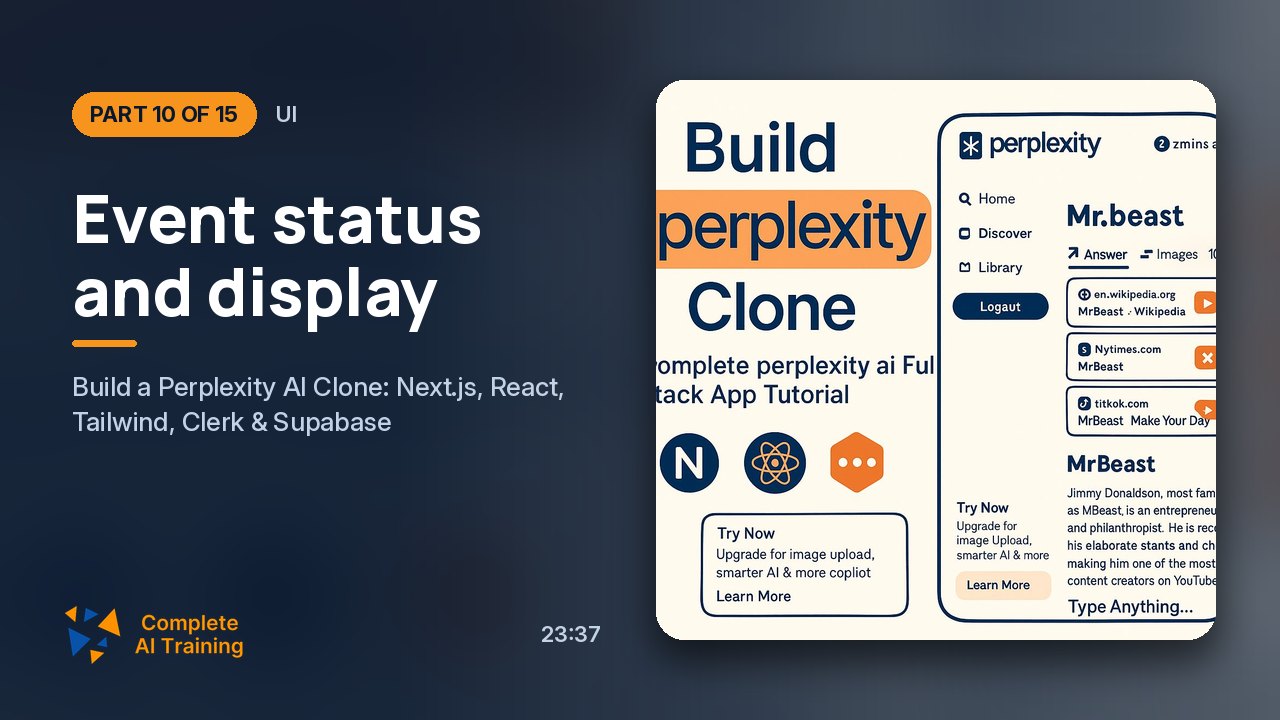 23:37
10UI Members
Event status and display
Polling job status and showing results.
23:37
10UI Members
Event status and display
Polling job status and showing results.
-
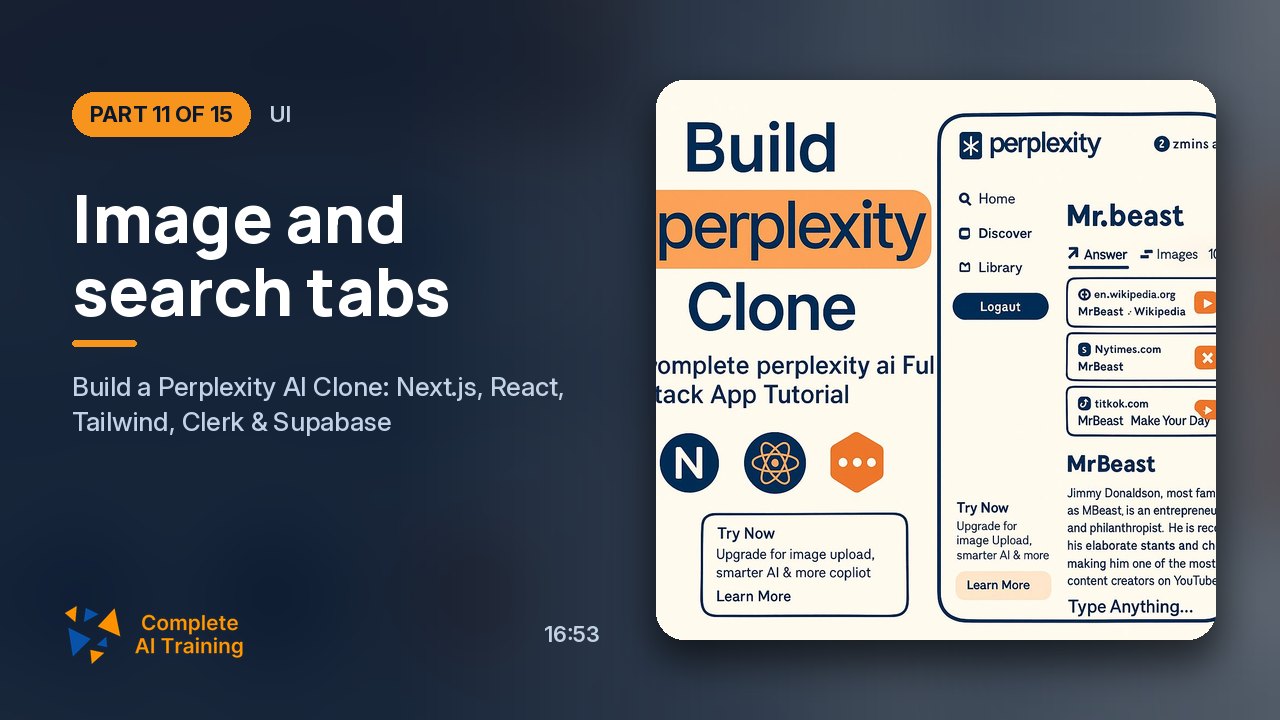 16:53
11UI Members
Image and search tabs
Showing images and sources.
16:53
11UI Members
Image and search tabs
Showing images and sources.
-
 18:03
12Polish Members
Loading, new topics and fixes
Loading states, new searches and a bug fix.
18:03
12Polish Members
Loading, new topics and fixes
Loading states, new searches and a bug fix.
-
 9:51
13History Members
Library
Search history.
9:51
13History Members
Library
Search history.
-
 20:37
14Discover Members
Discover screen
News by category.
20:37
14Discover Members
Discover screen
News by category.
-
 10:14
15Deploy Members
Deploying to Vercel
GitHub then Vercel.
10:14
15Deploy Members
Deploying to Vercel
GitHub then Vercel.