
Video course · 11 chapters · 20 min · certificate
ComfyUI Course: Ep13 - Exploring Ollama, LLaVA, Gemma Models
Run local LLMs with Ollama inside ComfyUI: installing Ollama and models, running them from the command line, the Ollama generate and vision nodes, LLaVA image descriptions, Gemma prompt generation, combining vision with image generation, prompt style tweaks and reusable templates.
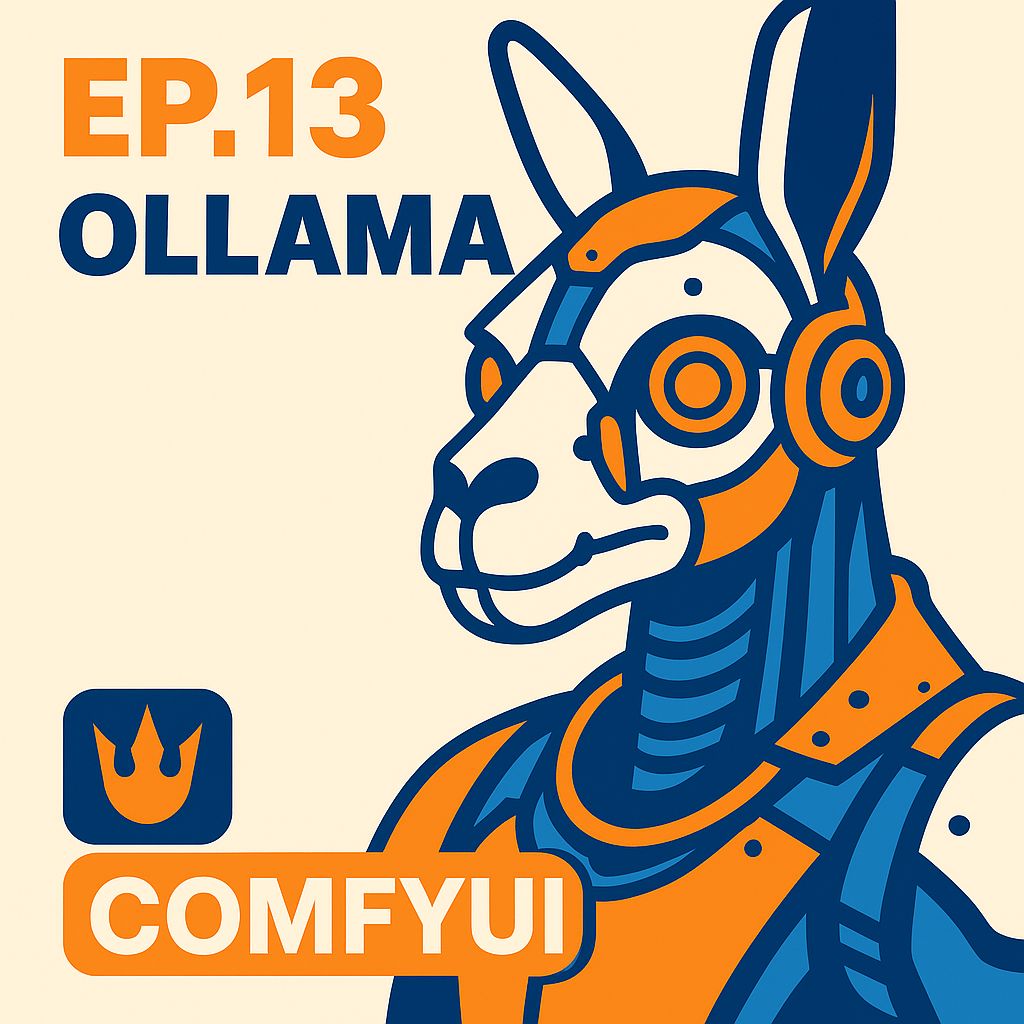
What you'll learn
- Install Ollama and download models
- Run LLMs from the command line
- Use Ollama nodes in ComfyUI
- Describe images with LLaVA
- Generate prompts with Gemma
- Build reusable vision-to-image templates
Chapters
11 chapters · 19:54-
 2:10
01Setup Free preview
Installing Ollama and models
Local LLMs.
2:10
01Setup Free preview
Installing Ollama and models
Local LLMs.
-
 2:42
02CLI Members
Running LLMs via command line
ollama run.
2:42
02CLI Members
Running LLMs via command line
ollama run.
-
 1:19
03Nodes Members
ComfyUI node setup
Ollama generate node.
1:19
03Nodes Members
ComfyUI node setup
Ollama generate node.
-
 1:33
04Prompts Members
Prompt generation nodes
Instructions plus prompt.
1:33
04Prompts Members
Prompt generation nodes
Instructions plus prompt.
-
 1:44
05Settings Members
Model settings and large models
Accuracy and size.
1:44
05Settings Members
Model settings and large models
Accuracy and size.
-
 1:25
06Vision Members
Ollama vision nodes
Describing images.
1:25
06Vision Members
Ollama vision nodes
Describing images.
-
 1:37
07Vision Members
Advanced vision workflows
Testing models.
1:37
07Vision Members
Advanced vision workflows
Testing models.
-
 1:45
08Integration Members
Integrating LLMs into workflows
Prompts into generation.
1:45
08Integration Members
Integrating LLMs into workflows
Prompts into generation.
-
 1:17
09Pipeline Members
Combining vision and generation
Image to new image.
1:17
09Pipeline Members
Combining vision and generation
Image to new image.
-
 2:06
10Templates Members
Prompt style and templates
Reusable setups.
2:06
10Templates Members
Prompt style and templates
Reusable setups.
-
 2:16
11Wrap-up Members
Practical use cases
Real use and quirks.
2:16
11Wrap-up Members
Practical use cases
Real use and quirks.