
Video course · 7 chapters · 39 min · certificate
Face Warp Animation: Talking Faces in After Effects
Practise turning filmed footage into a surreal talking-face animation by generating, blending, warping, and lip-syncing a ChatGPT-created face in After Effects. The lessons cover filming suitable source clips, prompting a usable face image, clean compositing, mesh warping, and adding animated text and moving lips.
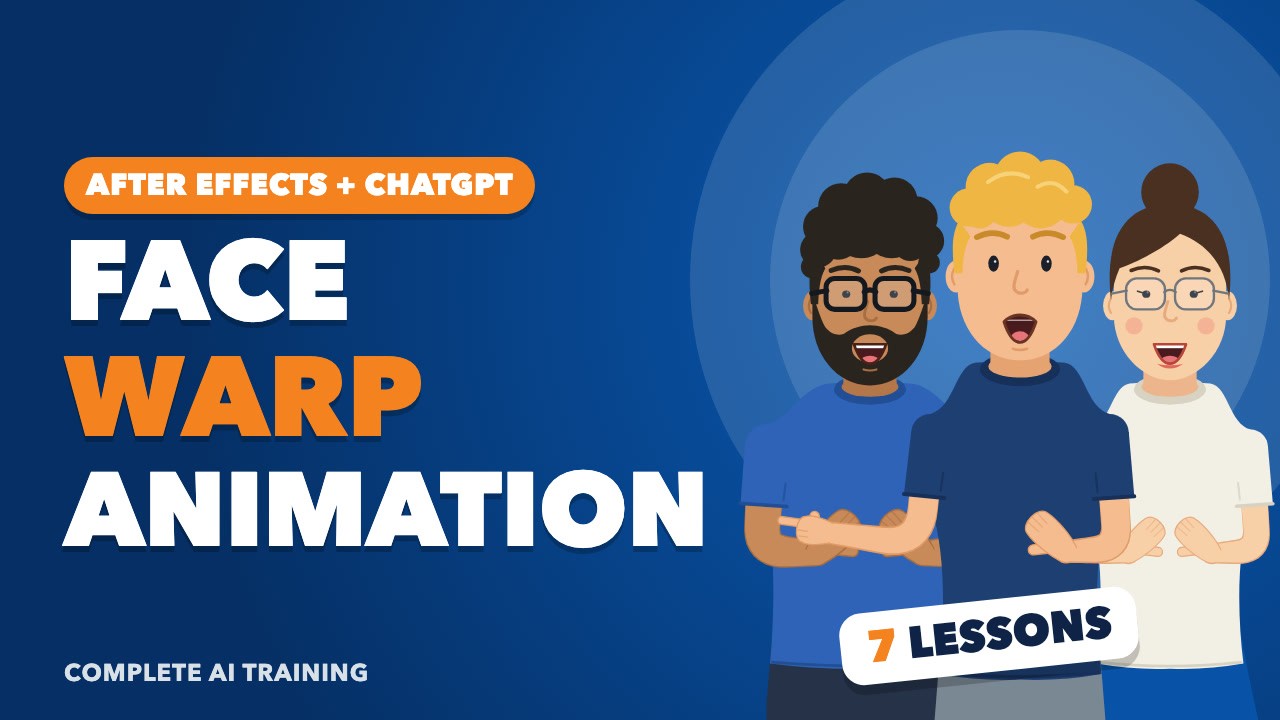
What you'll learn
- Film source footage that works well for face warp effects
- Write ChatGPT prompts that generate a usable face image
- Blend a generated face cleanly into your filmed footage
- Warp the face in After Effects so it moves naturally
- Add and animate on-screen text that fits the scene
- Animate lips so the warped face appears to speak
Chapters
7 chapters · 38:37-
 1:02
01Planning and Filming Members
What You Will Animate
Jonas and Adrian show the visual hook you will build in After Effects with a face made in the free version of ChatGPT.
-
 3:19
02Planning and Filming Members
Filming Your Source Video
Jonas, Adrian and Lisa show how to import and grade your footage in After Effects and film the quick mouth poses the effect needs.
-
 6:14
03Planning and Filming Members
Prompting ChatGPT for the Face
Export two frames from After Effects and prompt the free version of ChatGPT until it gives you wildly exaggerated mouth shapes.
-
 4:37
04Building the Face Warp Members
Blending the Face with Footage
Cut out the ChatGPT face with a mask in After Effects, place it over your footage and match color, blur and noise.
-
 8:57
05Building the Face Warp Members
Warping the Face
Animate the new face with Mesh Warp keyframes, shape the speed in the graph editor and sell the move with motion blur and scale.
-
 7:22
06Text and Lip Animation Members
Adding the First Text
Place a short word inside the warped mouth with a teeth mask, blend it with a radial ramp, then hide the cut with camera punch-ins.
-
 7:06
07Text and Lip Animation Members
Animating the Lips
Cut out and blend the ChatGPT lips, track them onto your face by hand, and animate a second word popping out of the mouth.