
Video course · 9 chapters · 25 min · certificate
Midjourney: Create Controlled AI Images with Prompts
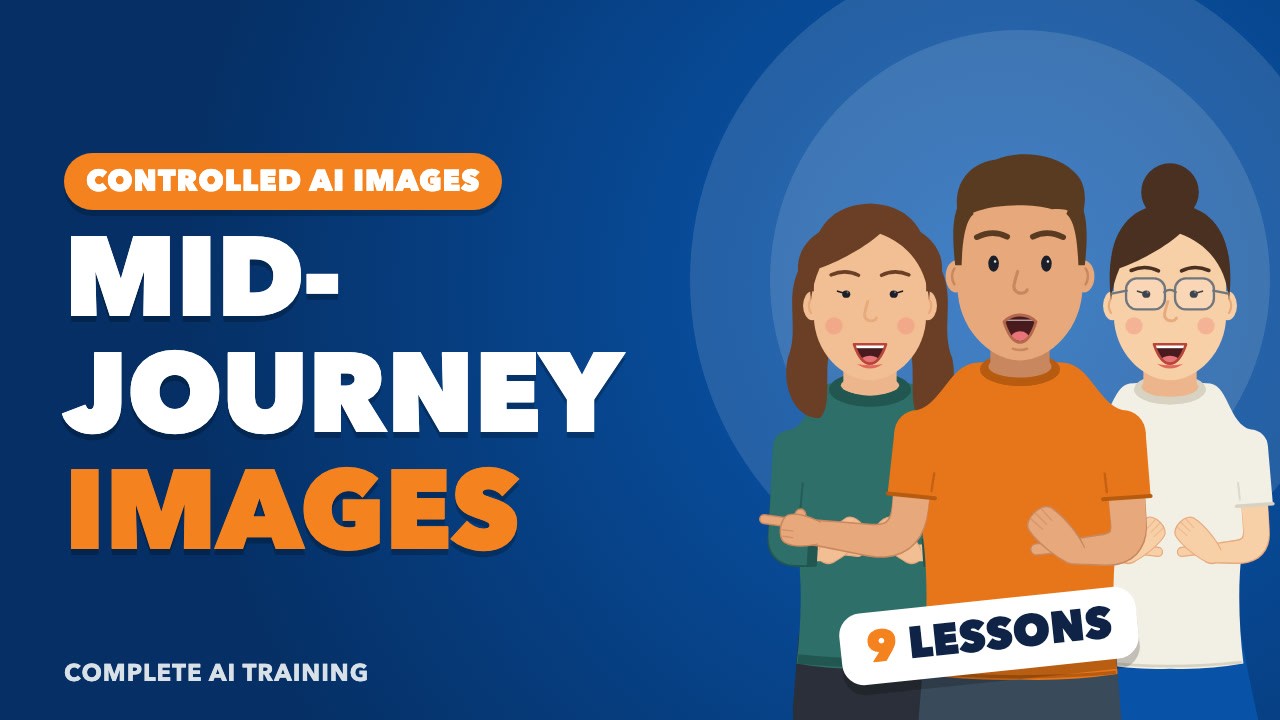
Learners practise building controlled Midjourney images from Discord setup to refined prompt and parameter use. The lessons cover settings, prompt writing, aspect ratios, chaos, quality, seeds, stylize, multi-prompts, region edits, image prompts, and speed modes.
What you'll learn
- Set up Midjourney through Discord and choose your key settings
- Write short, specific prompts that describe exactly what you want
- Control image shape, variety and detail with aspect ratio, chaos and quality
- Reuse results with seeds and guide new images with image prompts
- Tune artistic strength using stylize, style words and multi-prompt weights
- Edit parts of an image using Vary Region and speed modes
Chapters
9 chapters · 24:43-
 3:18
01Getting Started with Midjourney Members
Joining Midjourney and Exploring Settings
Omar and Abby show you how to join Midjourney through Discord and what each toggle in the Settings command does.
-
 3:16
02Getting Started with Midjourney Members
Writing Effective Prompts
Omar, Abby and Lisa explain what a prompt is, why short and specific wording works best, and where image links and parameters go.
-
 2:52
03Getting Started with Midjourney Members
Prompt Details and Aspect Ratios
Omar and Abby show which details to include in a prompt and how the aspect ratio parameter controls the shape of your image.
-
 2:28
04Core Parameters for Control Members
Using Chaos to Vary Results
Omar and Lisa test the chaos parameter from 0 to 100 on one prompt, so you see how much variety each level adds.
-
 2:22
05Core Parameters for Control Members
Excluding Elements and Setting Quality
Omar and Lisa show how the no parameter removes unwanted elements and how quality values change time, detail and GPU use.
-
 2:30
06Core Parameters for Control Members
Seeds, Fast Mode and Image Weight
Omar and Lisa explain seed numbers, how to find them, the fast override, and how image weight balances a picture against your text.
-
 1:48
07Style, Editing and Advanced Prompts Members
Stylize and Style-Directing Prompts
Abby and Lisa compare stylize values from S0 to S750 and share style words that give your images a unique look.
-
 2:47
08Style, Editing and Advanced Prompts Members
Repeat, Tile and Multi-Prompts
Abby and Lisa show how to repeat jobs, create seamless tiles, and blend weighted concepts with double colons in a multi-prompt.
-
 3:22
09Style, Editing and Advanced Prompts Members
Vary Region, Speed Modes and Image Prompts
Abby and Lisa show how to edit part of an image, choose Relax or Turbo, use technical photo prompts and add image prompts.