
AI news ·
From Code to Deployment: How AI-Powered Toolkits Are Revolutionizing Developer Workflows
AI-powered toolkits are evolving from code completion to full workflow support, boosting productivity and code quality. Integration and context-awareness remain key challenges.
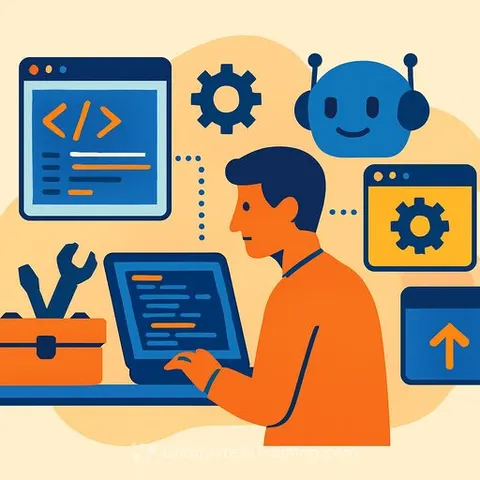
From Architecture to Deployment: How AI-Powered Toolkits Are Unifying Developer Workflows
Developer tooling is shifting as AI moves beyond simple code completion to support multiple stages of software development. New tools like GitHub Copilot Workspace and Claude 3 demonstrate AI’s expanding role in planning, documentation, and testing. Early projects such as DevFlow integrate documentation generation, test suggestions, and architecture diagramming, hinting at how developer environments might evolve soon.
AI-driven tools have gradually broadened their scope. Initially, platforms like GitHub Copilot focused on helping with individual lines of code. Now, efforts like Copilot Workspace extend AI assistance to planning and documentation. Similarly, large language models such as Claude 3 offer project-wide reasoning, although often outside the developer’s main environment. While fully integrated AI toolkits are still emerging, projects like DevFlow show the potential by combining documentation, architecture diagrams, unit tests, and code copiloting in one place, directly working with source code.
Research consistently shows that reducing context switching and tightening feedback loops improves software delivery performance. The 2024 Accelerate State of DevOps Report by DORA links short lead times and fast recovery rates to high-performing teams. GitHub’s Copilot Workspace aims to reduce cognitive load and streamline the journey from idea to code.
Real-world cases back this up. ANZ Bank’s deployment of GitHub Copilot across 1,000 engineers resulted in clear productivity gains and better code quality. Salesforce’s use of CodeGenie integrated AI directly into GitHub, CLI tools, and Slack, automating pull request creation, code reviews, and test case generation. These examples prove that unified AI-assisted toolkits can speed up iteration, improve quality, and make development cycles more efficient.
Integration remains a challenge. Many AI tools are standalone, forcing developers to switch between different environments and disrupting flow. According to the 2024 Stack Overflow Developer Survey, 63% of developers report lacking context about their organization’s architecture and processes as a major hurdle for AI tools. Efforts like OpenAPI extensions and the AI Plugin Standard aim to improve interoperability, but widespread standardization is still a work in progress.
Key Takeaways for Developers
- AI is moving from code completion to supporting full development workflows including planning, documentation, and testing.
- Unified AI toolkits reduce context switching, speeding up development and improving code quality.
- Real-world deployments show measurable productivity gains with integrated AI assistance.
- Integration and context-awareness remain obstacles, though standards are emerging to help.
For developers looking to stay current with AI tooling trends and improve workflow efficiency, exploring unified AI environments and keeping an eye on interoperability standards will be crucial. To deepen your knowledge on AI tools and their application in software development, consider browsing specialized courses and resources at Complete AI Training.