
AI news ·
Gmail gets Gemini 3 with thread summaries, writing help, smarter sorting, and an opt-out
Gmail adds Gemini 3 smarts to tame long threads and speed up replies. AI overviews, Ask Gemini, Help Me Write, and Proofread roll out in the US, with more to follow.
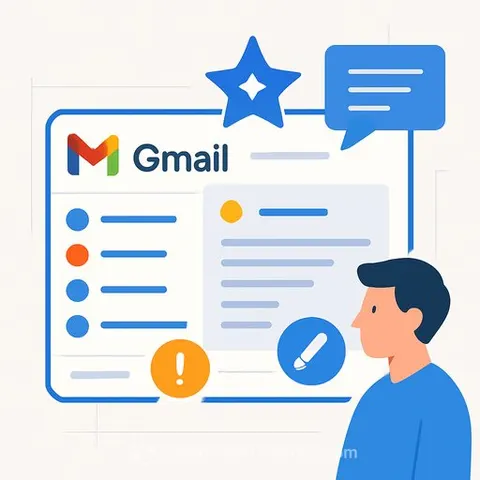
Gmail's New Gemini 3 Tools: Practical Wins for Busy Writers
Google just rolled out Gemini 3-powered features in Gmail - an example of Generative AI and LLM tools that cut down inbox noise and speed up responses. The tools are live in the US and currently English-only. If your inbox is a battlefield, this gives you a cleaner path through it.
What's new
- AI Overviews: Summarizes long email threads so you can catch the key points without reading every line.
- Ask Gemini: Ask questions about your inbox (e.g., "What did the client decide?") and get direct answers.
- Help Me Write (free): Draft or improve emails from a prompt - use Prompt Engineering techniques to get clearer, more useful drafts.
- Suggested Replies (free): Quick responses that match your style.
- Proofread (Pro/Ultra): Checks grammar, tone, and style before you send.
Why this matters for writers
- Skim less, decide faster: AI Overviews pulls the thread highlights so you can act, not sift.
- Stay on voice: Suggested Replies mirrors your writing style for quick, on-brand replies.
- Draft faster: Kick off pitches, follow-ups, and client updates with Help Me Write, then refine.
- Ship with confidence: Proofread catches tone slips and grammar misses before a client does.
Smarter inbox, real trade-offs
Gmail now prioritizes emails based on frequent contacts and relationships inferred from content. That means Gemini is scanning your messages to rank what matters. Google says your Gmail messages aren't used to train its public Gemini models.
You can turn everything off in Settings by unchecking Smart Features. Just know you'll also lose inbox categorization and spell-check benefits if you do.
Pricing snapshot
- Help Me Write: Free for all users.
- Suggested Replies: Free for all users.
- Proofread: Available to Google AI Pro and Ultra subscribers.
Rollout
The features have started rolling out in the US and are currently available only in English. If you don't see them yet, they should land soon.
Quick next step for your workflow
If you're building an AI-assisted writing stack, save time testing tools by browsing a curated list of options here: AI tools for copywriting.