
AI agent for epidemiologists
Case Line List Cleaning Agent
A clean, consistent line list for analysis
What it does
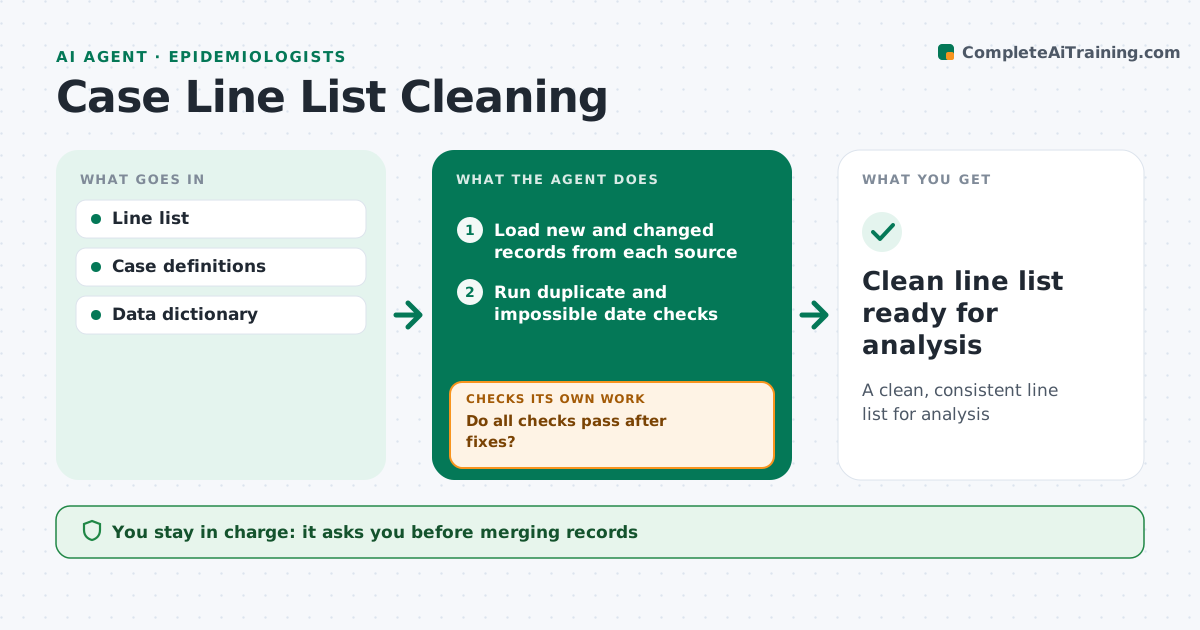
Line lists pull records from many sources, and duplicates or bad dates quietly distort every count built on them. This agent checks each update for duplicate cases, impossible dates such as onset after death, cases that do not meet the case definition, and missing key fields. It scores likely duplicates and suggests merges, and it writes clear questions for data owners about the rest. After fixes come back, it reruns every check. If issues remain, it lists them and sends new questions before trying again. When all checks pass, it produces a clean version with a change log, so every analysis can be traced to a known version of the list. You approve every merge. Edge case: two cases with the same name and birth date at different addresses are flagged for review, never merged automatically.
How it works
Follow the arrows from top to bottom. The orange dashed arrow is the loop: when a check fails, the agent goes back and tries again.
Read the steps as a list
- Line list updated
- Load new and changed records from each source
- Run duplicate and impossible date checks
- Check case definitions and missing key fields
- Suggest merges and list questions for data owners
- Epidemiologist approves merges and fixesThe agent waits here for your OK.
- Do all checks pass after fixes?If not: list the remaining issues and send new questions to data owners. Back to step 3.
- Save clean version with change log
- Clean line list ready for analysis
How it decides
It flags records that fail date, field or definition checks and suggests merges on matching identifiers.
- Flag impossible dates
- Review partial matches
- Apply case definitions
Make it yours
Every agent is a starting point. You choose these settings for your own situation.
- Matching rules
- Required fields
- Change log format
What keeps you in control
It always asks you first
- Merging records
Hard limits
- Never deletes records
It stops when
- Done: clean list
- Stop: owners unreachable
Set it up
We guide you through the set-up, step by step
Members get the full set-up guide for this agent. No technical skills needed: you copy, paste and upload.
- One set of instructions to paste into your AI, with the clicks for ChatGPT, Claude, Microsoft 365 Copilot, Gemini and Grok
- The agent then walks you through connecting your own data, one source at a time
- A downloadable copy with the flow chart, the rules and the full guide



