AI tool
Bridge
Bridge is a unified meeting platform that combines scheduling, video conferencing, AI notetaking, and agentic workflows into one system. It is built for teams who want customizable AI agents to participate in meetings alongside people.
About Bridge
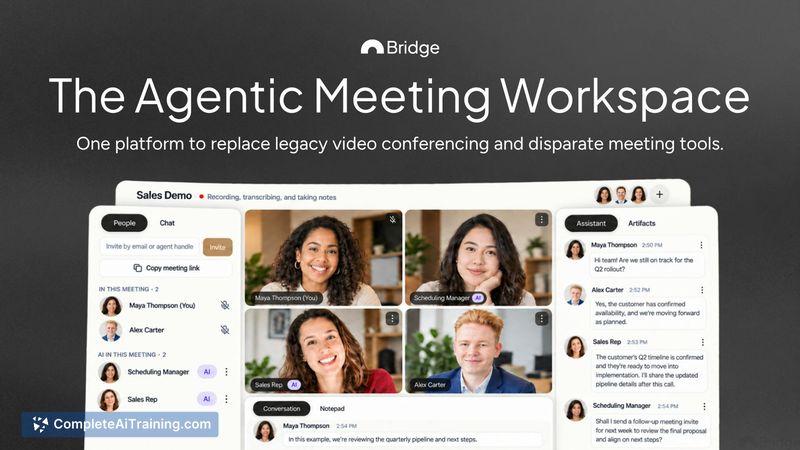
Bridge is a video conferencing platform that consolidates scheduling, live meetings, AI notetaking, and agentic workflows into a single workspace. It replaces separate meeting tools with one environment where both people and customizable AI agents can participate in conversations. The platform also captures meetings from other services and builds structured memory across the people and companies you interact with.
Review
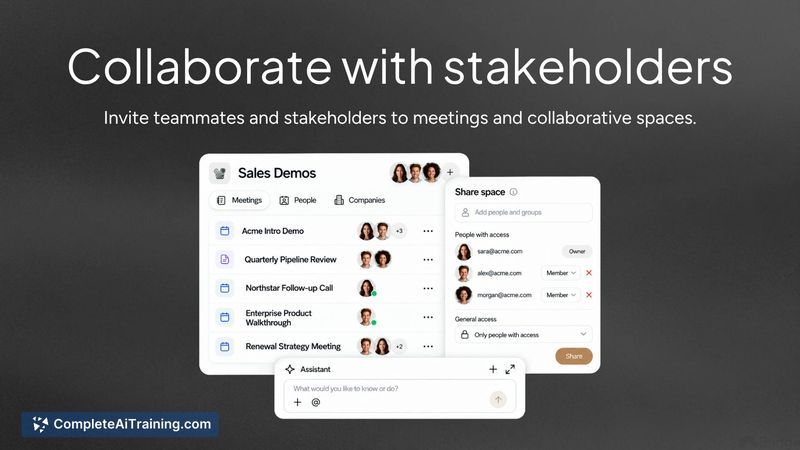
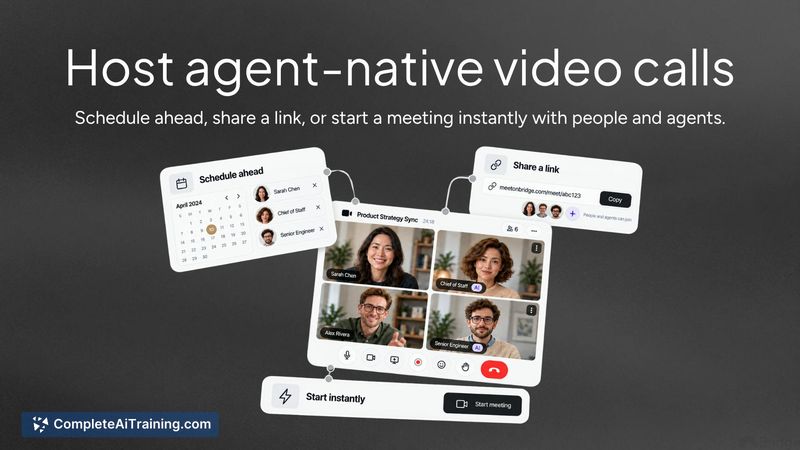
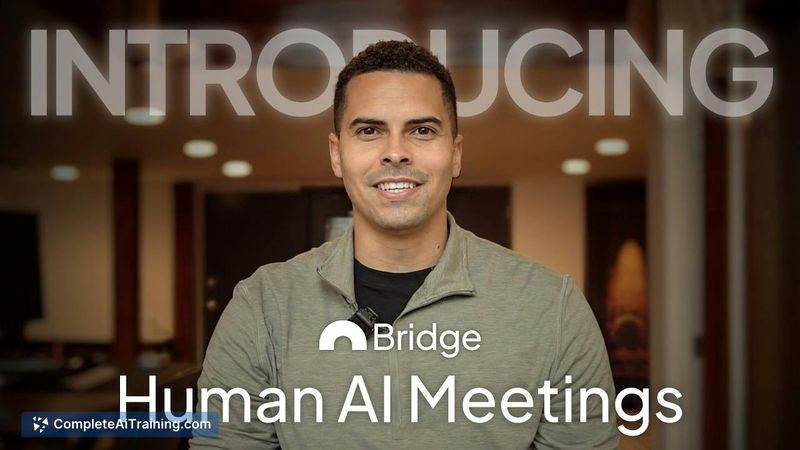
Bridge enters the market as a meeting platform built for what its founder calls the "agentic era." Instead of layering AI features onto an existing video conferencing foundation, the tool treats AI agents as first-class participants in the meeting experience. The result is a unified system that handles everything from scheduling to follow-up, with agents that can take action during and after conversations.
Key Features
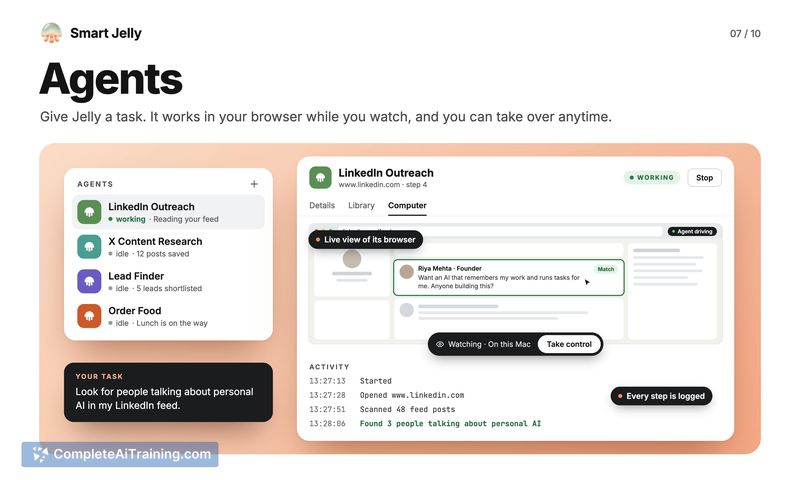
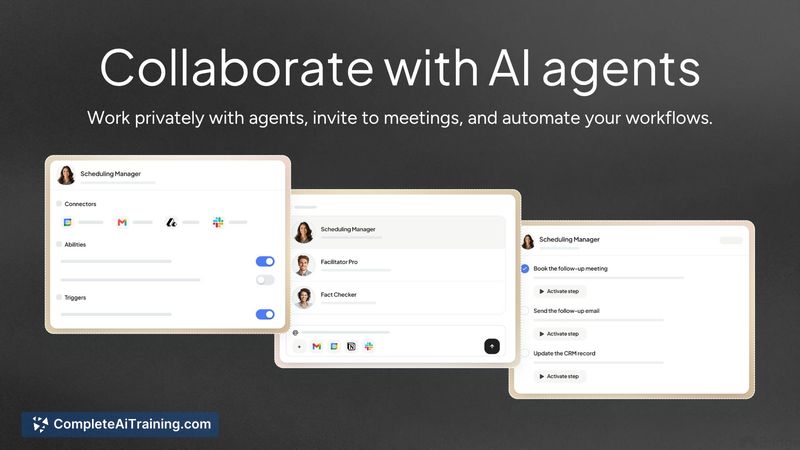
- Agentic video conferencing. Proprietary infrastructure lets AI agents join meetings with their own identity, permissions, and tools. Agents can see screen shares, hear conversations, speak, and operate privately in the background.
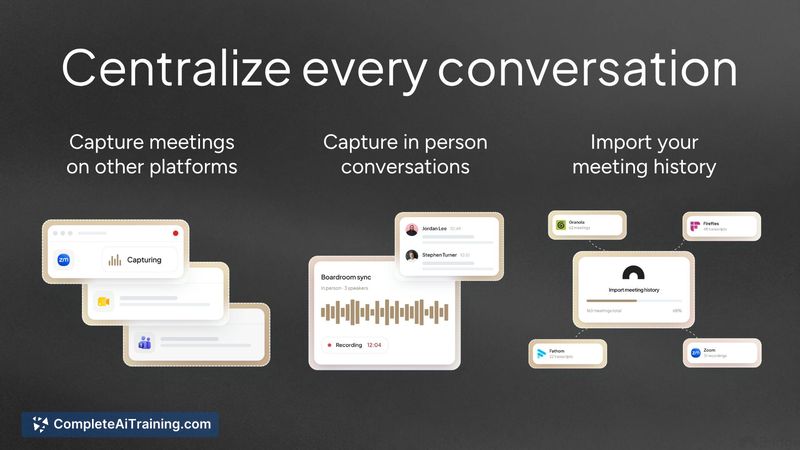
- Centralized conversation capture. Host meetings natively on Bridge, capture sessions from other platforms like Zoom, import from notetakers such as Granola, and record in-person meetings-all stored in one location.
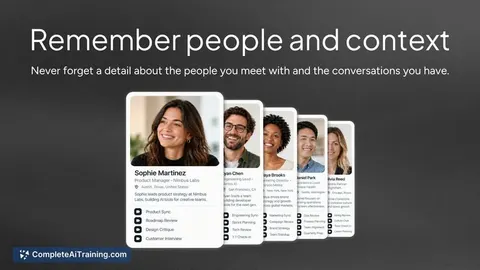
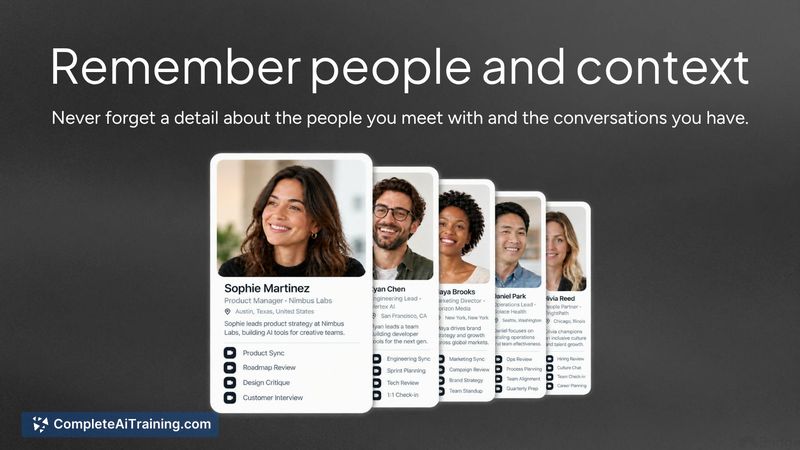
- Structured memory. The platform self-updates context and automatically enriches information about the people and companies you meet, creating agent-ready memory accessible across conversations.
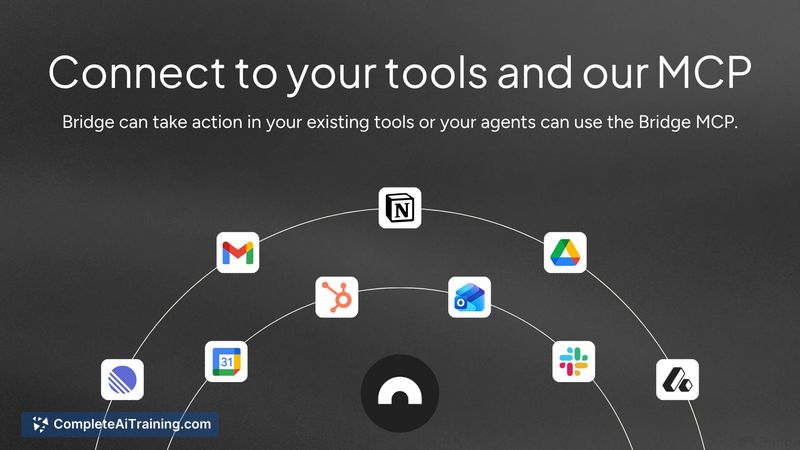
- Bridge MCP integration. A protocol connection pulls meeting context into existing AI tools like Claude and ChatGPT, letting agents take action using meeting data in other systems.
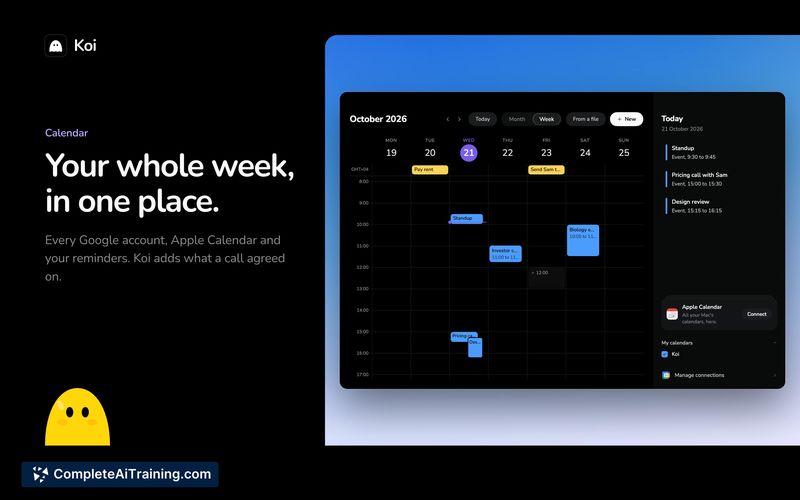
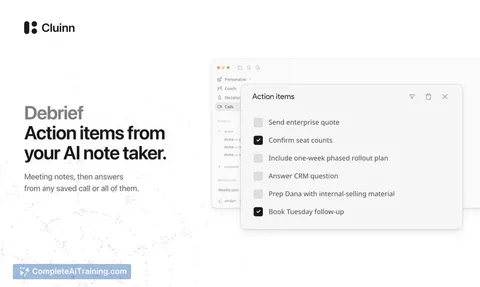
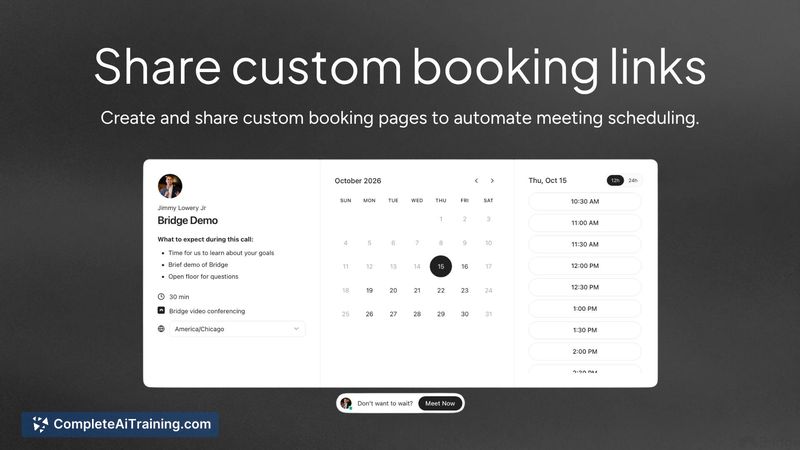
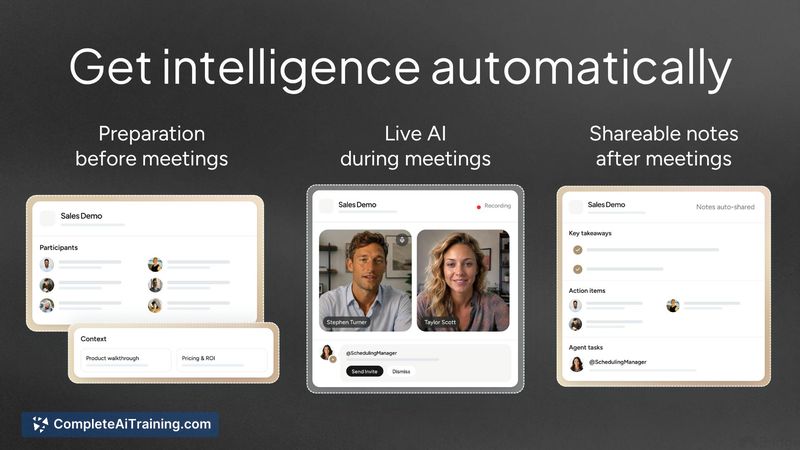
- Native meeting intelligence. Customizable booking pages for scheduling, automatic preparation before meetings, adaptive AI during live sessions, and AI-generated notes afterward.
Pricing and Value
Bridge includes a free plan with video conferencing, cloud recording, AI notetaking, and the ability to capture meetings from other platforms. The reference content does not specify pricing tiers or limits beyond what the free plan covers, so paid plan details remain undefined in the available information.
Pros
- AI agents receive their own identity, permissions, and tool access, letting them function as meeting collaborators rather than passive note-takers.
- Meeting context persists across sessions through structured memory that self-updates as you engage with people and companies.
- The Bridge MCP allows external AI systems to pull meeting data and act on it, connecting the platform to tools like Claude and ChatGPT.
- Capture extends beyond native meetings to include Zoom sessions, Granola imports, and in-person recordings.
- A free tier provides access to core functionality including AI notes and multi-platform capture.
Cons
- The platform is not well suited for teams that have no interest in AI agents participating in or managing meeting workflows.
- With only two public reviews and a small user base at this stage, long-term reliability and support patterns are unproven.
- Roadmap items and planned capabilities appear alongside shipped features in launch materials, making it difficult to distinguish what is available now from what is aspirational.
Bridge fits teams that already use AI agents in their daily work and want those agents to participate directly in meetings rather than operating outside them. It also suits professionals who currently juggle separate tools for scheduling, notetaking, and conferencing and prefer a single connected workspace. Organizations that don't use AI agents or prefer traditional meeting workflows will find less reason to switch from established platforms.