AI tool
ClipsPal
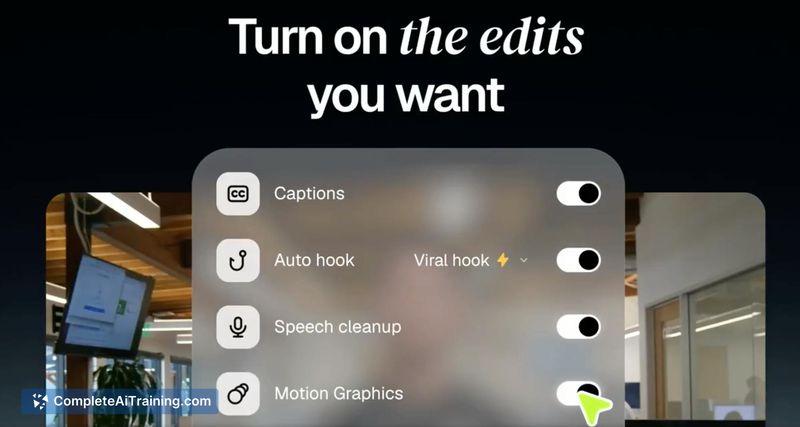
ClipsPal is a desktop video editor that automatically cuts failed takes and silences, then adds zooms, subtitles, and motion graphics. It is for creators who want to turn long recordings into edited videos and vertical shorts without manual timeli...
About ClipsPal
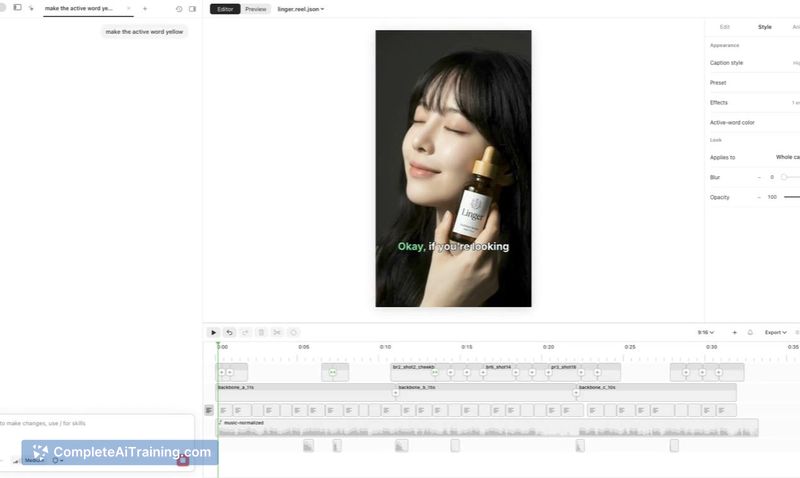
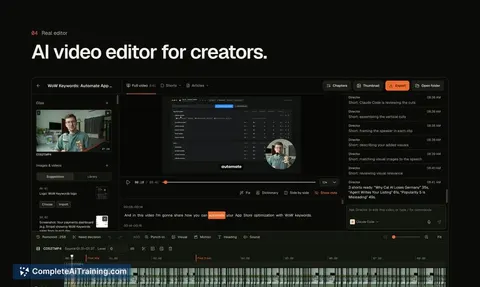
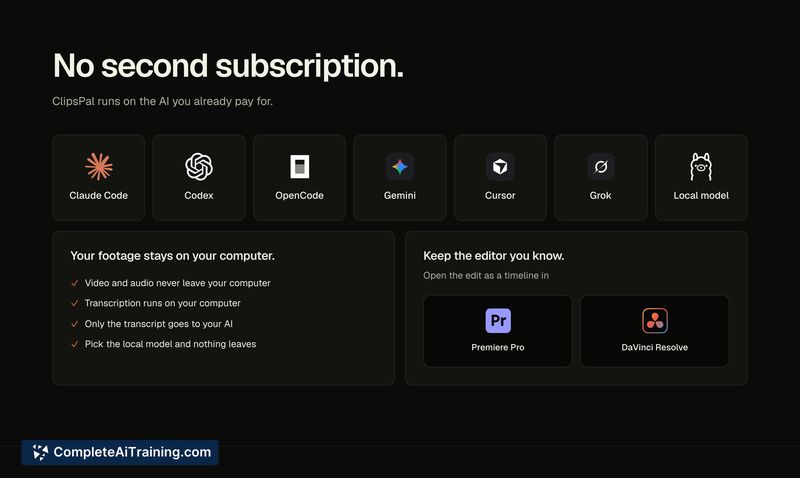
ClipsPal is a desktop video editor for Mac and Windows that processes talking-head videos. It cuts failed takes and silences, adds zoom-ins, subtitles, visuals, and sound, then converts the finished video into vertical shorts and articles. The tool runs on a user's existing AI subscription-Claude Code, Codex, Gemini, or Ollama-and keeps all footage and transcription local to the machine.
Review
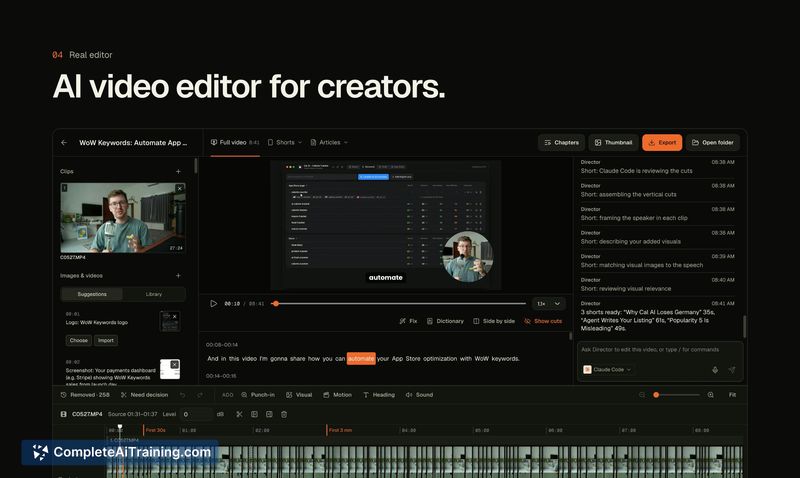
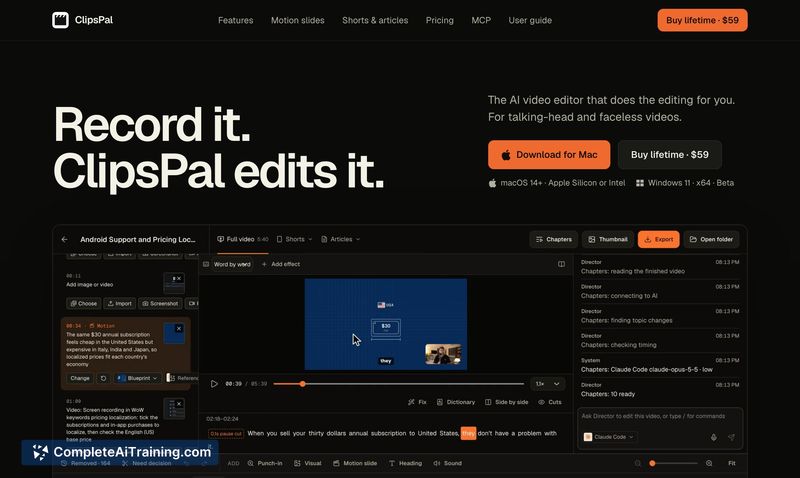
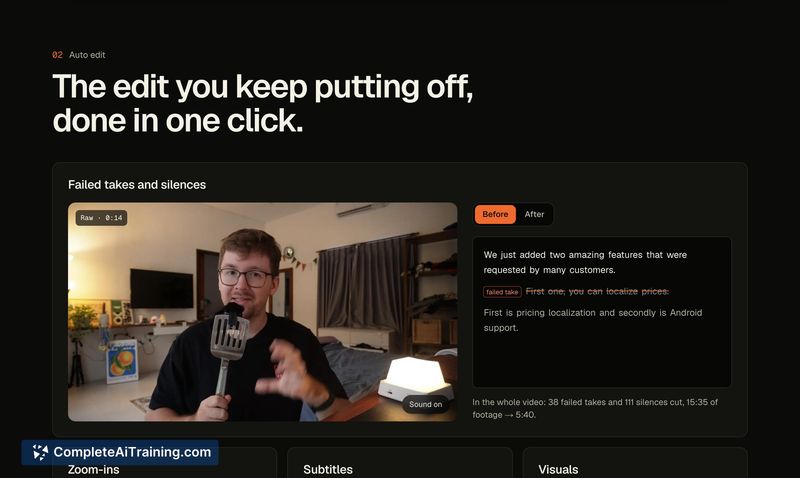
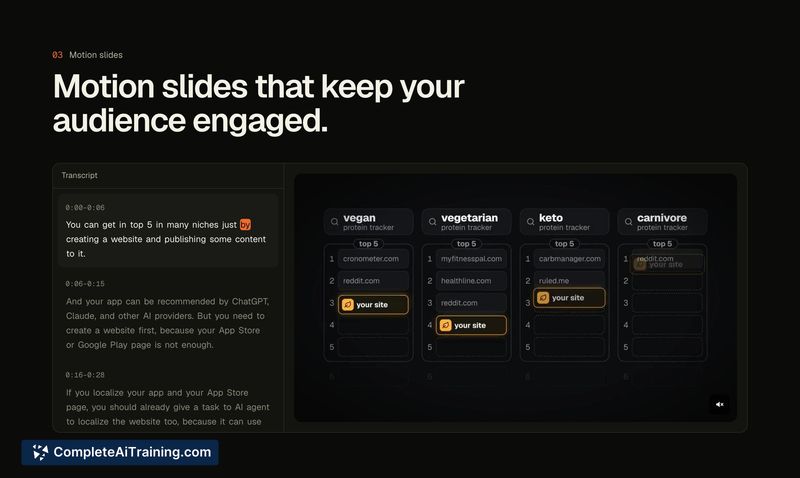
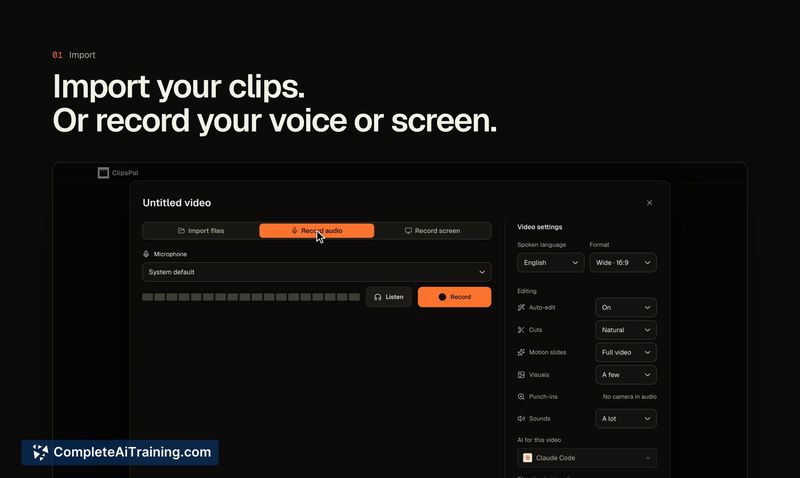
ClipsPal targets a specific friction point: the repetitive cleanup work that follows recording a talking-head video. Instead of manually scrubbing through timelines to remove mistakes and dead air, users drop raw clips into the desktop app and let the software handle the first pass. The resulting edit can then be exported as a timeline to Premiere Pro or DaVinci Resolve for manual adjustments.
Key Features
- Automated take and silence cutting: The app identifies failed takes and silent segments, trimming a 15-minute recording down to roughly 5 minutes in the maker's example.
- Local processing: Footage stays on the user's computer and transcription runs locally, without uploading media to external servers.
- Multi-AI support: ClipsPal runs on Claude Code, Codex, Gemini, or Ollama-whichever AI the user already pays for.
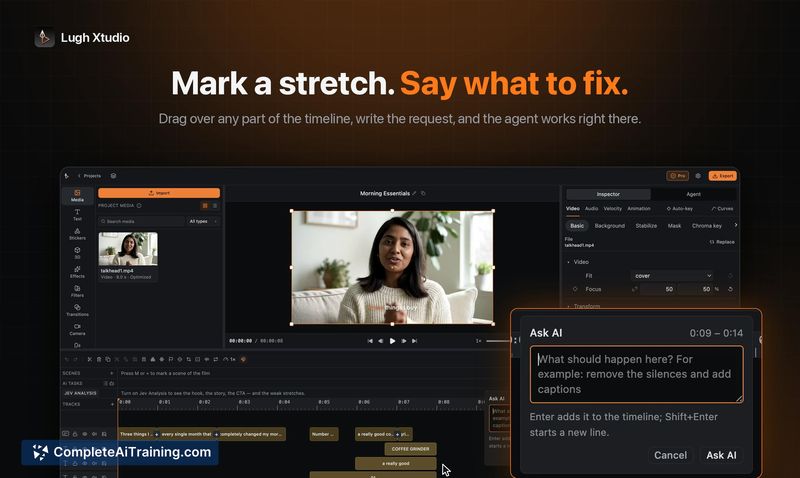
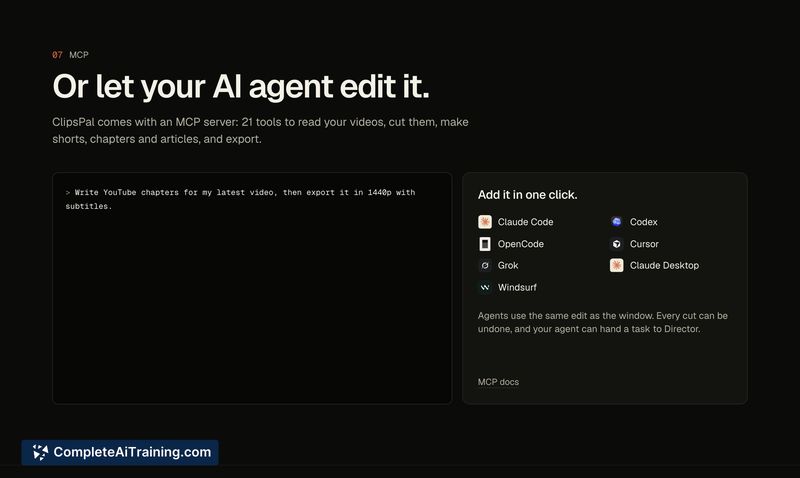
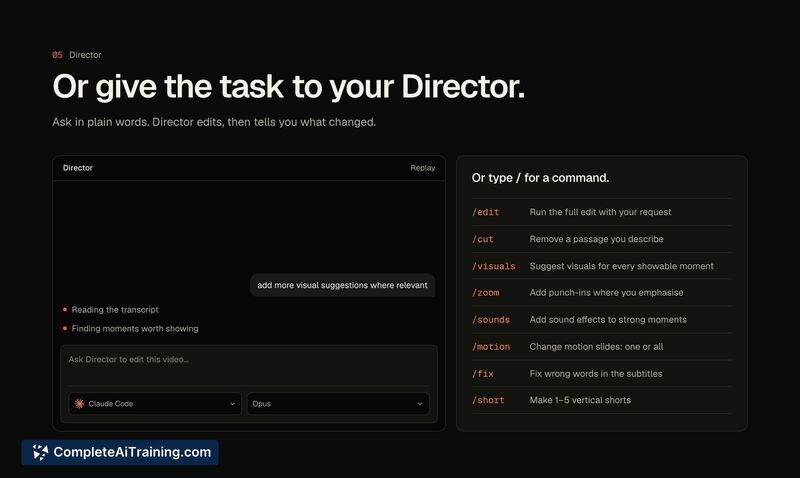
- Director and MCP input: Users can give plain-word editing requests through Director, or let an agent edit via MCP.
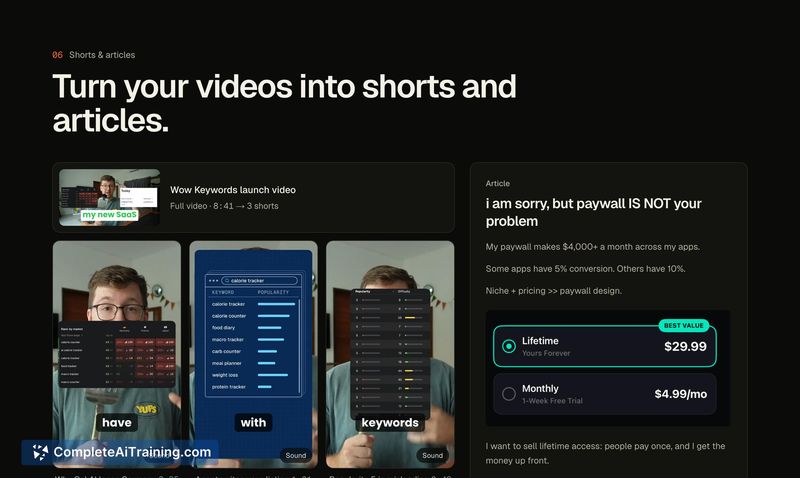
- Output variety: The tool repurposes a single video into vertical shorts and an article, alongside the main edit.
Pricing and Value
ClipsPal uses a one-time payment model with no recurring subscription. The exact purchase price is not yet defined in the available materials. Because the tool relies on the user's own AI service credentials, there are no additional usage-based fees from ClipsPal itself, though users continue paying their chosen AI provider separately.
Pros
- Runs on AI subscriptions the user may already have, avoiding duplicate costs for AI processing.
- Footage and transcription remain on the local machine, which addresses data privacy concerns for sensitive recordings.
- Timeline export to Premiere Pro or DaVinci Resolve preserves the option for manual fine-tuning after the AI pass.
- Converts a single recording into multiple formats-landscape edit, vertical shorts, and text article-in one workflow.
- One-time payment model removes ongoing subscription obligations.
Cons
- ClipsPal is not well suited for users who don't already subscribe to one of the supported AI services, since it depends on external AI credentials to function.
- The tool launched this week, so community feedback and long-term reliability data are minimal.
- Director's current capabilities appear focused on cutting silences and failed takes; multi-take pacing and more nuanced editing decisions remain unclear as of launch.
ClipsPal fits creators who regularly produce talking-head content and already pay for Claude Code, Codex, Gemini, or a local Ollama setup. It handles the initial rough-cut drudgery and format repurposing, then gets out of the way for those who want to finish the edit in a traditional NLE. Users without an existing AI subscription or those needing advanced pacing control should monitor how Director's feature set develops.