AI tool
Lugh Xtudio
Lugh Xtudio is a video editor where AI agents edit clips on a real timeline in your channel's style, handling tasks like captions, B-roll, and custom effects. It is built for content creators and teams who want to assign editing work to agents whi...
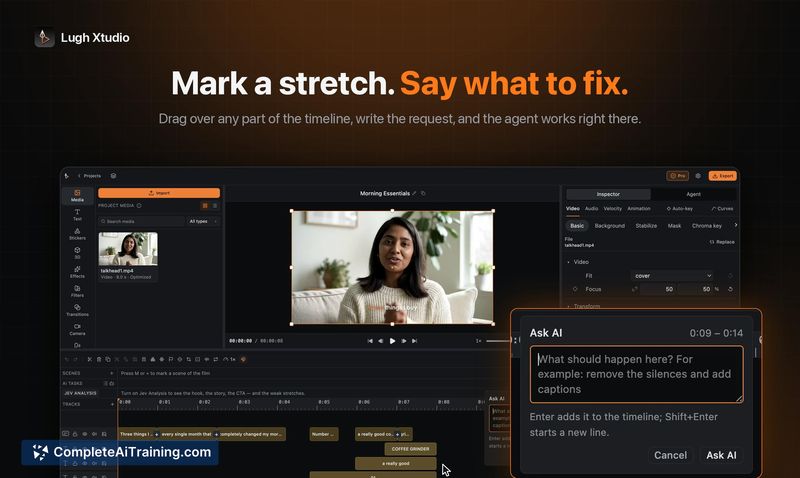
About Lugh Xtudio
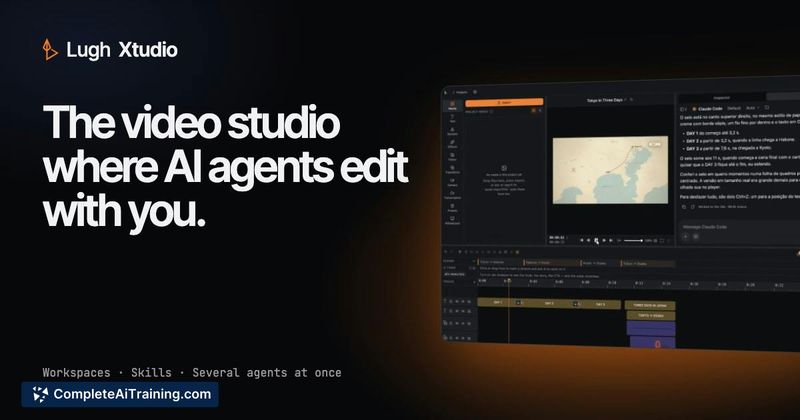
Lugh Xtudio is a video editor built around AI agents that edit on a real timeline rather than generating standalone clips. The software runs locally on Mac, Windows, and Linux (beta), and lets users assign workspaces with custom styles to different channels or clients. Agents can draw maps, create 3D models, and write custom effects based on text descriptions, while users retain full control to trim, keyframe, or undo any agent-made edit.
Review
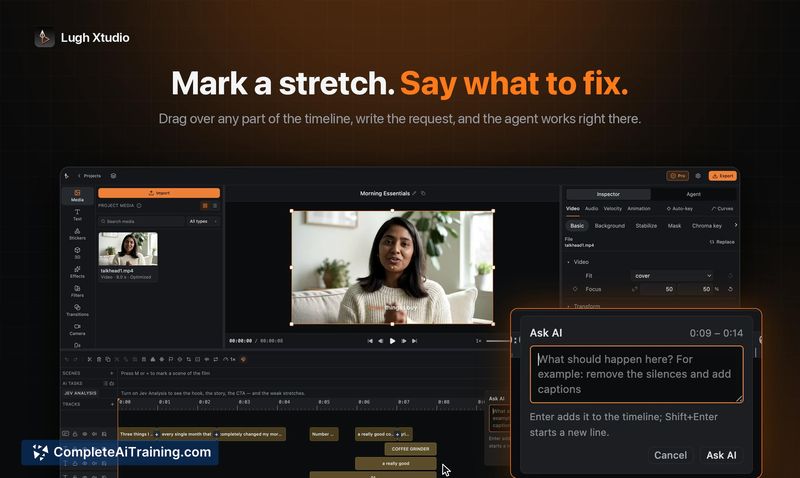
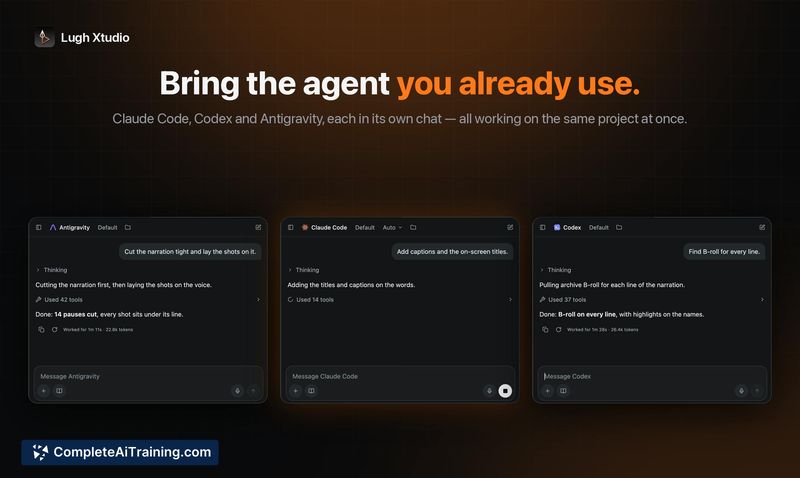
Lugh Xtudio takes a different approach from cloud-based AI video tools by placing agent interactions directly on an editable timeline. The editor itself is free, with no trial period or project limits - watermarks only appear on content an agent has touched. The launch version supports multiple agents working in parallel on the same video, each handling different tasks like captions, B-roll, or chapter edits.
Key Features
- Multi-agent editing on a shared timeline. Several agents can work on one video simultaneously - one writes captions, another finds B-roll, a third makes cuts - and they merge their work. Agents can also run on different videos across separate workspaces at once.
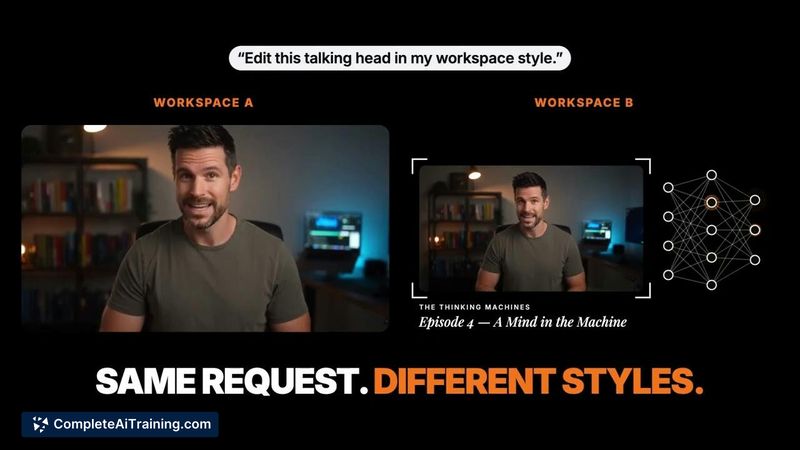
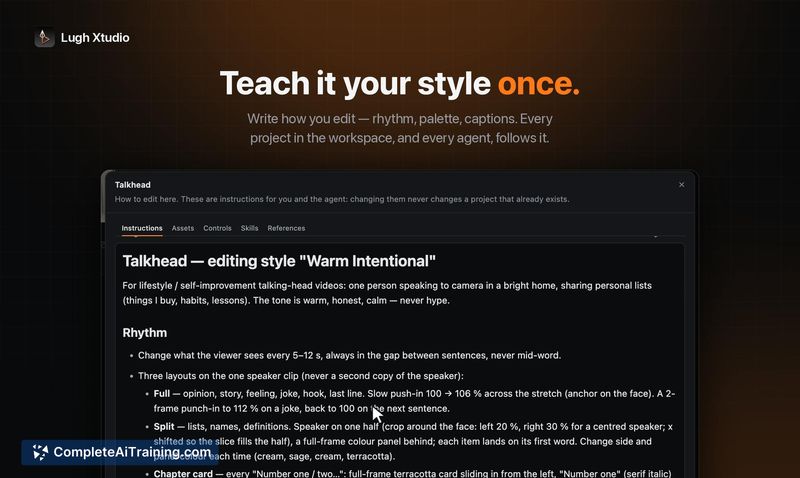
- Workspace-based styling. Each channel or client gets its own workspace storing fonts, colors, pacing rules, and brand files. Applying the same request in a different workspace produces a different edit, which helps maintain consistency across episodes.
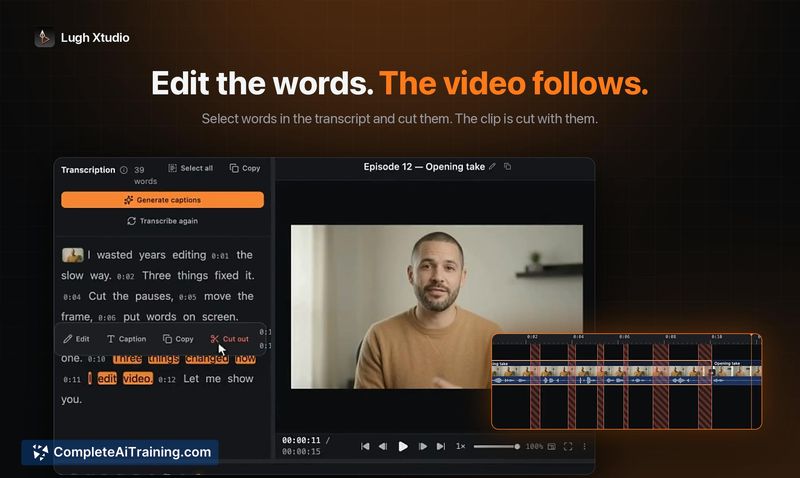
- Transcript-driven editing. Deleting a sentence from the transcript removes it from the timeline. Users can strip all pauses in one click, and the video adjusts to match the edited transcript.
- Descriptive effect creation. Users can describe a transition, filter, text effect, or animated character in words, and an agent writes the effect into the local library with editable controls.
- Maps, whiteboards, and 3D generation. Agents produce routes that draw themselves, hand-drawn animations, and 3D models on a virtual stage, all from text prompts, with each element retaining its own controls.
Pricing and Value
The core editor is free with no project limits and no trial period. Manual edits export without watermarks; only content created by AI agents carries a watermark. A one-time Founder's lifetime license was offered at launch for $59 (regularly $99), limited to 100 licenses, including 4K export and free updates. The maker also shared a code for an additional 15% off. Users connect their own API keys for services like ElevenLabs, fal.ai, Higgsfield, Runway, and JEV, so there are no built-in credits or markups.
Pros
- Timeline-based agent editing means every generated element is a real clip that can be trimmed, keyframed, or undone.
- Local processing keeps transcription, preview, and export on the user's machine, which avoids cloud uploads.
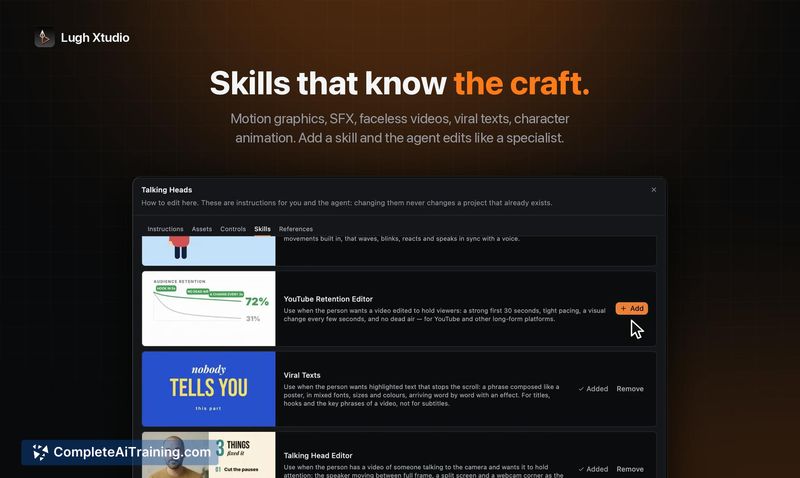
- Works with existing agent accounts (Claude Code, Codex, Antigravity) and any app that speaks MCP, so users aren't locked into a proprietary AI subscription.
- The transcript-based editing flow directly links spoken words to timeline segments, making dialogue cleanup faster.
- One-time purchase option removes recurring subscription costs for the editor itself.
Cons
- AI-generated content is watermarked unless the user holds a paid license, which may limit free-tier workflows that rely heavily on agents.
- Running multiple agents and local processing demands capable hardware - the maker noted optimizing for less powerful machines was a significant challenge.
- Teams or studios that prefer fully managed, cloud-based pipelines with built-in rendering and integrated AI credits will find the self-supplied API key model less convenient.
Lugh Xtudio fits creators who want AI assistance inside a conventional timeline rather than a prompt-to-clip generator, and who already hold accounts with the supported AI services. It's less suited for users who want an all-in-one cloud solution where everything - rendering, AI compute, and asset generation - is bundled into a single subscription. The local-first, bring-your-own-keys design gives control over costs and data, but it also means the user manages more of the setup.