AI tool
Crawler.sh
crawler.sh crawls sites, performs SEO audits and extracts content from the terminal or native app. Rust-built for speed, runs locally for privacy, and exports standard formats for easy integration.
About Crawler.sh
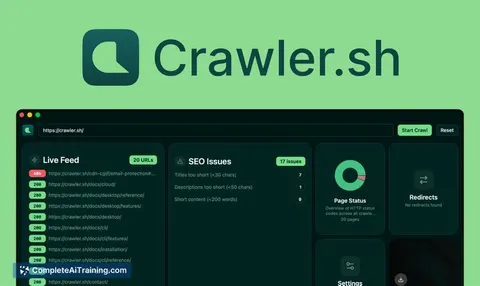
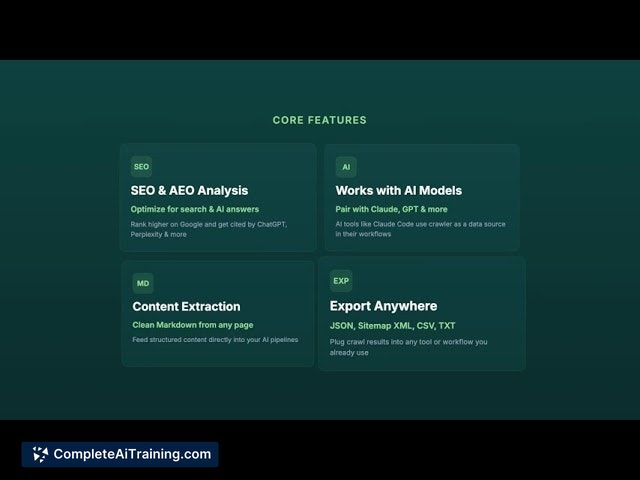
Crawler.sh is a local-first web crawler and AEO & SEO analysis tool that runs from the terminal or a native desktop app. It crawls sites quickly, performs automated checks, and extracts content as clean Markdown with exports available in JSON, CSV, or Sitemap XML.
Review
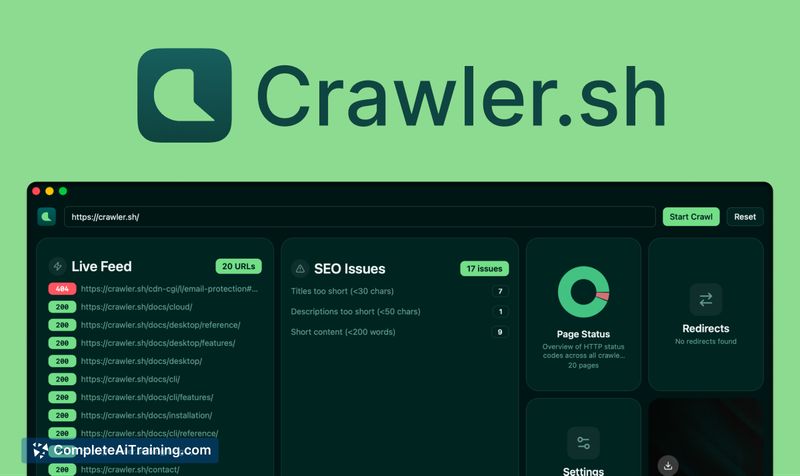
Crawler.sh launches as a compact, fast option for website audits and content extraction, emphasizing privacy by running locally. Its combination of crawling, SEO/AEO checks, and Markdown export makes it useful for developers and content teams who want actionable outputs without cloud delays.
Key Features
- Local-first crawling built in Rust for speed and lower resource overhead.
- Automated AEO & SEO checks with issue reporting and downloadable findings.
- Clean Markdown content extraction that removes HTML noise for easier editing.
- Multiple export formats: JSON, CSV, and Sitemap XML for interoperability.
- Flexible interfaces: terminal CLI and a native desktop application.
Pricing and Value
There is a free offering that provides the core local crawler, SEO/AEO checks, and Markdown extraction. A launch promotion (50% off the first year) suggests paid tiers exist or are planned for additional features such as cloud functionality and team plans. For users comparing options, the value lies in a lower-cost, privacy-focused alternative to large enterprise tools, especially for individuals and small teams who prioritize local execution and standard export formats.
Pros
- Very fast local crawling thanks to a performance-oriented implementation.
- Keeps data local by default, which benefits privacy-sensitive workflows.
- Markdown extraction is handy for content reuse and editorial workflows.
- Exports to common formats make it easy to integrate results into other tools.
- Offers both CLI and GUI, accommodating technical and non-technical users.
Cons
- Newly launched - some advanced features (cloud, team plans) are still on the roadmap.
- Unclear how well it handles heavily client-side rendered sites without additional rendering support.
- Depth of AEO checks and long-term support/enterprise integrations remain to be proven.
Overall, Crawler.sh is a strong fit for developers, SEOs, and content teams who need fast, private site audits and clean content exports. It's best for single users or small teams at present; organizations requiring mature cloud collaboration or extensive JavaScript rendering should evaluate current capabilities against their needs before committing to a paid plan.
Jobs Crawler.sh suits
We checked Crawler.sh against 500+ jobs; these get the most out of it.
Alternatives to Crawler.sh
Other tools that do the same main job. Our AI compared Crawler.sh with similar tools and kept the ones you could use instead.