AI tool
EQK
EQK is a macOS audio tool that provides per-app EQ and dynamic song tuning for Mac users. It uses native audio capture to adjust sound preferences and correct headphone weaknesses locally without virtual drivers.
About EQK
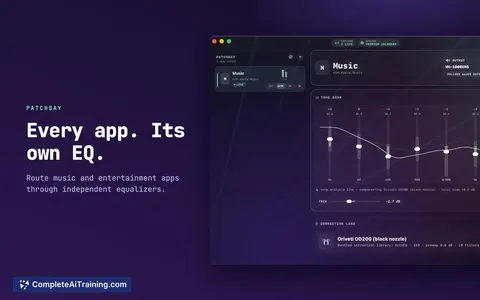
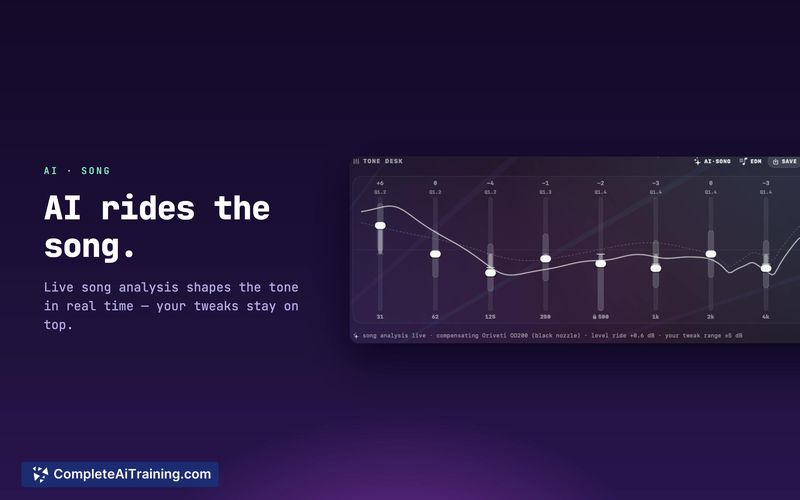
EQK is a macOS application that applies per-app and per-song equalization. It uses a dynamic AI engine to re-tune frequencies in real time and includes a library of 3,985+ headphone correction profiles. Audio processing runs locally on the machine, with no telemetry or accounts required.
Review
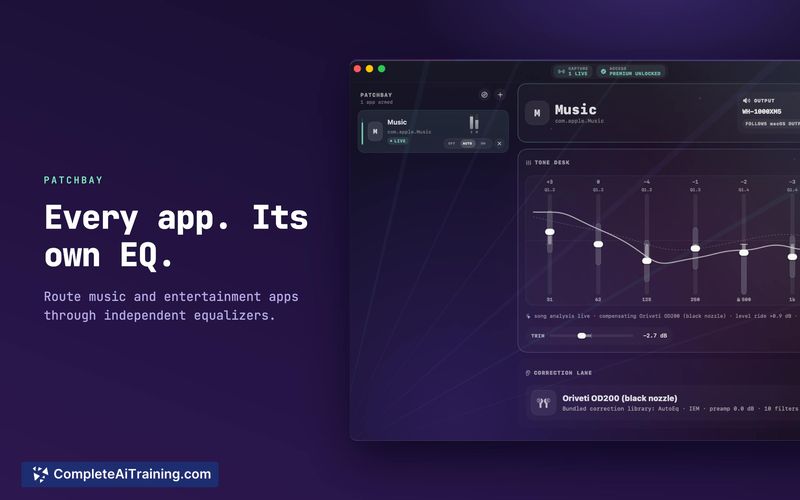
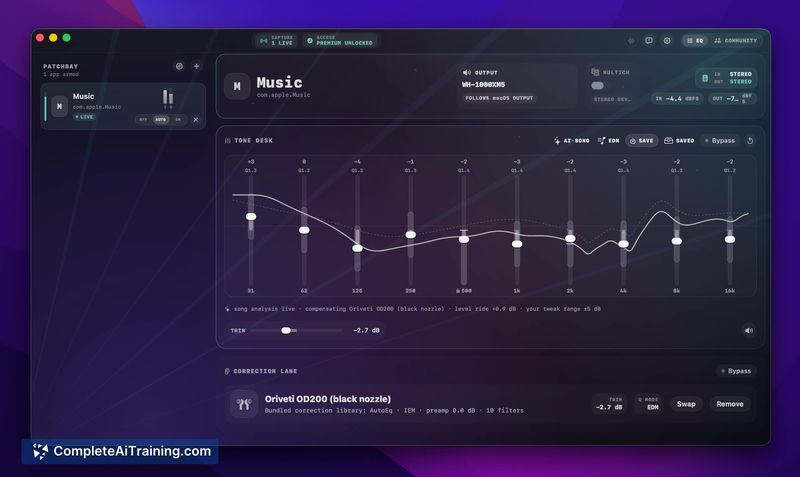
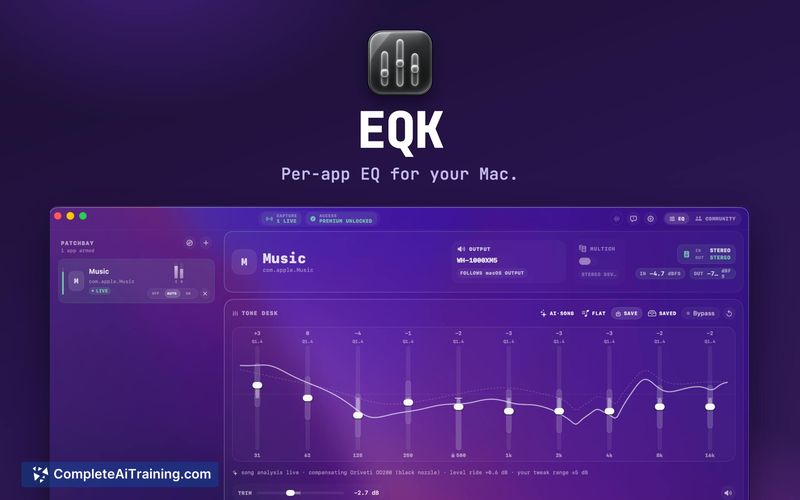
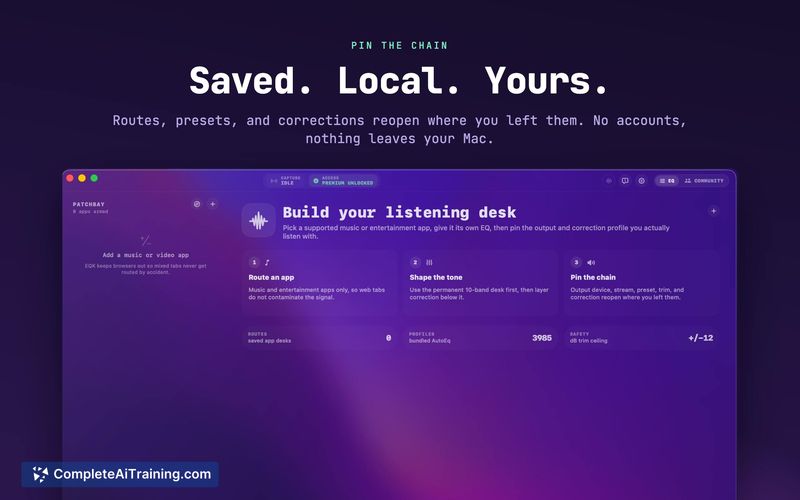
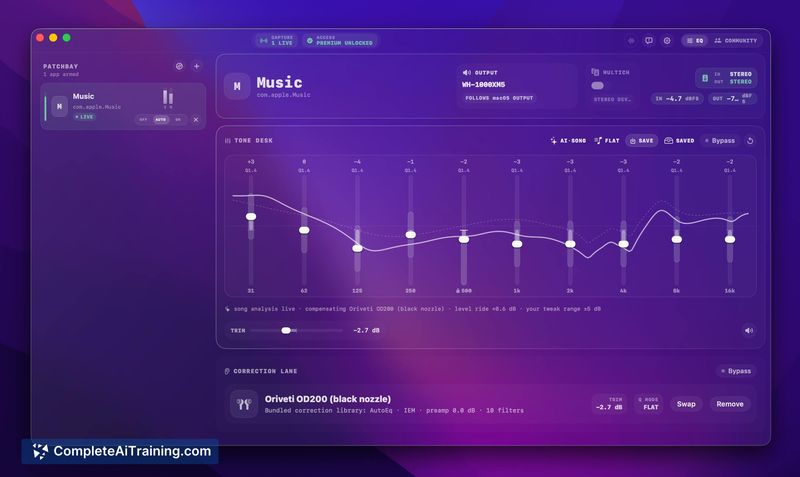
EQK addresses a specific gap in macOS: the system's single global EQ curve. Instead of one flat adjustment for all audio, it lets you assign independent EQ settings to each app and automatically re-tune per song. The tool captures system audio natively, without virtual drivers.
Key Features
- Dynamic AI EQ re-tunes the frequency response of each song as it plays
- Per-app EQ and headphone correction assign separate settings to each application
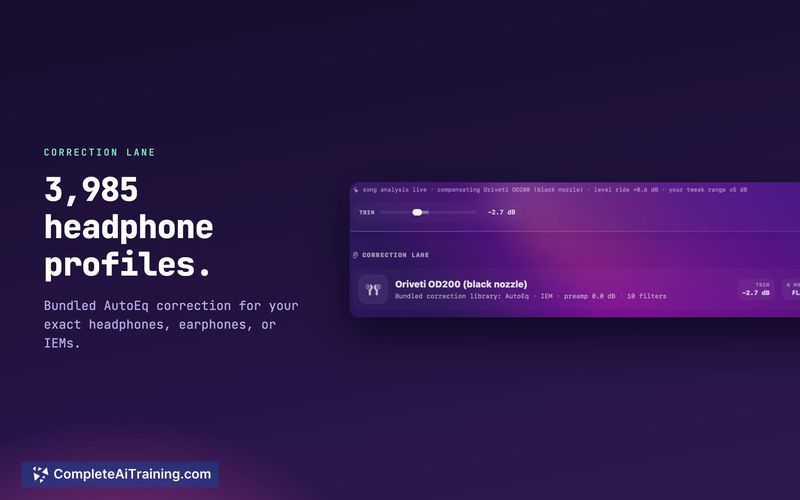
- 3,985+ AutoEq profiles correct for the frequency response of specific headphone models
- A per-app limiter prevents clipping on a per-application basis
- Full signal-chain metering visualizes the audio processing stages from input to output
Pricing and Value
EQK is free to download and use. There is no subscription fee, no in-app purchases, and no telemetry. The app requires no account, and all audio processing stays on the local machine.
Pros
- Free, with no subscription or telemetry
- Dynamic AI EQ per song, plus static and AI-tuned static EQ modes
- Per-app EQ and headphone correction with a large AutoEq profile library
- Native macOS audio capture avoids virtual drivers and complex system audio routing
- A built-in FLAC player with synced lyrics plays owned music files
Cons
- The app is macOS-only, so Windows and Linux users cannot use it
- The per-song dynamic re-tuning can disrupt the consistent tonal balance of albums mixed to be heard as a whole; users who value album-level consistency may find this counterproductive, though static EQ modes are available
- As a solo-developed tool, the pace of updates and bug fixes may be slower than that of a larger team
EQK suits macOS users who want granular control over audio per application and per song, especially those who want to correct headphone flaws without manual tweaking. It is less appropriate for listeners who prefer the mastering engineer's original album-level balance or for those requiring cross-platform compatibility.