AI tool
ExcaliClaw
ExcaliClaw is a workspace for hand-drawn style diagrams that keeps them organized with collections and search. It includes an MCP server so AI tools like Claude or VS Code can create and edit drawings directly. The tool is built for developers and...
About ExcaliClaw
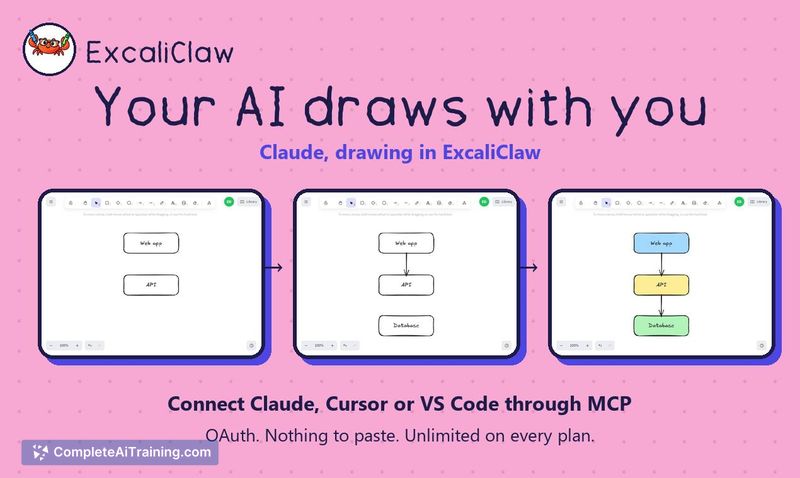
ExcaliClaw is a collaborative workspace built for hand-drawn diagrams. It uses the Excalidraw editor for drawing and organizes diagrams into collections with instant search. The tool includes an MCP server that lets AI agents-specifically Claude, Cursor, or VS Code-create and edit diagrams directly in the workspace.
Review
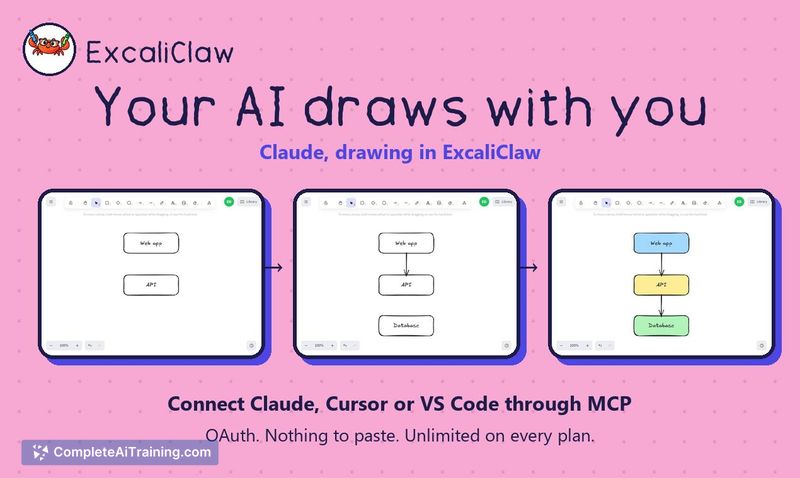
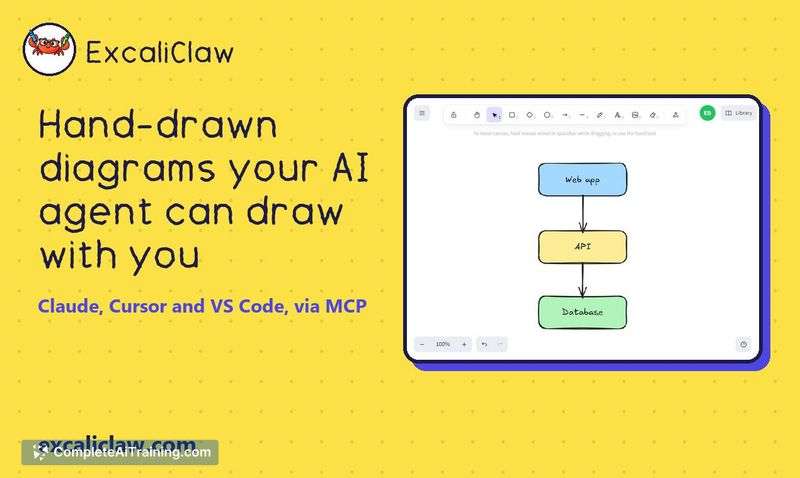

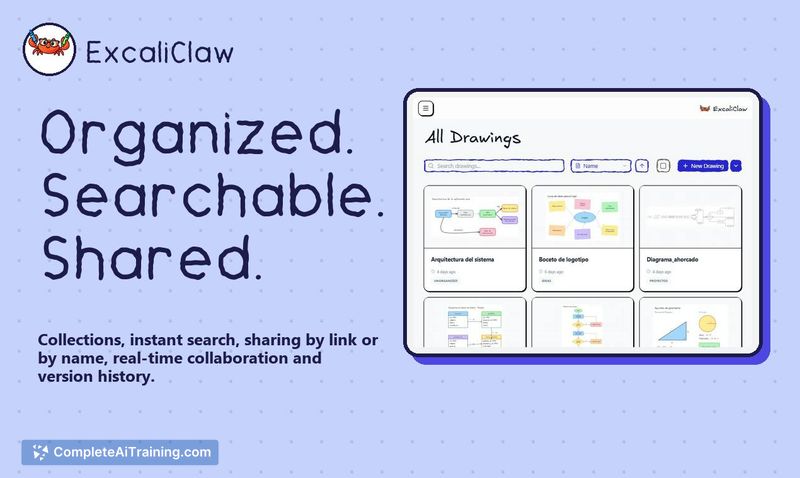
ExcaliClaw tackles a specific friction point: diagrams scattered across random files and the disconnect between text-based AI outputs and visual documentation. The workspace keeps hand-drawn diagrams organized and shareable while giving AI agents a direct channel to draw and modify them. It's an independent product, not a port of Excalidraw.com, though it relies on that editor for the drawing experience.
Key Features
- MCP server with OAuth connection for Claude, Cursor, or VS Code-no manual key pasting required. The AI can create new diagrams or edit existing ones.
- Real-time collaboration with sharing by link (view-only with copy option) or by name via email for full editing access.
- Collections and instant search to organize diagrams so they don't get lost across files.
- Version history, trash, and backup export for recovering previous states of a diagram.
- Multi-language interface available in English, Español, and Français.
Pricing and Value
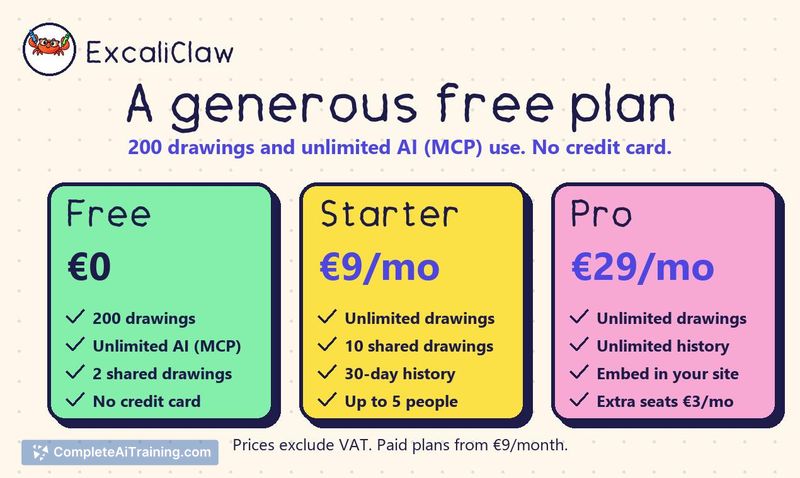
ExcaliClaw offers three pricing tiers, all listed excluding VAT. The Free plan includes 200 drawings and unlimited AI (MCP) use with no credit card required. The Starter plan costs €9/month and adds unlimited drawings plus 30-day version history. The Pro plan at €29/month adds site embedding, unlimited history, and extra teammates for €3/month each. The free tier's inclusion of unlimited MCP usage is notable, as it puts AI diagram editing in front of users without immediate cost.
Pros
- Free tier includes unlimited MCP usage, making the AI drawing feature testable without payment or a credit card.
- AI edits don't republish the entire design-only the changed sections update, preserving manual layout adjustments.
- OAuth-based MCP connection removes the friction of copying and pasting API keys.
- Version history and backup export make experimental AI edits reversible.
- Share links give recipients view-and-copy access without requiring an account or login.
Cons
- Link sharing is view-only by default; granting editing access requires sharing via email from the dashboard, which adds a step compared to permissioned links.
- The tool relies on the Excalidraw editor, so users who prefer other drawing paradigms or need more structured diagram types may find the format limiting.
- Not well suited for teams that need granular, role-based permissions or extensive admin controls-the sharing model is straightforward but minimal.
ExcaliClaw fits developers and technical teams who already describe architecture in text and want an AI agent to translate that into visual diagrams they can refine by hand. The free tier makes it practical for individual contributors to test the MCP workflow before committing. Teams that need complex permission structures or non-hand-drawn diagram styles will likely find the tool too constrained for their workflows.