AI tool
Glassmail
Glassmail is a native Mac email client that unifies multiple inboxes and runs AI entirely on-device for search, summarization, and reply drafting. It is for people who want modern email features without a subscription or sending their mail to exte...
About Glassmail
Glassmail is a native Mac email client that connects to Gmail, iCloud, Outlook, Yahoo, Fastmail, and any IMAP account. Its AI features run locally on the Mac, using Apple Intelligence or a downloaded model, without routing mail through external servers. The app is sold with a one-time payment model - no subscription - and includes all 1.x updates for up to three Macs.
Review
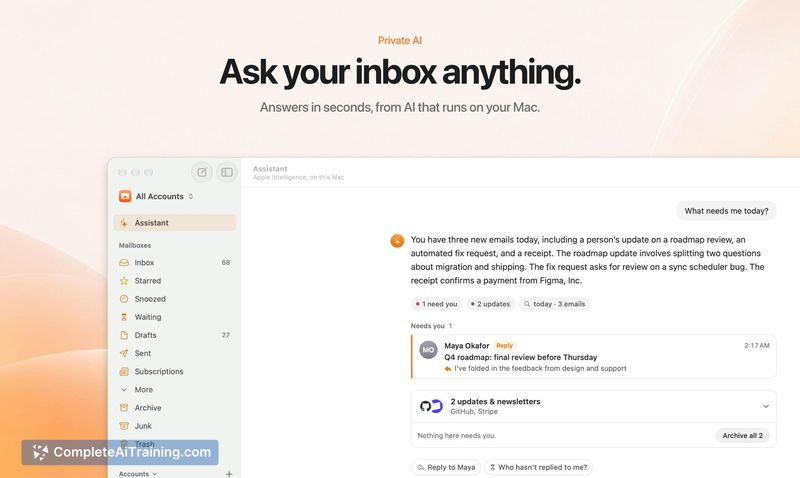
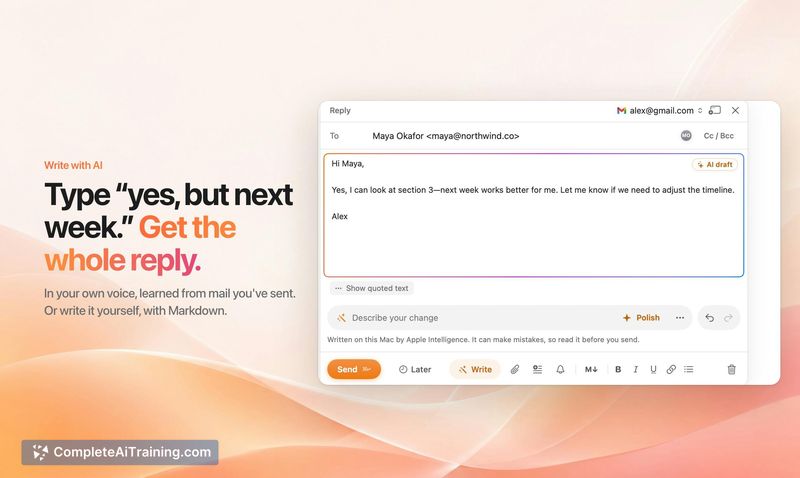
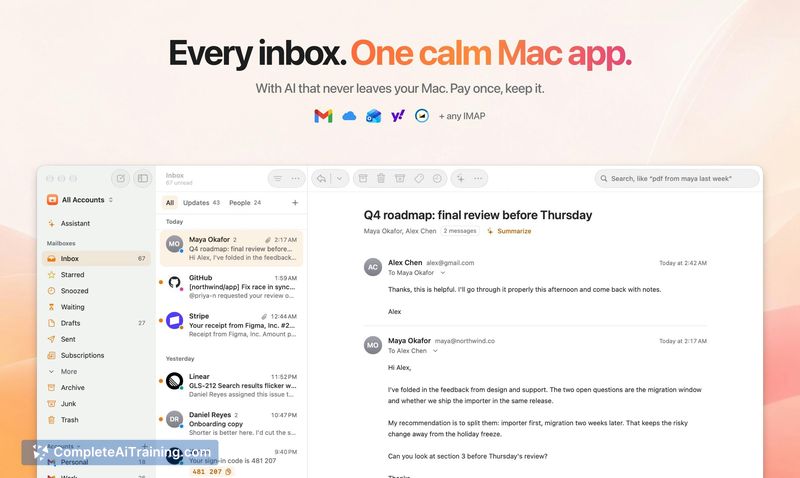

Glassmail enters a market where most modern email apps rely on cloud processing and monthly fees. This app takes a different path by keeping everything on the Mac, from account credentials stored in Keychain to AI summarization that happens without a remote server. The result is a client that prioritizes data locality while still offering AI-assisted inbox management.
Key Features
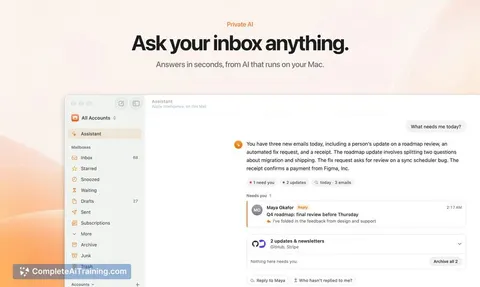
- On-device AI for inbox queries and replies. You can ask questions like "what needs me today?" or "who hasn't replied to me?" and get answers generated locally. The reply feature learns your writing style from your three most recent sent emails per account and follows the language of the thread you're answering.
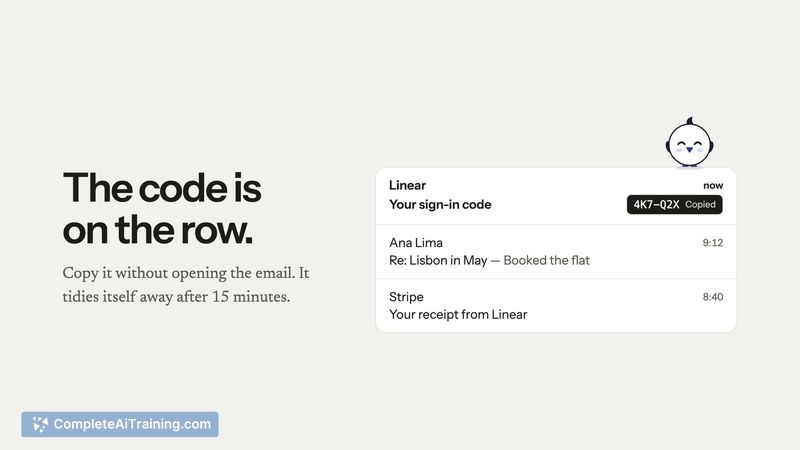
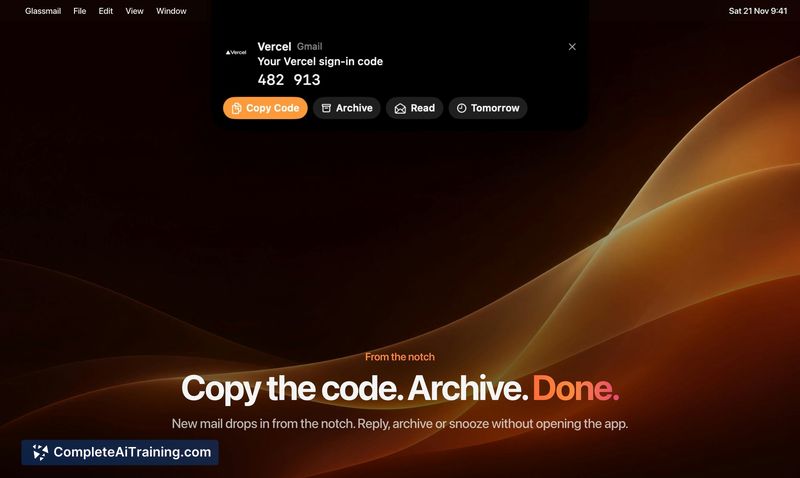
- Notch notifications with quick actions. New mail alerts appear from the Mac notch, letting you archive, mark read, snooze until tomorrow, or reply without opening the full app. Sign-in codes get a copy button the moment they arrive.
- Triage mode for inbox processing. The app presents one conversation at a time and assigns one key per decision - archive, snooze, reply - until your inbox reaches zero. The inbox splits mail into Updates and People sections, so newsletters don't bury client messages.
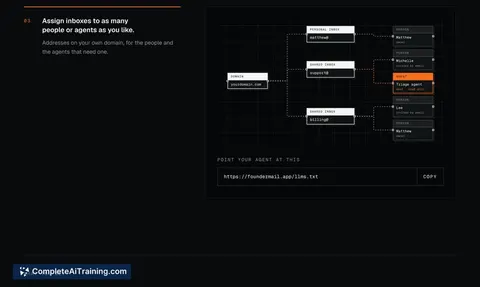
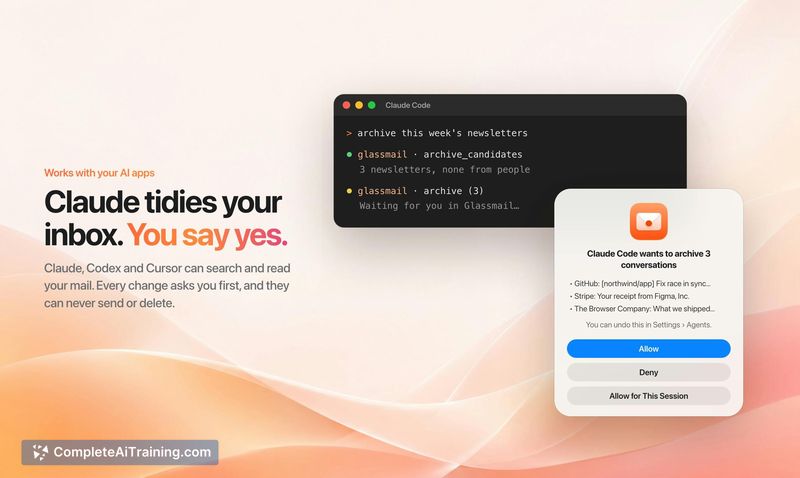
- External AI agent access with permission controls. Claude, Claude Code, Codex, and Cursor can search and read your mail on your Mac. They can request to archive, star, snooze, or save a draft, but you allow or deny each action. These agents cannot send or delete mail.
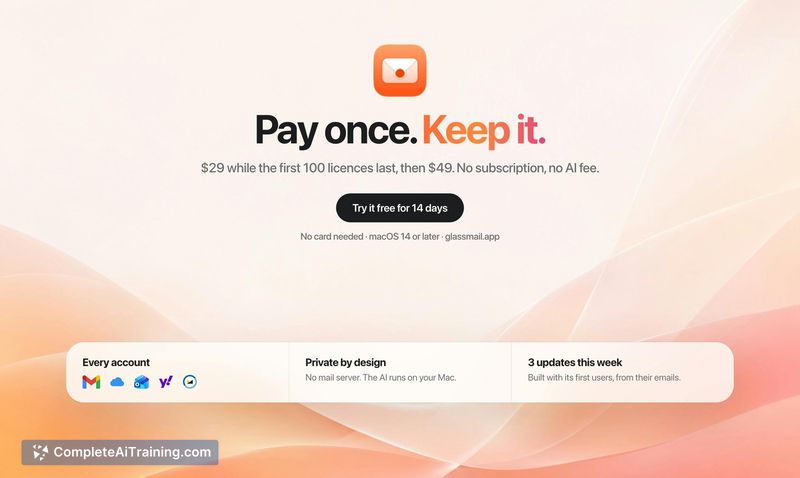
- One-time purchase with no recurring fees. A single payment covers the app on up to three Macs, with all 1.x updates included. The $14 founding price sold out before launch day, and pricing currently sits at $29 for the next tier, then moves to $49.
Pricing and Value
Glassmail uses a one-time payment model with tiered pricing. The $14 founding tier is no longer available. At the time of writing, the price is $29 while the first 100 units last (the live count appears on the website), after which it rises to $49. A 14-day free trial is available without requiring a credit card. The license covers up to three Macs, and the maker has stated that for the first 100 buyers, an upcoming iPhone app will be included under the same license, though no ship date has been announced.
Pros
- AI features run entirely on the Mac, so no email data leaves the device for processing.
- No subscription - a single payment covers the app and all 1.x updates.
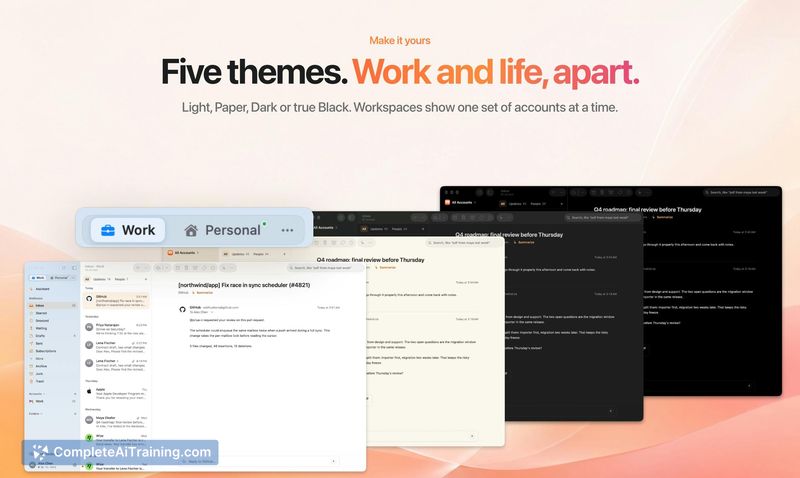
- Workspaces let you separate Work and Personal accounts into distinct environments.
- External AI tools can interact with mail under strict permission boundaries (no send, no delete).
- Newsletters are bundled by sender and split from personal mail in the inbox view.
Cons
- On-device AI summaries on long threads keep only the most recent messages and stop at roughly 7,000 characters, so the beginning of very long conversations may be omitted.
- External AI app access cannot be scoped per workspace - every connected app sees the same mail, with hiding accounts being the only control.
- Not suited for users who need a web-based client or work across Windows and Linux - Glassmail is a native Mac app only.
Glassmail fits users who want AI-assisted email without sending their inbox to a third-party server. The one-time pricing and local processing make it relevant for privacy-conscious Mac users who manage multiple accounts and prefer to own their software. The iPhone app remains in development with no announced release date, so the experience stays desktop-only for now.