AI tool
Stitch.ai
Stitch.ai consolidates emails, calendars, files, and notes into a single workspace for knowledge workers and founders. It includes an AI assistant, Stitchy, that helps manage these work items without requiring access to internet history.
About Stitch.ai
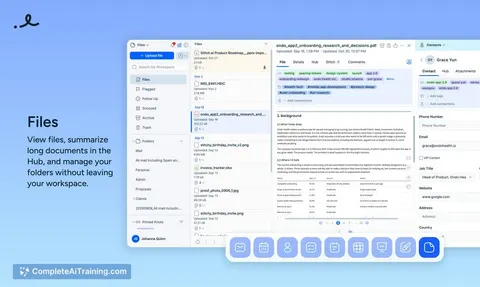
Stitch.ai is a connected workspace that consolidates mail, calendar, contacts, tasks, notes, sheets, slides, boards, and files into a single application. It includes an AI assistant called Stitchy that operates across these tools, and uses a system of Knots, Tags, and Connections to organize information. The product is built by a small, bootstrapped team and launched this week with a free trial available.
Review
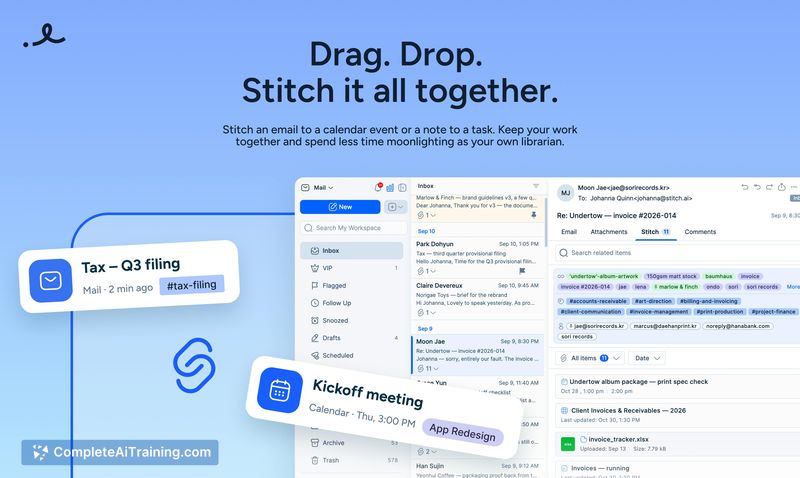
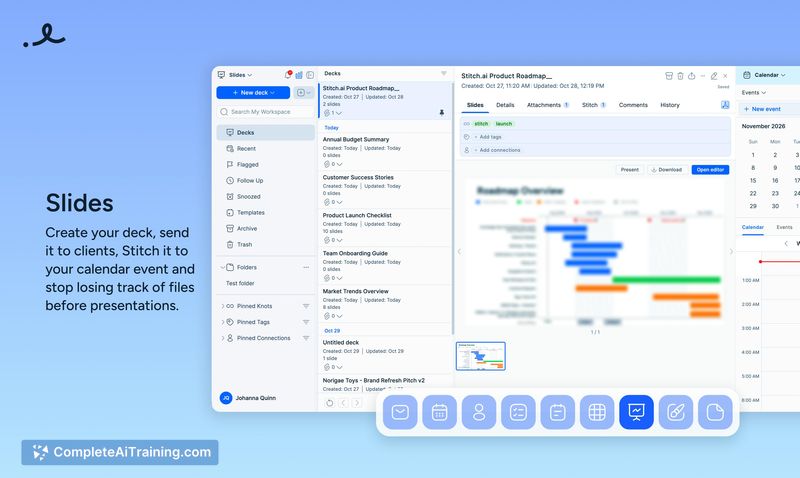
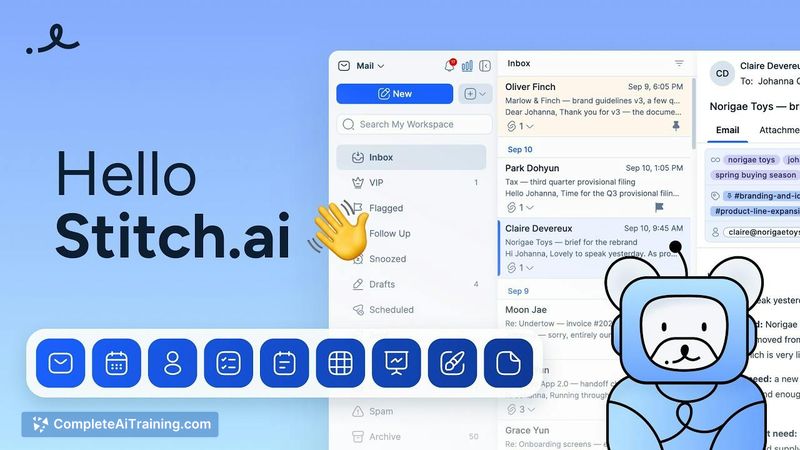
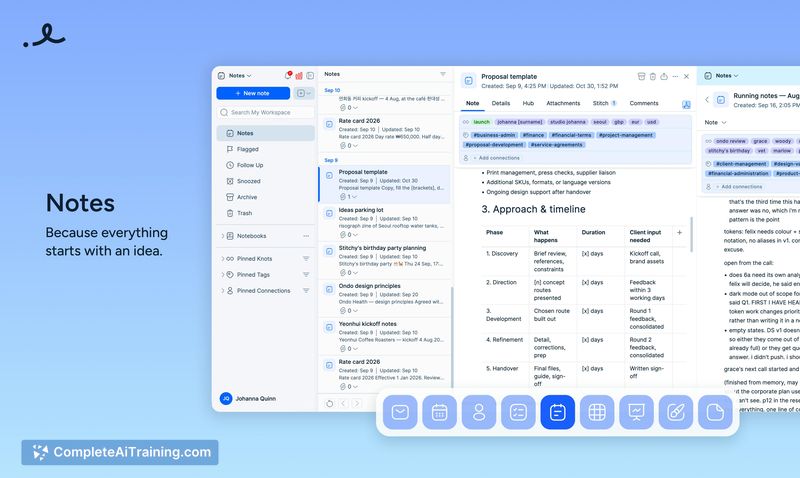
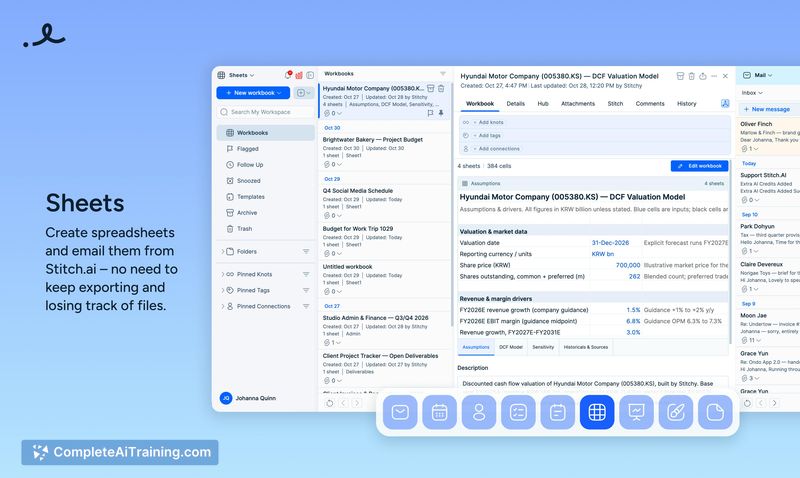
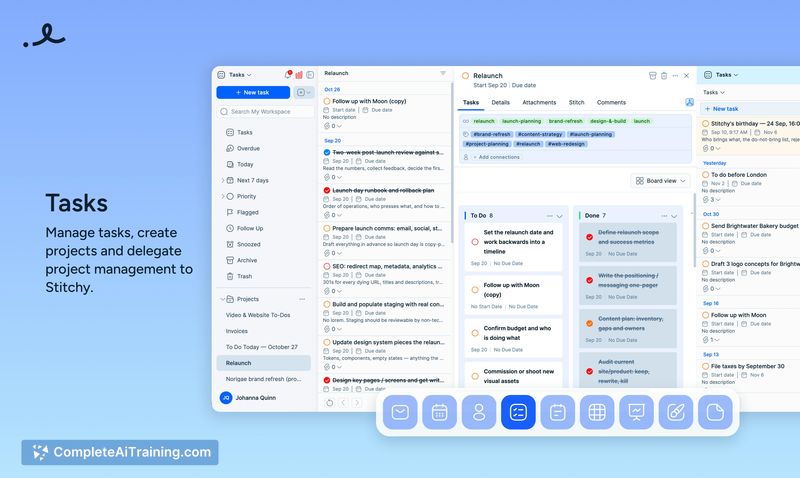
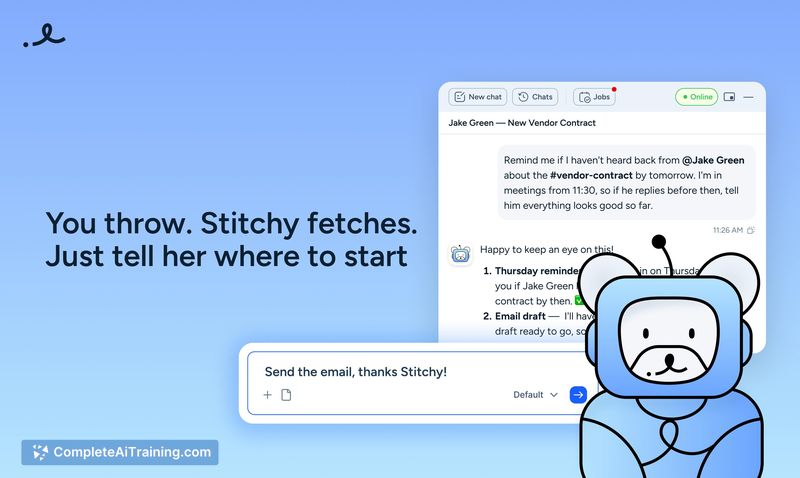
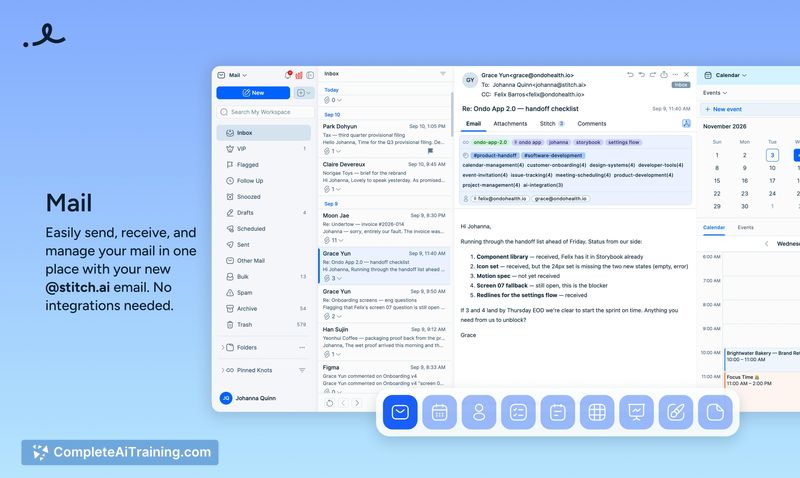
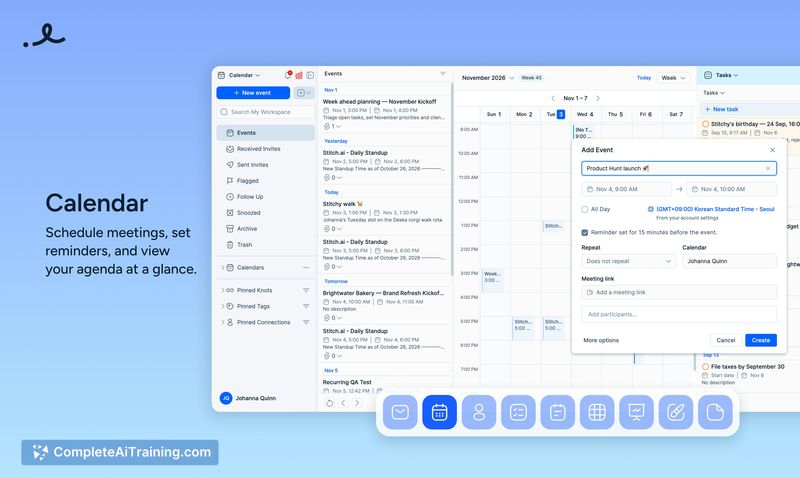
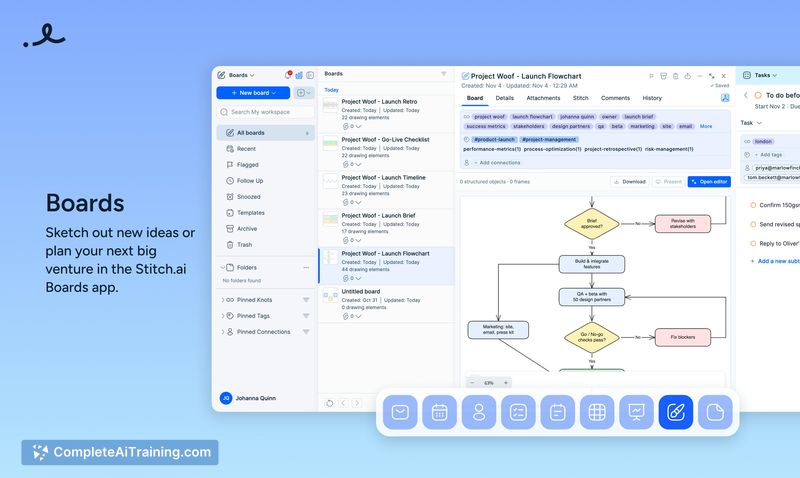
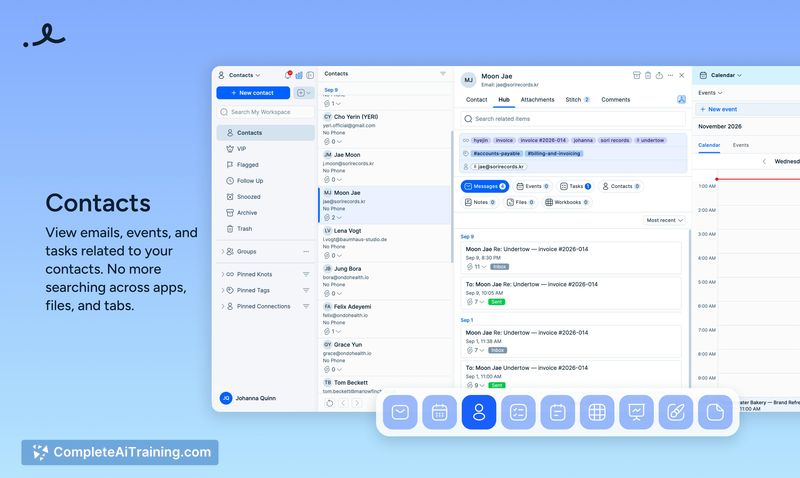
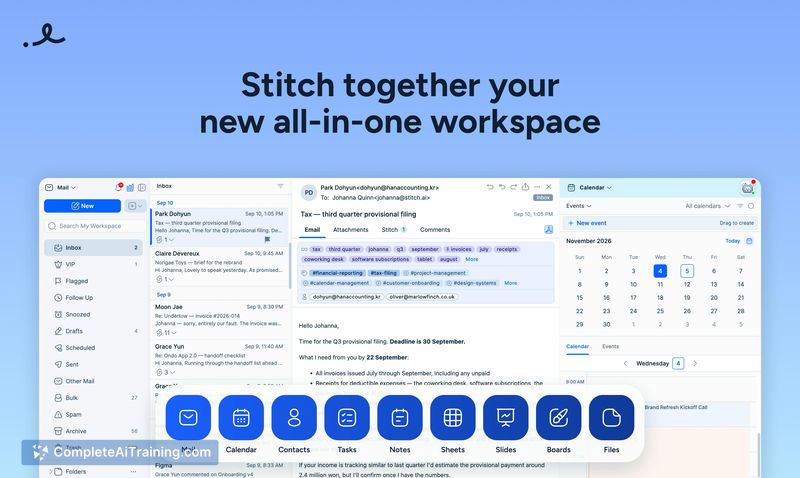
Stitch.ai enters a crowded productivity space with a clear premise: reduce the friction of context-switching by housing multiple work tools under one roof. The workspace uses dual panels that let users drag and drop items to create links-called "Stitches"-between different pieces of content. The AI assistant, Stitchy, works within mail and calendar to flag important emails, send messages, and manage schedules, though access to Stitchy requires a paid plan.
Key Features
- Dual workspace panels that allow dragging, dropping, and Stitching any item to another, creating persistent links between related content.
- Stitchy AI assistant that watches for important emails, flags them, sends emails on your behalf, and keeps your schedule in order. Stitchy maintains a working memory across chat sessions and can remember specific instructions for future conversations.
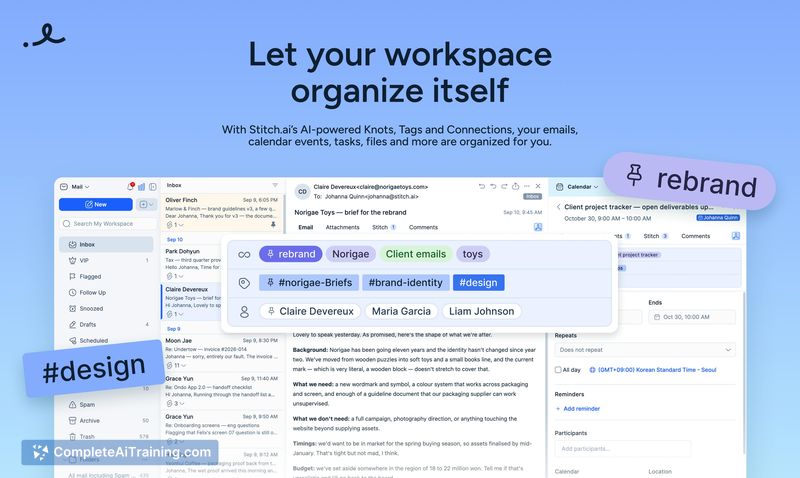
- Auto-generated Knots and Tags that read between the lines of your content to create contextual links, surfacing related information without manual curation.
- Atlas feature that provides a bird's-eye view of your connected workspace, showing how items relate to one another.
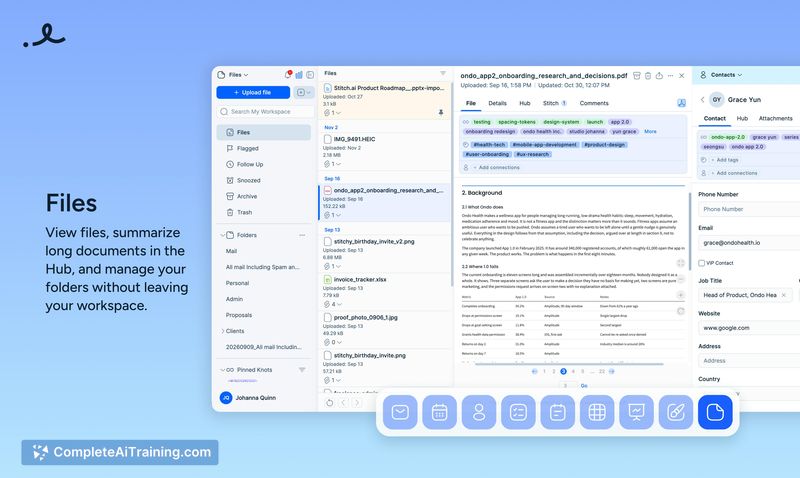
- Built-in tools including sheets, slides, boards, and files that require no external integrations or additional email clients to set up.
Pricing and Value
Stitch.ai offers a 7-day free trial, though the trial does not include access to the Stitchy AI assistant. Full access to Stitchy requires a paid subscription, with pricing details not yet publicly defined beyond the mention of "1000 AI Credits" that can be unlocked. The team has stated they are a bootstrapped operation and are currently gathering user feedback during this early launch phase.
Pros
- Consolidates nine distinct work tools-mail, calendar, contacts, tasks, notes, sheets, slides, boards, and files-into one application, reducing the need to switch between separate apps.
- Stitchy's persistent memory carries context between conversations, so instructions don't need to be repeated across sessions.
- Auto-generated Knots and Tags create an organic, topic-based organization system that surfaces connections without manual effort.
- Users can import existing email history via MBOX files, preserving past context when switching to the platform.
- Mobile apps for Android and iOS have been built and are currently in the app store review process.
Cons
- Connecting existing email accounts like Gmail directly is not yet supported; users must import MBOX files instead, though direct account connection is on the roadmap.
- The free trial excludes the Stitchy AI assistant, which is the product's central feature, making it difficult to evaluate the full experience before paying.
- Stitch.ai is not well suited for users who rely heavily on real-time collaborative features, as the Teams workspace for collaboration is still in development and not yet available.
Stitch.ai fits knowledge workers and founders who juggle email, tasks, and documents across multiple tabs and want a single workspace that auto-organizes their content. The lack of direct email account connection and the restricted trial may give pause to those evaluating the tool, but users willing to import MBOX files and commit to a paid plan will find an AI assistant that works across their mail and calendar with persistent memory. Teams should wait until the collaboration features ship before adopting it for group workflows.