AI tool
IFTTT MCP
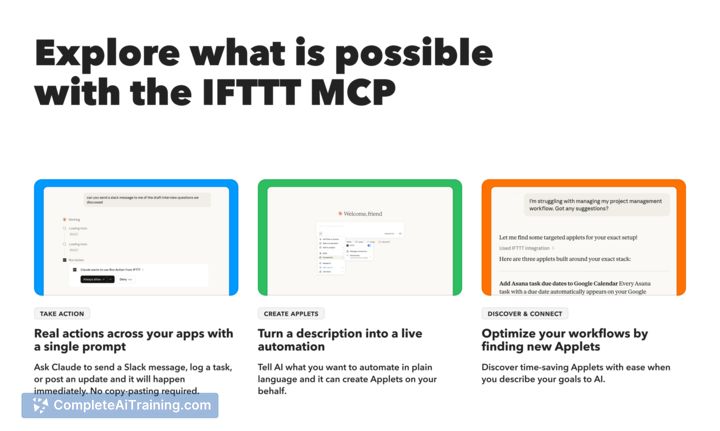
IFTTT MCP lets AI call IFTTT to create, trigger, and access 1,000+ integrations from chat-send Slack messages, switch Hue lights, or create Applets directly in Claude.
About IFTTT MCP
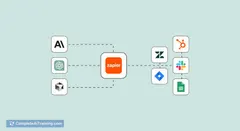
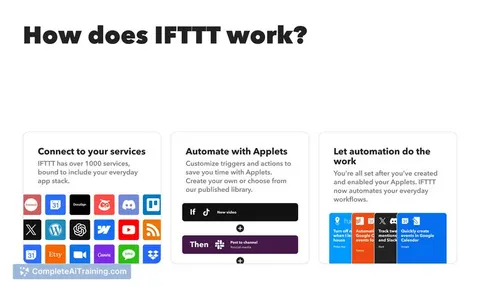
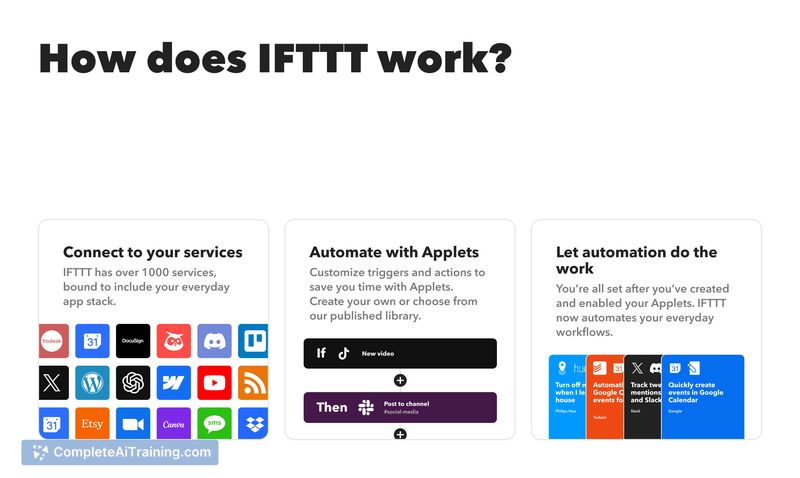
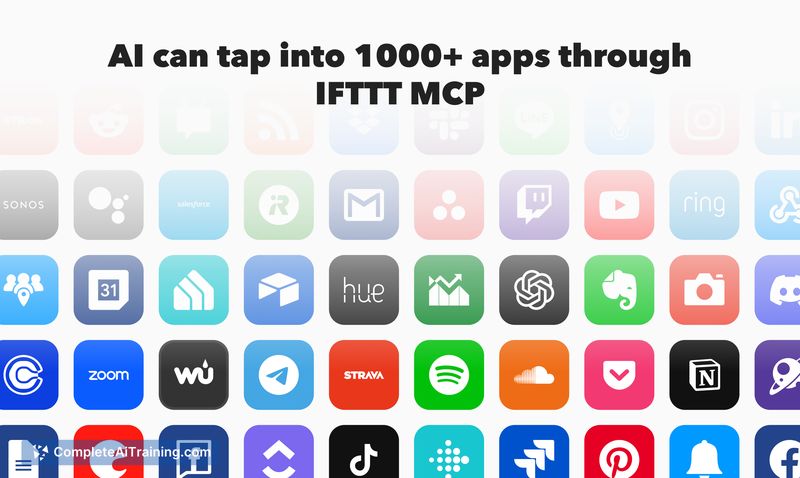
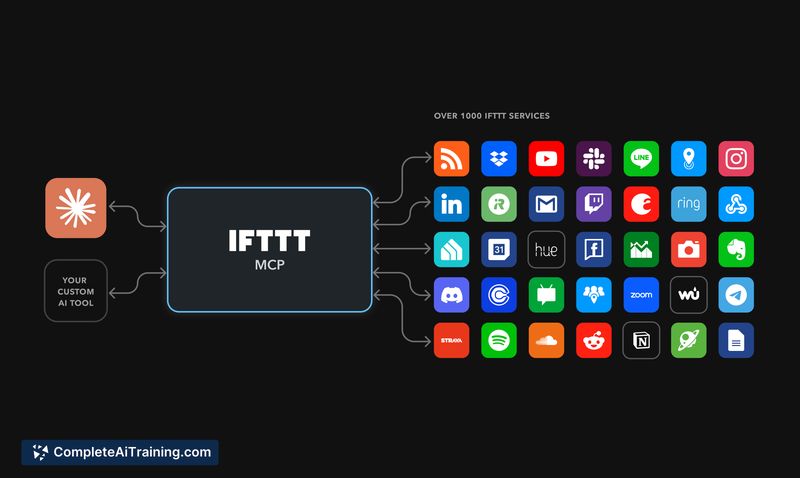
IFTTT MCP is an integration layer that connects AI models to more than 1,000 apps and smart devices through a single endpoint. It enables AI-driven workflows to create, trigger, and access Applets and services without writing code, bringing common automation tasks into conversational or programmatic flows.
Review
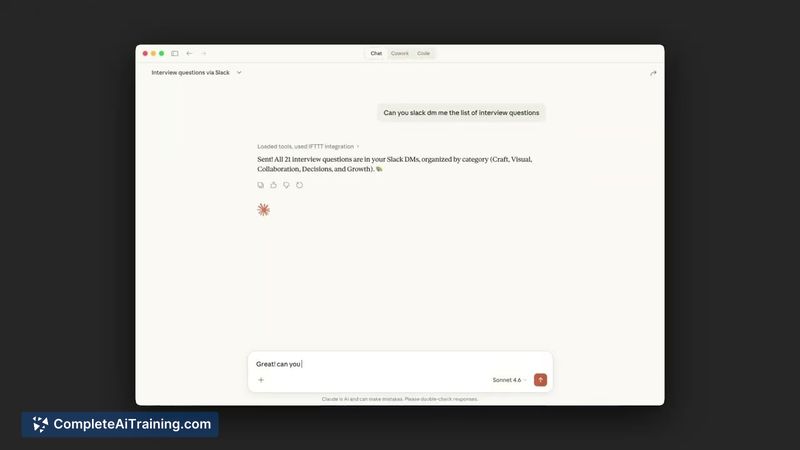
This review looks at how IFTTT MCP performs as a bridge between AI and third-party services, focusing on setup, capabilities, and practical limits. I evaluate the tool for developers, automation hobbyists, and teams who want quick access to a broad set of integrations.
Key Features
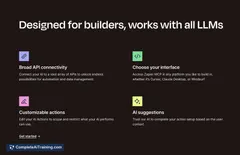
- Access to 1,000+ apps and devices through IFTTT's integration catalog.
- Single MCP endpoint that lets AI call IFTTT to create and trigger Applets.
- No-code workflow creation and the ability to perform actions like sending messages or controlling smart lights.
- Quick setup for prototyping conversational automations and simple production tasks.
Pricing and Value
At launch, IFTTT MCP is available for free, making it easy to experiment and prototype AI-driven automations. For advanced Applet features or higher-volume use, an existing IFTTT account and paid plan may be required depending on the integrations you rely on. The free entry point offers solid value for testing ideas and small-scale deployments.
Pros
- Wide coverage of apps and device integrations out of the box.
- Fast to set up and simple to use for common automation tasks.
- Enables AI to perform real actions (messages, device control, Applet creation) without custom connectors.
- Good fit for prototyping conversational workflows and basic automations.
Cons
- Capabilities are constrained by what Applets and third-party integrations can support.
- More advanced or conditional workflows may require additional development or orchestration outside the MCP endpoint.
- Reliability and feature depth depend on the quality and limits of connected services.
IFTTT MCP is best suited for developers, automation enthusiasts, and teams that want an easy way to extend AI with actions across many apps and devices. It's a practical choice for prototypes and straightforward automations, but organizations with complex logic or heavy data processing needs should plan for extra integration work or complementary tooling.
Alternatives to IFTTT MCP
Other tools that do the same main job. Our AI compared IFTTT MCP with similar tools and kept the ones you could use instead.