AI tool
Instagram Edits for Desktop
Instagram Edits for Desktop is a free Mac video editor with a multi-track timeline, keyframes, color grading, and audio controls. It is for creators who want to assemble rough cuts with compatible AI assistants and publish directly to Instagram in...
About Instagram Edits for Desktop
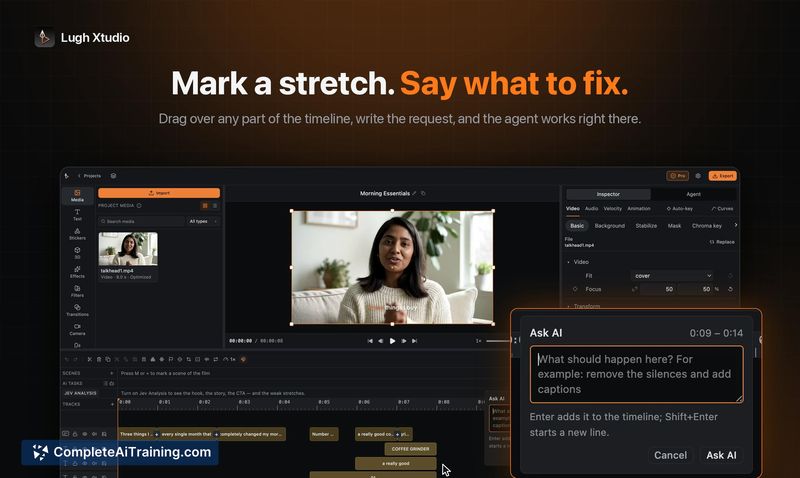
Instagram Edits for Desktop is a free video editor for Mac that integrates AI agents into the editing workflow. Users can connect compatible AI assistants through the Model Context Protocol (MCP) to assemble rough cuts, then refine projects with a multi-track timeline, keyframes, color grading, and audio controls. The tool exports watermark-free 4K video and publishes directly to Instagram.
Review
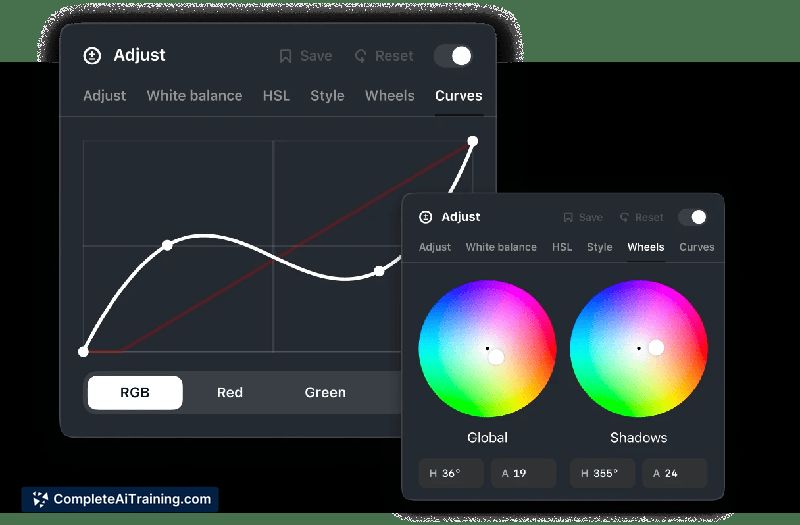

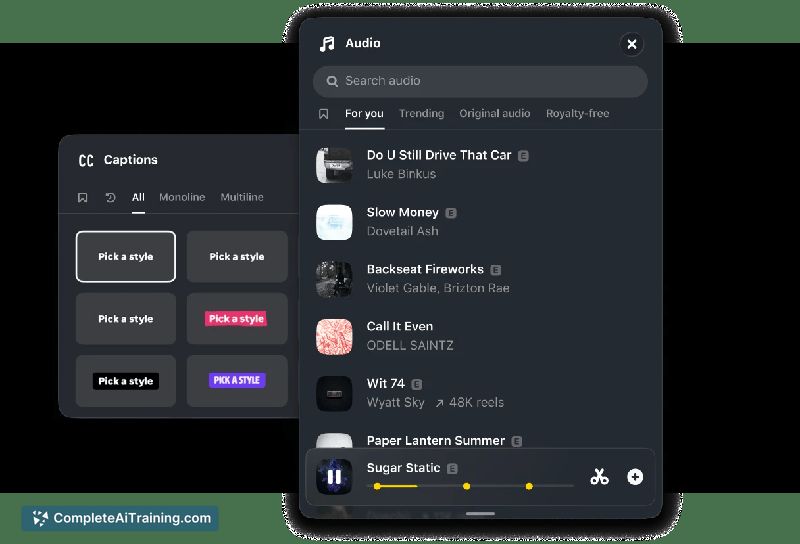
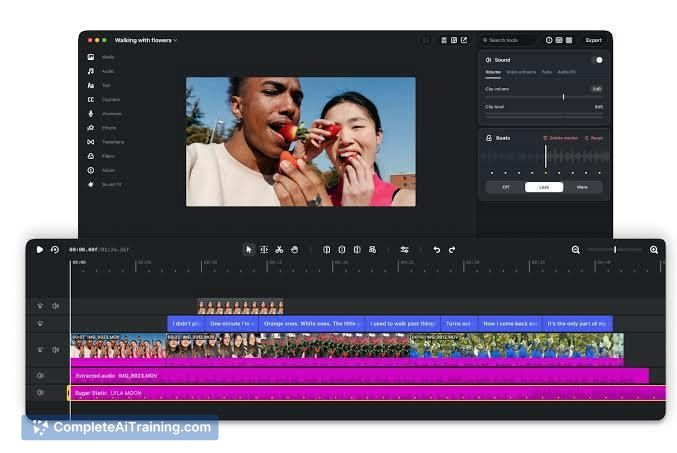
Instagram Edits for Desktop marks Meta's entry into the desktop video editing space, bringing a familiar social platform's tooling to a standalone Mac application. The software combines a conventional non-linear editor with an MCP integration that lets external AI agents perform initial assembly tasks. It's a focused release that prioritizes a direct pipeline from edit to Instagram publishing.
Key Features
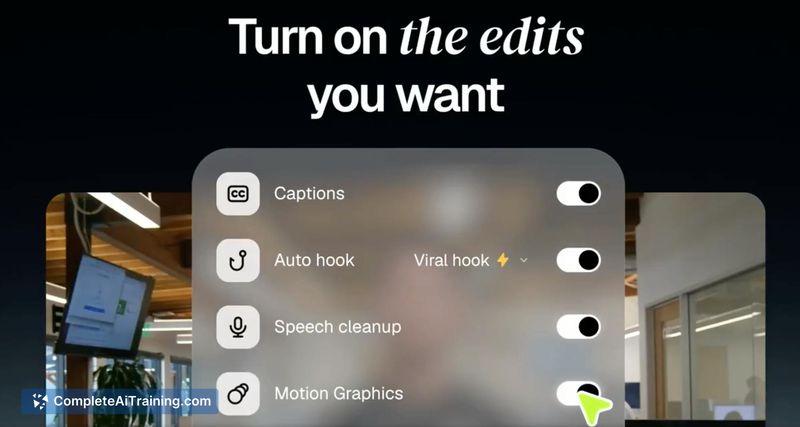
- MCP integration for connecting AI agents that can produce rough cuts. The resulting project opens in Edits with the timeline structure intact, though the exact fidelity of the agent's output-such as whether keyframes and multi-track arrangements survive the handoff-remains something users are still testing.
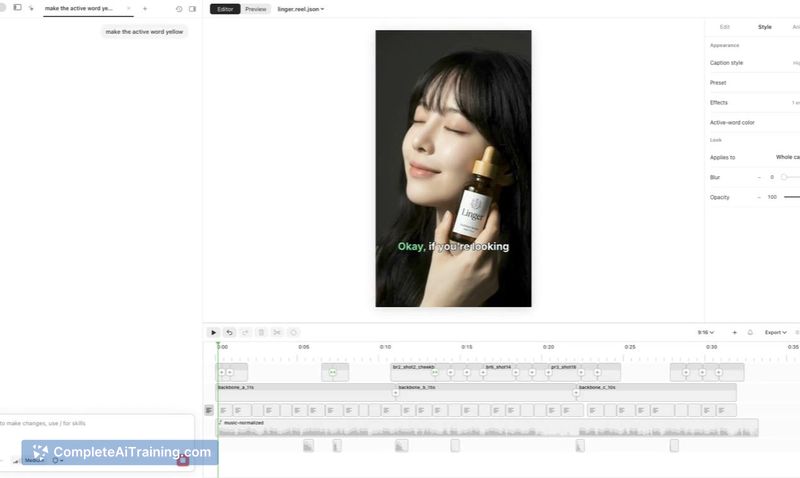
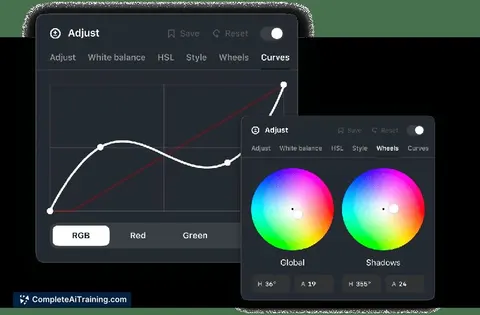
- Multi-track timeline with support for keyframes, color grading, and precise audio controls. These are standard desktop editing conventions, now available within Instagram's own toolset.
- Direct publishing to Instagram from within the application, skipping the need to export and manually upload.
- Watermark-free 4K export at no cost. The core editor does not require a subscription.
- Access to Instagram's music library, which streamlines adding licensed audio to projects destined for the platform.
Pricing and Value
The core editor is free, with no subscription required. Instagram has not announced any paid tiers or premium features at this time. The watermark-free 4K export is included in the free version, which differs from some competing tools that gate high-resolution output behind a paywall.
Pros
- Free, watermark-free 4K export removes a common friction point found in other free editing software.
- MCP-based AI agent integration allows for a rough-cut assembly step that can save time on repetitive edits.
- Direct Instagram publishing eliminates the round-trip between editor and mobile app.
- Included music library simplifies audio licensing for content headed to Instagram.
- Multi-track timeline with keyframes and color grading covers core professional editing needs.
Cons
- Available only on Mac, which excludes Windows and Linux users from the desktop editing experience.
- The quality and editability of AI agent outputs are still unverified-early testers are asking whether agents return fully editable projects or flattened timelines.
- Not well suited for editors who need advanced compositing, motion graphics, or third-party plugin ecosystems. The tool focuses on a streamlined Instagram publishing workflow rather than broad post-production capabilities.
Instagram Edits for Desktop fits creators who publish regularly to Instagram and want to reduce the steps between editing and posting. It's a practical option for quick-turnaround video work where an AI agent can handle the first assembly pass. Editors who rely on deeper compositing tools or work outside the Apple ecosystem will find the Mac-only, purpose-built scope limiting.