AI tool
Kai Resolve by Gleap
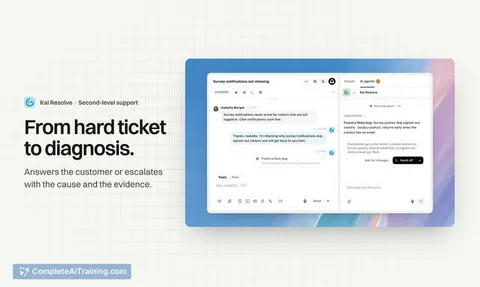
Kai Resolve by Gleap is an AI agent for support tickets that reads screen recordings, logs, account data, and code. It answers customers directly or escalates issues with a diagnosis, and turns confirmed bugs into coding tasks for team review.
About Kai Resolve by Gleap
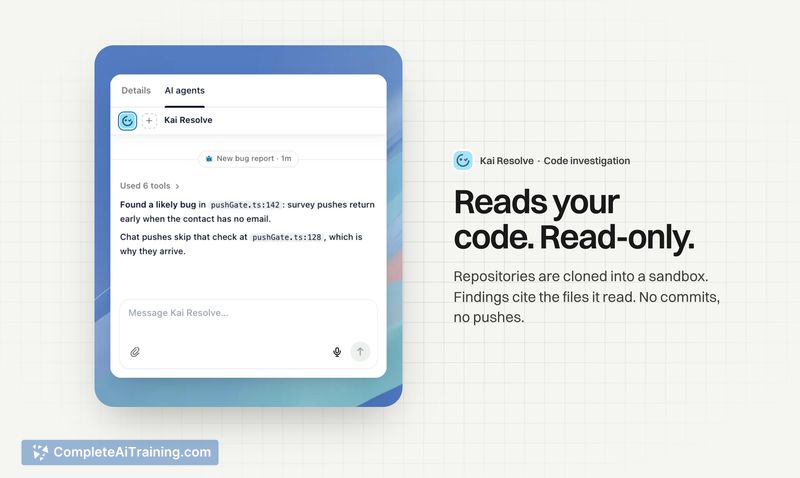
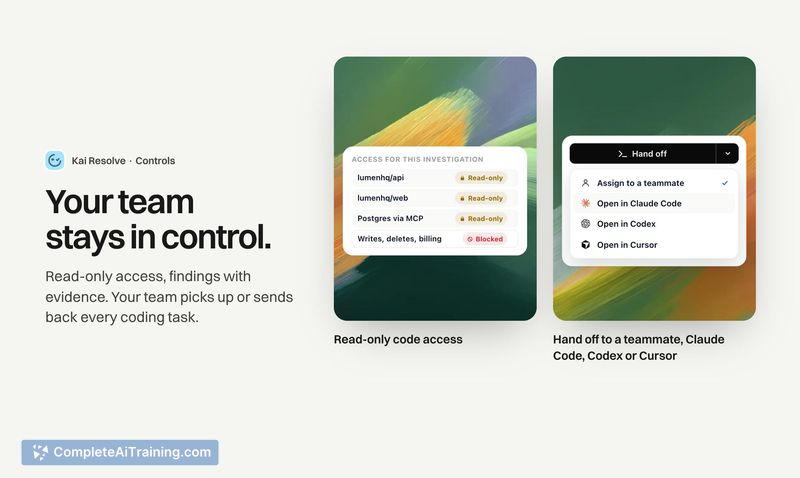
Kai Resolve is an AI agent built into the Gleap customer support platform, designed to investigate support tickets that go beyond what a knowledge base can answer. It reads screen recordings, console and network logs, click trails, account data, and your codebase in a read-only sandbox to diagnose bugs and suggest fixes. When it can't resolve an issue, it escalates with a prepared diagnosis so a developer doesn't start from zero.
Review
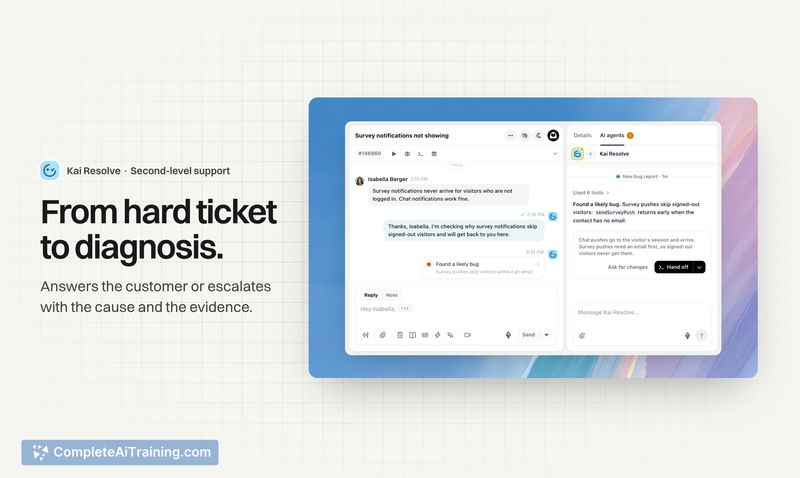
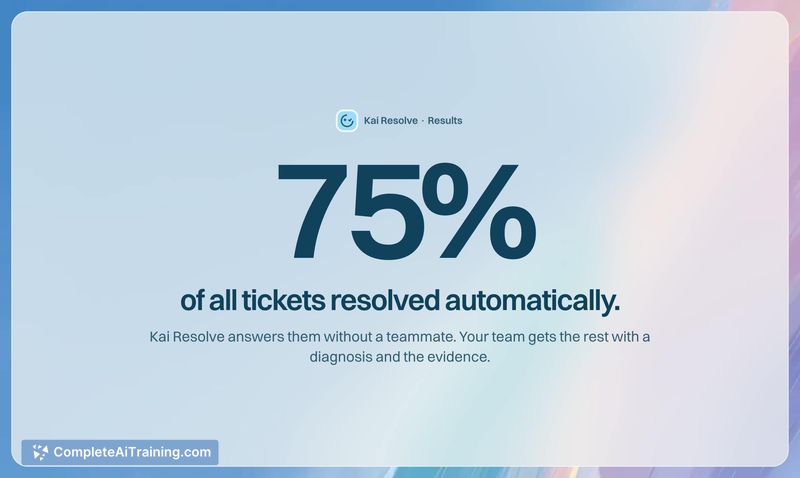
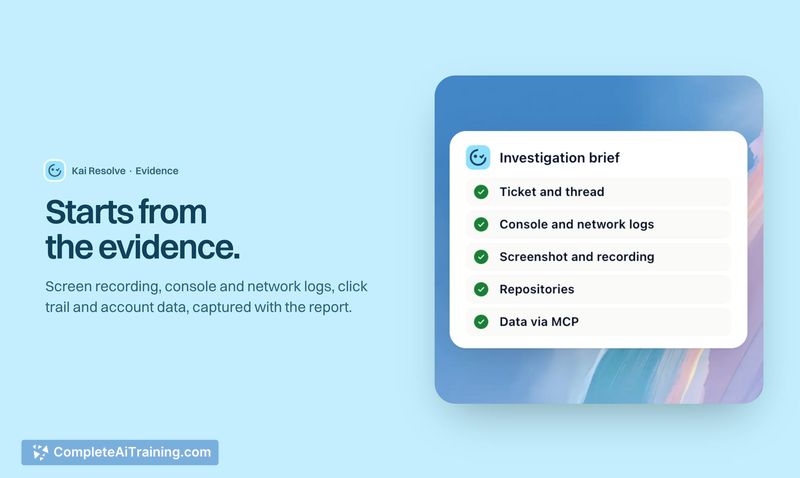
Kai Resolve tackles a specific pain point in software support: the time-consuming investigation phase where support staff and developers piece together what actually went wrong. Instead of just generating reply text, the agent digs through the evidence attached to a ticket and cross-references it with your code. The tool's makers report it resolves 75% of tickets automatically, and when it isn't sure, it flags its uncertainty rather than guessing.
Key Features
- Reads screen recordings, console/network logs, and click trails that accompany a support report to reconstruct user actions step by step.
- Checks account data and your codebase in a read-only sandbox, then points to the exact file and line where an issue originates.
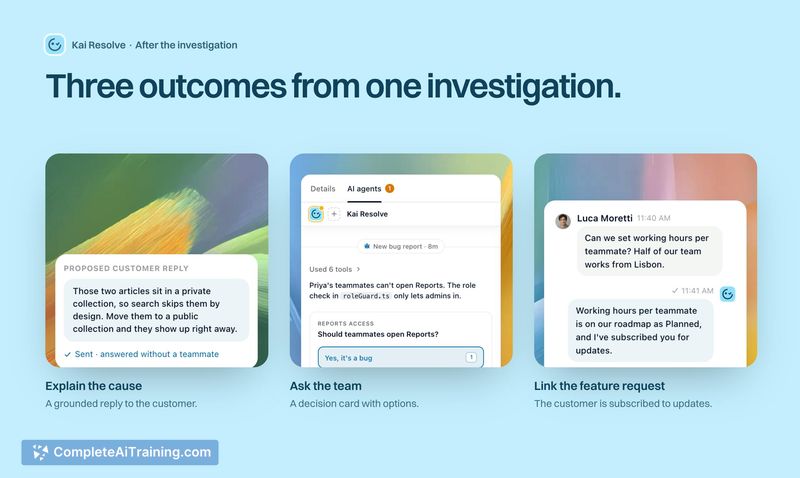
- Handles three ticket outcomes: answers the customer directly, flags a likely bug with cause and evidence for your team, or adds a feature request to your roadmap via MCP.
- Searches past tickets by meaning (not keywords) to use similar resolved cases as input for new investigations; merges duplicate feature requests into one roadmap entry.
- Once a fix ships, notifies the original reporter on the same ticket automatically, closing the feedback loop.
Pricing and Value
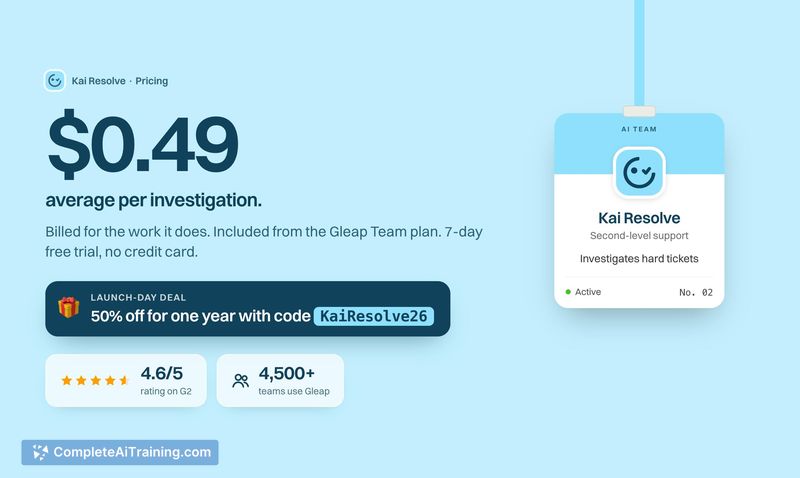
Kai Resolve costs about $0.49 per investigation on average, billed based on the work it does. A single ticket with multiple issues counts as one investigation, though a particularly packed ticket may cost more and a simple one less. It's included from the Team plan upward, with a 7-day free trial that requires no credit card. A launch-day discount code (KaiResolve26) gives 50% off for one year for Product Hunt users.
Pros
- Reduces manual digging by reading actual session data-screen recordings, logs, and click trails-rather than relying on user descriptions alone.
- Points developers to the exact file and line in the codebase, which can shorten the handover between support and engineering.
- Escalates with transparency when it can't resolve something, listing what it checked, what it found, and what remains open.
- Closes the communication loop by automatically telling the customer when a fix goes live.
- Gets more capable as you connect additional data sources through MCP, such as monitoring tools for backend issues that don't surface on the user's screen.
Cons
- Multi-step bug correlation is still partial-each bug report gets its own investigation; grouping them into one root-cause analysis is a planned improvement, not a current feature.
- Investigation depth depends heavily on what data sources you connect; teams without monitoring or internal tool integrations will see narrower results.
- Not a fit for teams whose support volume consists mostly of simple, docs-answerable questions-Kai Resolve is built for tickets that require technical investigation, and lighter use cases won't see the same return.
Kai Resolve suits software teams where support tickets frequently need a developer to investigate logs, replays, and code before anyone can reply. It's most useful when the gap between customer report and diagnosis eats into engineering time, and when your team is willing to connect the data sources the agent needs to go deeper. For teams whose tickets rarely require that kind of forensic work, the per-investigation cost may not justify itself.