AI tool
Kickbacks CLI
Kickbacks CLI helps Kickbacks.ai users track earnings and ad views through a command line and Mac Menu bar tool. It lets them check daily, weekly, and monthly income directly from their terminal instead of opening a code editor.
About Kickbacks CLI
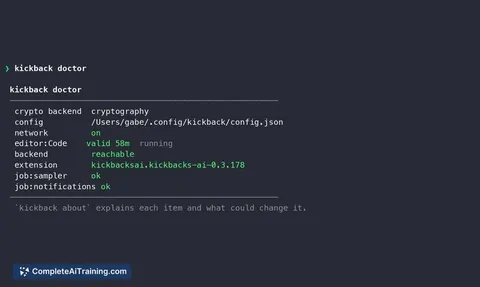
Kickbacks CLI is a free companion tool that shows your Kickbacks.ai earnings, ad history, and status directly in the terminal and Mac menu bar. Built by Gabe Perez, it removes the need to keep the Kickbacks dashboard open while you work. The tool pulls data from the Kickbacks API and presents a compact, two-line earnings view that stays in sync with the menu bar without a manual refresh.
Review
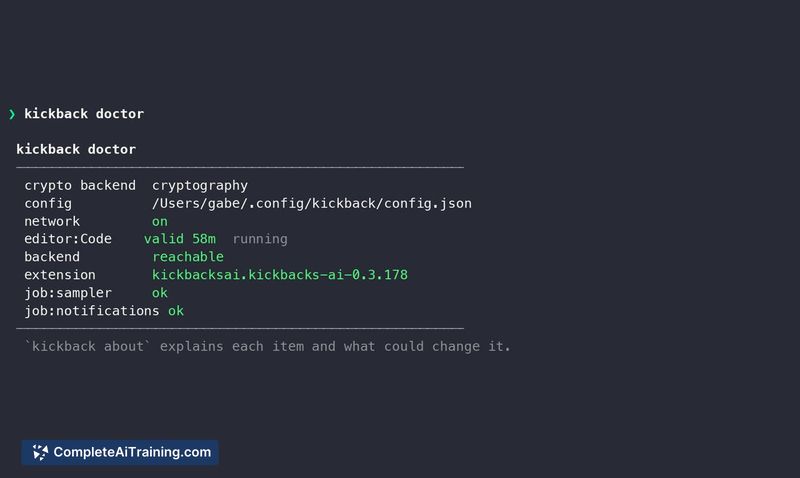
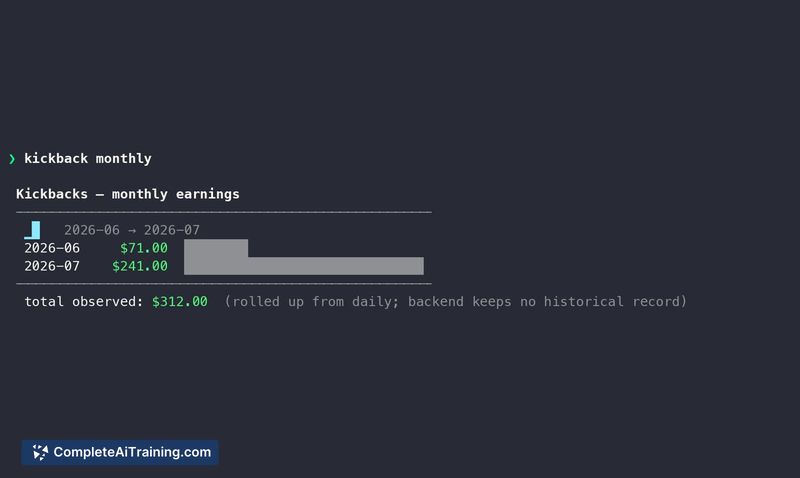
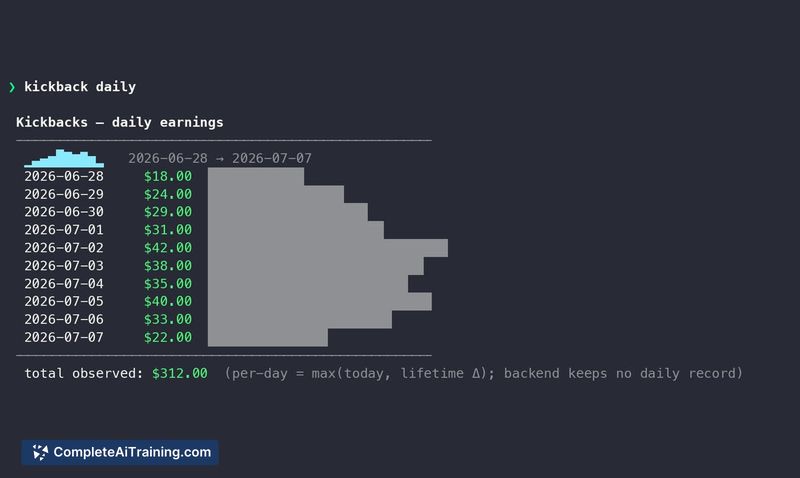
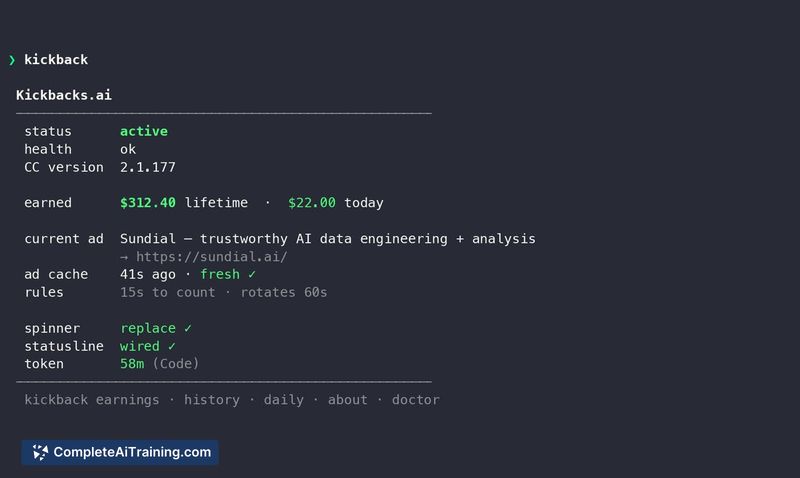
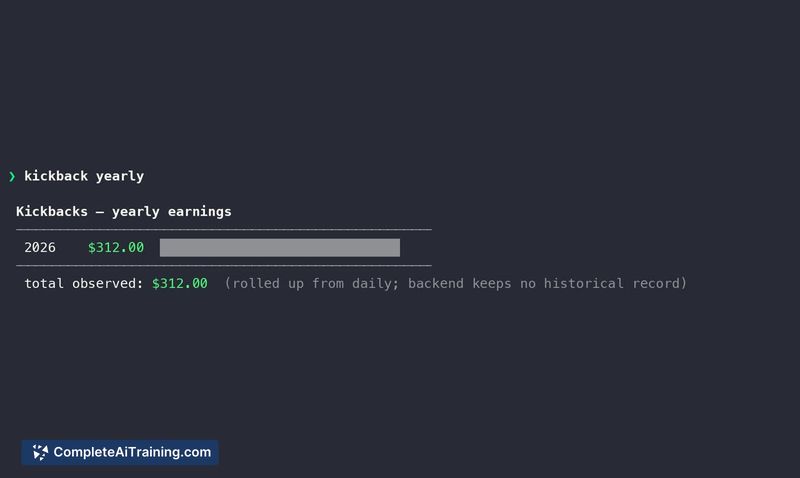
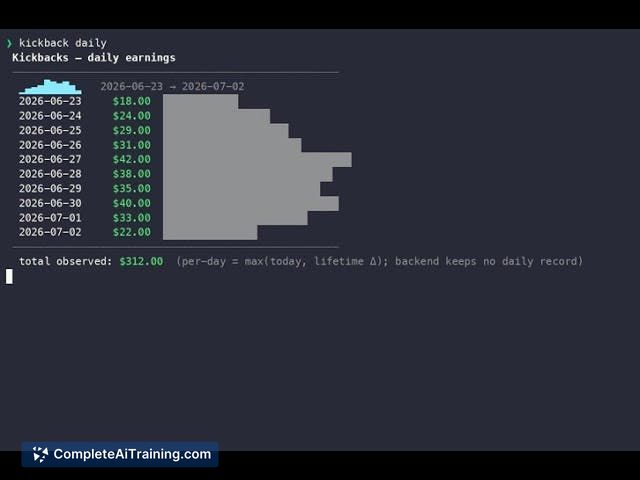
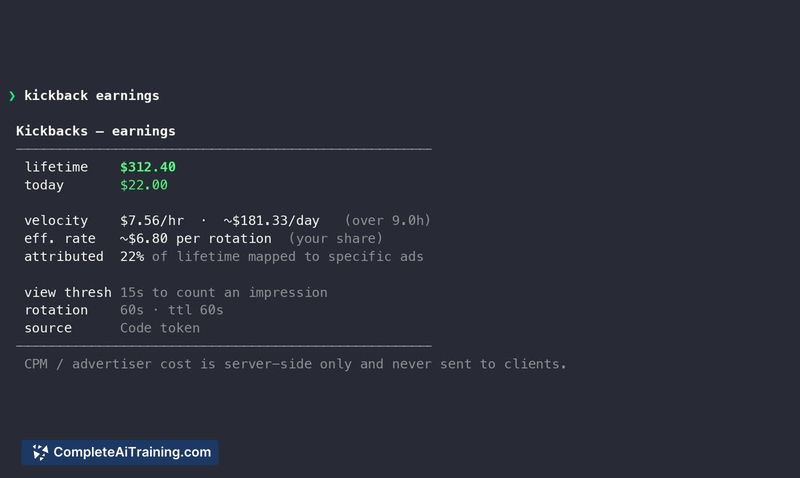
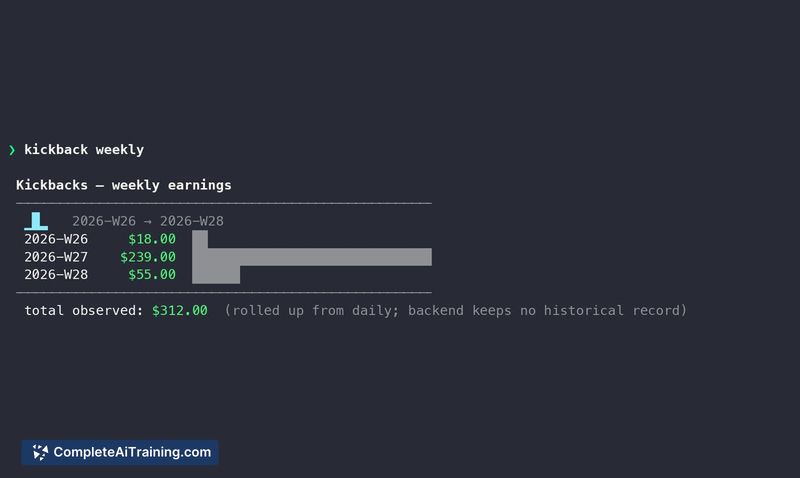
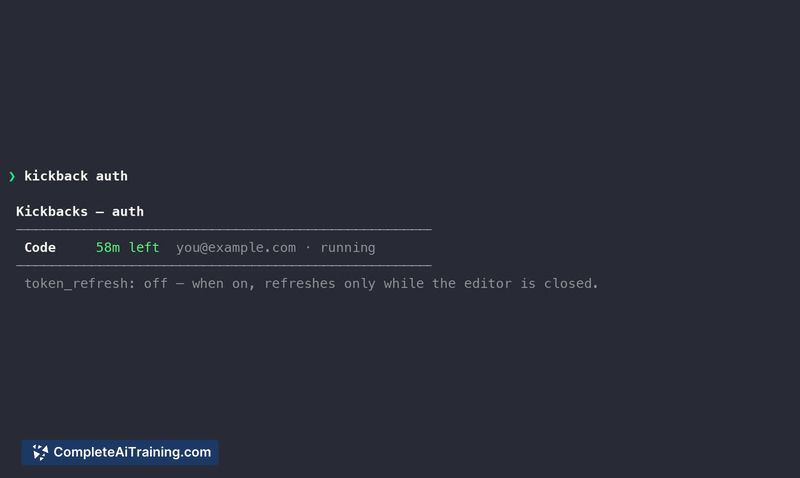
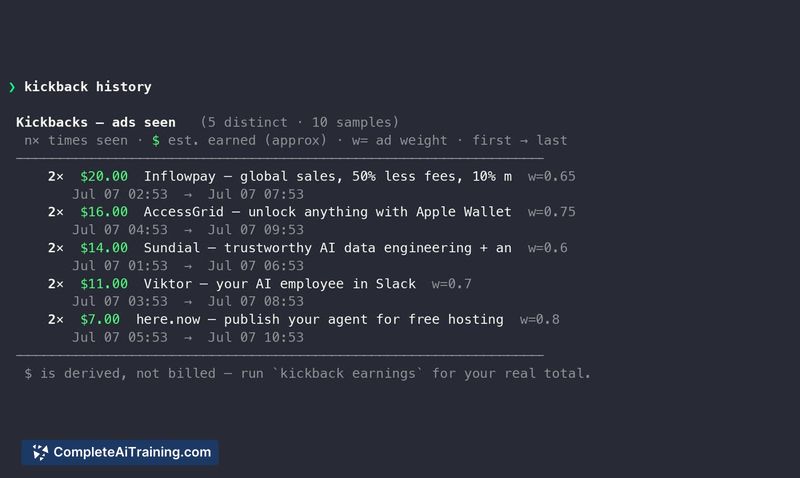
Kickbacks CLI addresses a specific friction point for Kickbacks.ai users who spend time in the terminal and don't want to switch contexts just to check ad revenue. It's a lightweight utility that surfaces live earnings and a breakdown of earnings by day, week, and month. The menu bar companion mirrors the CLI data, so you can glance at your current balance without opening a terminal window.
Key Features
- Displays live Kickbacks.ai earnings in a two-line terminal view that fits neatly into shell workflows.
- Shows ad history and earnings broken down by day, week, and month.
- Menu bar app syncs with the CLI in real time; no refresh button needed.
- Pipes live earnings output into other command-line tools, avoiding copy-paste from a web dashboard.
Pricing and Value
Kickbacks CLI is free. There are no paid tiers, subscriptions, or in-app purchases mentioned on its launch page. The tool requires a Kickbacks.ai account, which is also free to join.
Pros
- Keeps earnings visible without opening a browser or IDE.
- Compact terminal output won't clutter your shell session.
- Menu bar and CLI stay synchronized automatically.
- Earnings data is pipeable, so you can integrate it into scripts or monitoring setups.
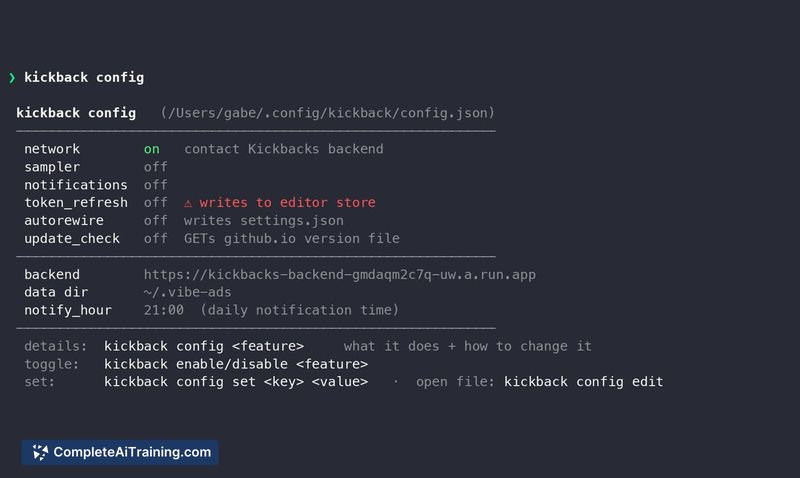
- Straightforward setup - the tool runs as a single binary with no complex configuration.
Cons
- Only works on macOS; there is no Windows or Linux menu bar equivalent.
- Authentication token storage method is not documented - it's unclear whether credentials are kept in the macOS Keychain or a plaintext file.
- Not suited for users who don't use Kickbacks.ai or who prefer a graphical dashboard with richer ad analytics.
Kickbacks CLI fits best for developers and terminal-centric users already earning through Kickbacks.ai who want a quick, always-visible earnings counter. It's less relevant if you don't run macOS or if you need detailed ad performance metrics beyond what the compact view shows. If you live in the shell and want your Kickbacks balance a keystroke away, this tool does that job without extra fluff.