AI tool
Loqui
Loqui lets you dictate speech into any app and receive polished text. It offers tone adjustments, meeting transcription with speaker labels, and supports over 90 languages. The tool is for anyone who wants to write by talking on their Mac.
About Loqui
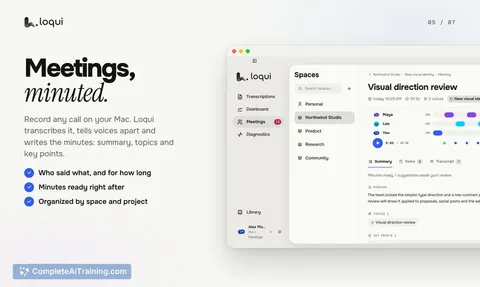
Loqui is a macOS dictation and meeting transcription tool that converts spoken audio into text directly in any app. Hold a shortcut, speak, and the processed text lands at your cursor in a tone you select. It also transcribes meetings, identifies speakers, and generates minutes.
Review
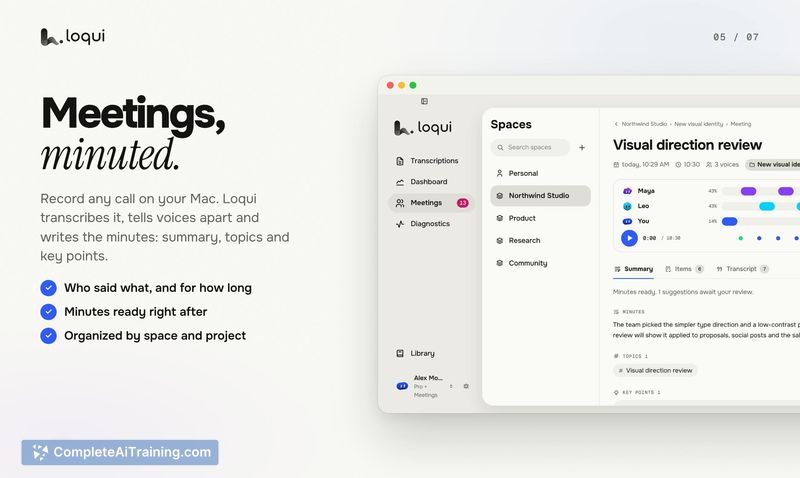
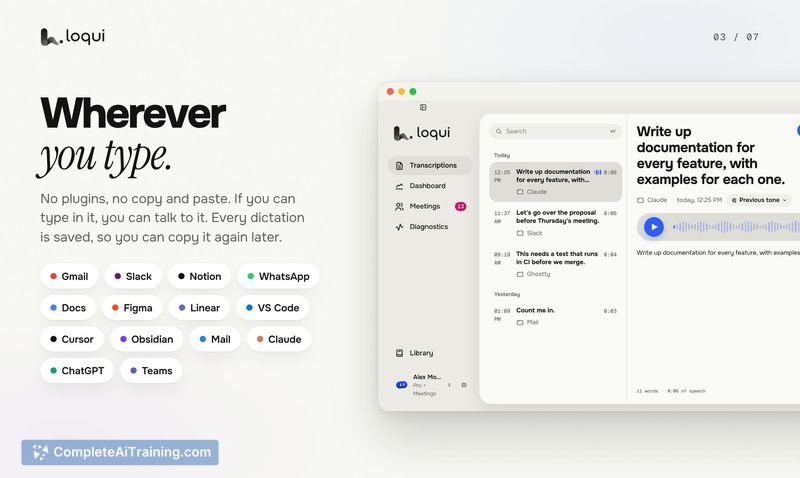
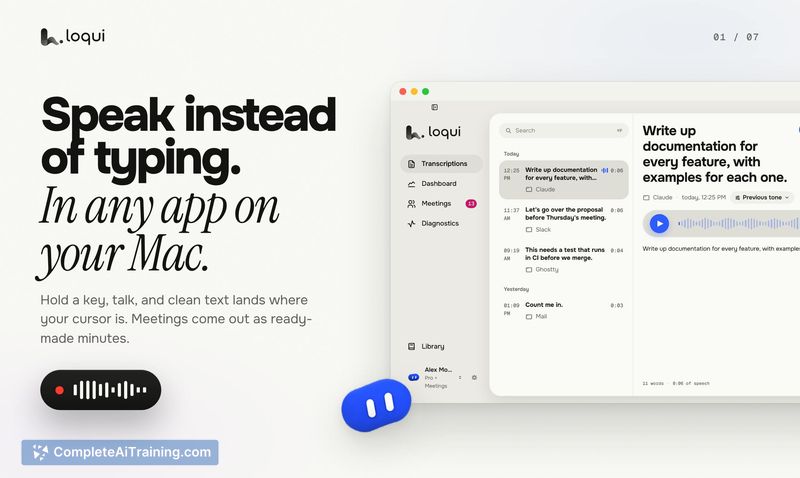
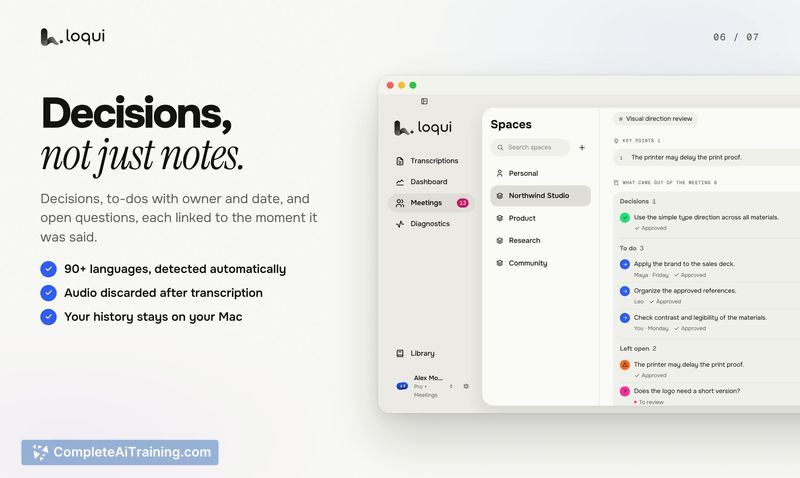
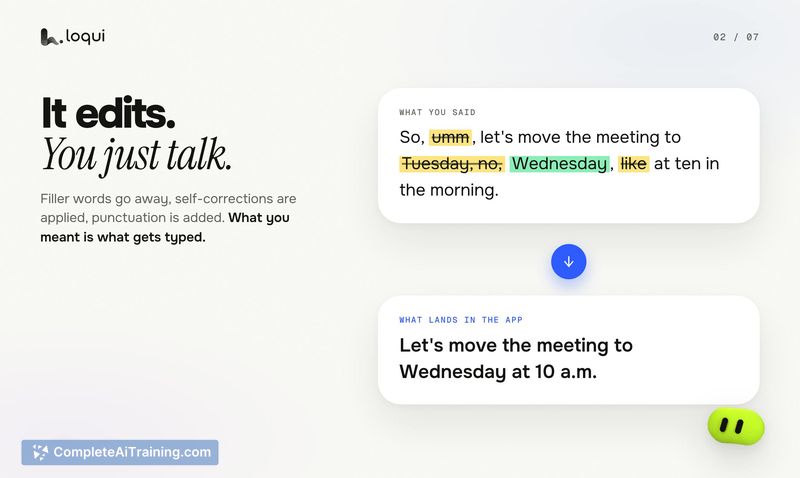

Loqui combines two workflows-quick dictation and structured meeting capture-into a single Mac utility. The dictation side processes audio on remote servers and discards it immediately after transcription, while your text history stays local. The meeting side adds layers like speaker identification and decision tracking that go beyond simple speech-to-text.
Key Features
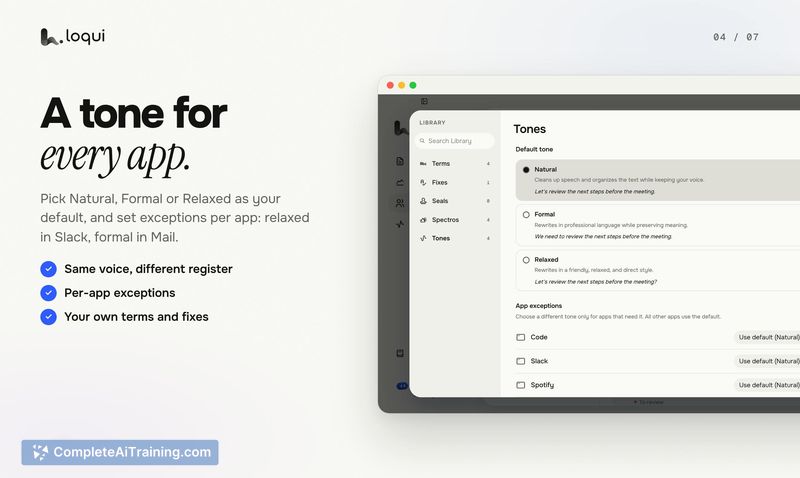
- Per-app tone control. The same spoken sentence can appear casual in Slack or polished in Mail, with the tone adapting to where you're typing.
- Meeting Spaces with conflict detection. Group meetings by project or client. When new minutes contradict an earlier decision still active in that Space, Loqui flags it and shows both statements side by side. Refinements, added detail, and exceptions don't trigger a flag.
- Smart minutes and speaker labels. Meeting transcripts pull out action items, decisions, and completed tasks. The tool identifies who said what during the session.
- Custom dictionary. Add names or technical terms that get transcribed incorrectly, and Loqui starts handling them more accurately in future dictations.
- 90+ languages with automatic detection. No manual language switching needed during dictation or transcription.
Pricing and Value
Loqui has a free plan with a weekly usage quota; no credit card is required to start. A Pro plan exists, and at launch the code PRODUCTHUNT gives 50% off the monthly Pro price for three months. Exact Pro pricing isn't detailed on the current page. Audio is never stored on Loqui's servers, regardless of plan.
Pros
- Dictation inserts text at the cursor in any Mac app without switching windows.
- Meeting minutes include action items, decisions, and what was done, not just a raw transcript.
- Conflict detection compares new decisions against still-active ones in a Space and requires a person to resolve the flag.
- Audio is discarded right after processing; only transcripts and raw text are kept if you opt in to improvement sharing.
- Free tier lets you test core dictation and meeting features before committing to Pro.
Cons
- Audio processing happens on remote servers, not on-device-users with strict data locality requirements may find this a blocker.
- Names and technical terms can still get altered when the tone setting cleans up a sentence; the maker has acknowledged this as an area for improvement.
- The tool is macOS-only right now. A local mode using Apple's on-device speech is being explored, and Windows support is under consideration, but neither is available today.
Loqui fits professionals who split time between quick messages and structured meetings and want both handled from one tool. The meeting features-especially Spaces and conflict detection-target teams that need to track decisions across multiple sessions, while the per-app tone control suits people who dictate in different contexts throughout the day. It's less suited for anyone who requires fully local audio processing or works primarily outside macOS.