AI tool
MakePixel
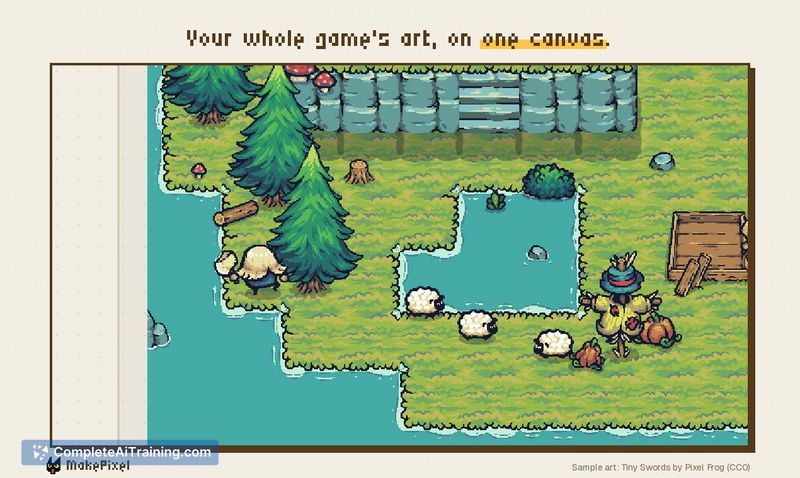
MakePixel is a browser-based pixel art editor for creating animations, tilesets, and game maps. It imports Aseprite files and exports to engines like Godot and Unity. The tool is built for game developers and pixel artists.
About MakePixel
MakePixel is a browser-based pixel art editor built for creating game sprites, tilesets, and level maps. It runs on desktop, iPad, and phone without installation, and imports .aseprite files along with Tiled and LDtk maps. The tool exports directly to Godot, Unity, Tiled, or standard sprite sheets.
Review
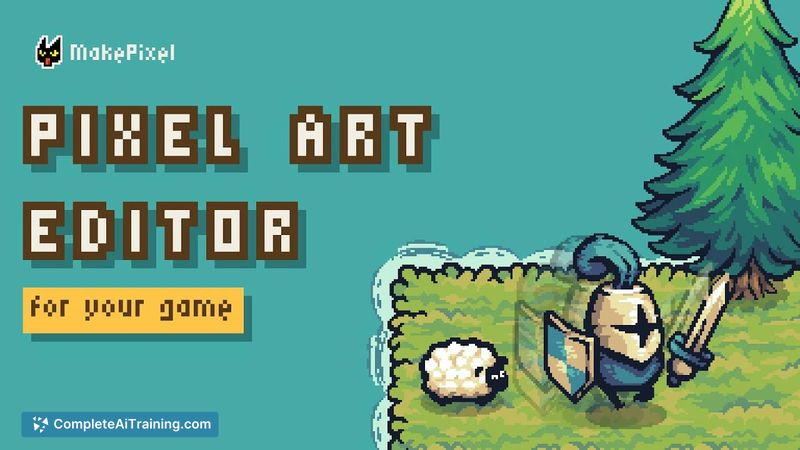
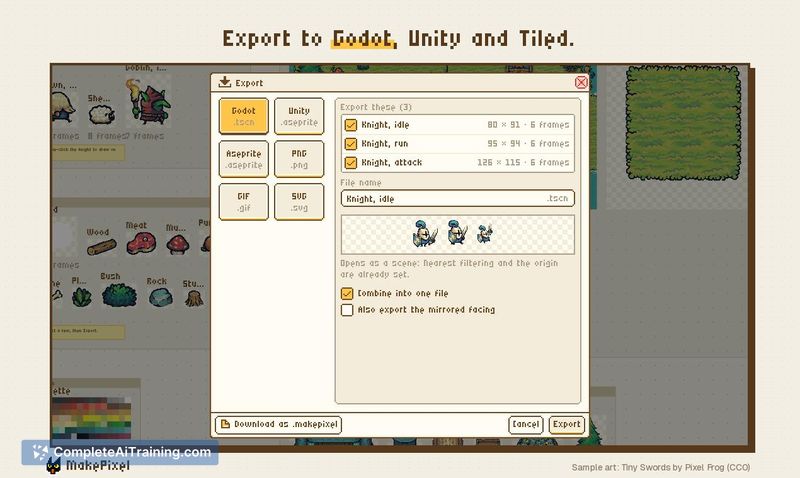
MakePixel enters the pixel art space with a clear focus on game asset workflows. The editor runs entirely in the browser, which means you can start drawing without creating an account. Its feature set targets the repetitive parts of game art creation-autotiling, multi-frame animation, and multi-format export-while leaving an optional AI generation feature on the side for when you need a starting point.
Key Features
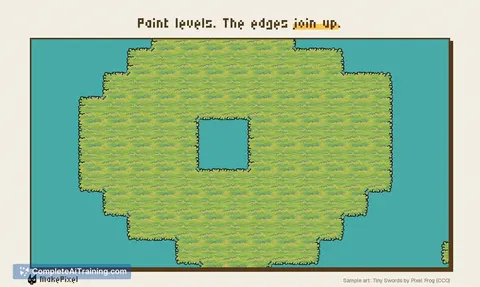
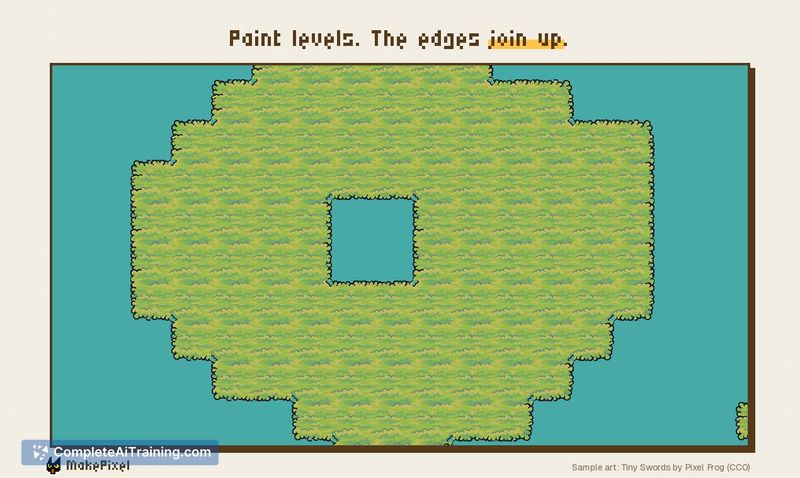
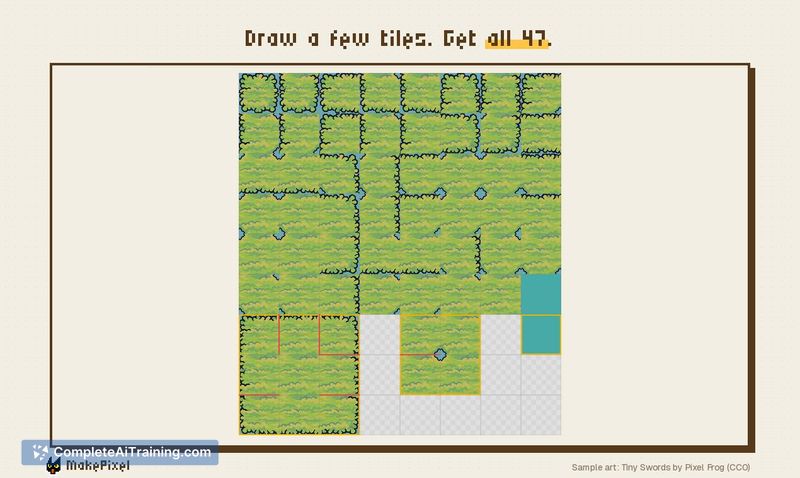
- Autotile generation - Draw a few terrain tiles and MakePixel produces the full 47-tile autotile set. When painting levels, tile edges join automatically.
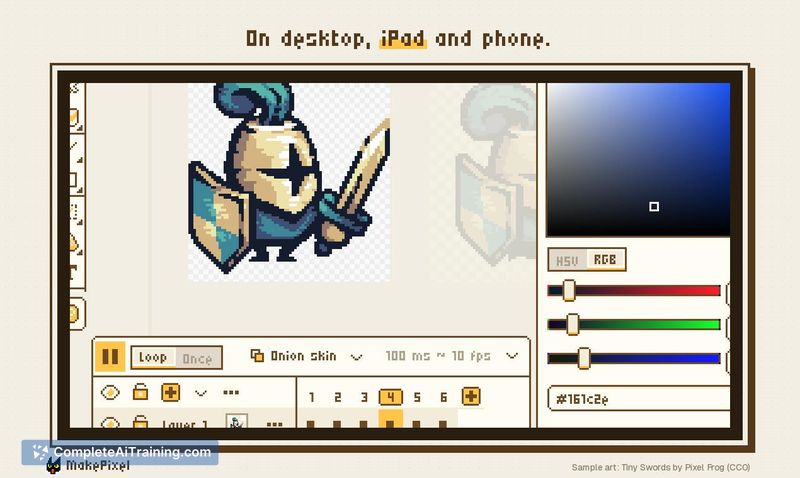
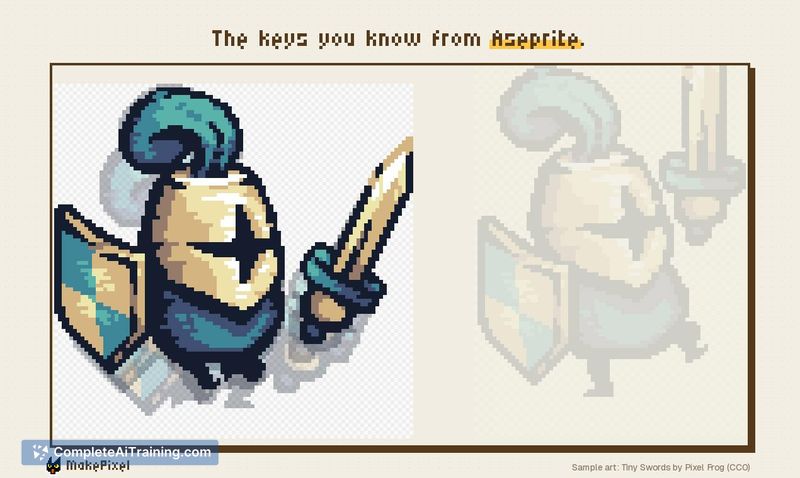
- Animation support - Layers, frames, tags, and onion skin are all present, with keyboard shortcuts (B, E, G, F3) that match the Aseprite convention.
- Cross-platform, no install - The editor works in a browser on desktop, iPad, and phone. No download or account is needed to begin drawing.
- Multi-format import and export - Opens .aseprite files and imports Tiled and LDtk maps. Exports to Godot, Unity, Tiled, or sprite sheets.
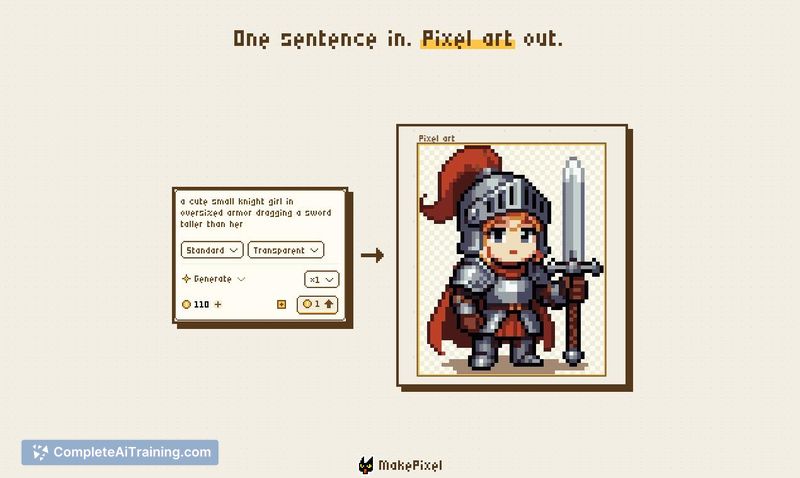
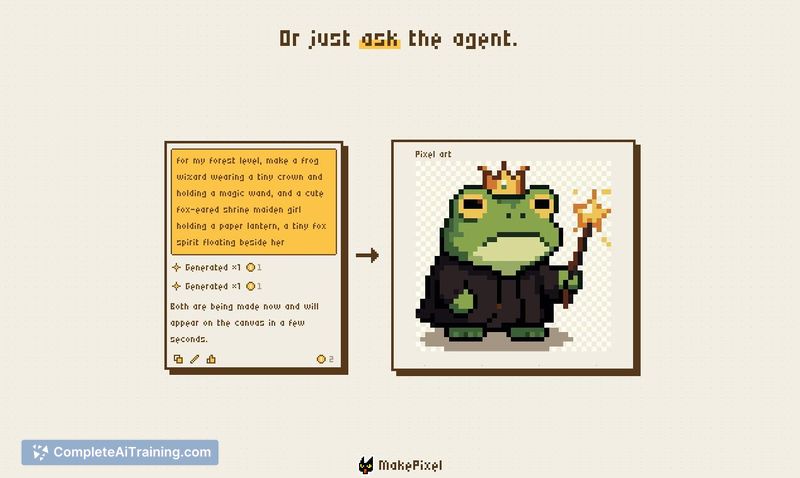
- Optional AI generation - Describe a character or scene and receive pixel art you can continue editing. Each generation costs 1 AI credit.
Pricing and Value
Drawing, animation, tilesets, maps, and all export formats are free. A Pro plan at $8/month adds more storage, version history, 30 AI credits, and a few additional extras. The free tier covers the core editor without feature restrictions on the drawing and export tools themselves.
Pros
- Runs in the browser with no installation or account required to start.
- Autotile generation reduces the manual work of creating full tilesets.
- Keyboard shortcuts mirror Aseprite, lowering the learning curve for users familiar with that tool.
- Direct export to Godot, Unity, and Tiled fits into existing game development pipelines.
- Free tier includes the full drawing, animation, and export feature set.
Cons
- Custom autotile rule definitions are not confirmed as available-the current implementation may rely on a fixed rule set, which limits flexibility for non-standard terrain.
- AI generation is credit-gated even on the Pro plan, with 30 credits per month potentially running out quickly for users who rely on it heavily.
- The tool is not well suited for artists who need pressure-sensitive stylus support or desktop-grade performance for very large canvases, since it operates in a browser environment.
MakePixel fits neatly into a workflow where you need to block out tilesets, animate sprites with familiar hotkeys, and export directly to a game engine without leaving the browser. It's built for indie game developers and pixel artists who want to skip repetitive tiling work and move assets into Godot or Unity quickly. If your process already involves .aseprite files or Tiled maps, the import and export paths will feel like a natural extension rather than a separate tool.