AI tool
MCP Server by XWiki
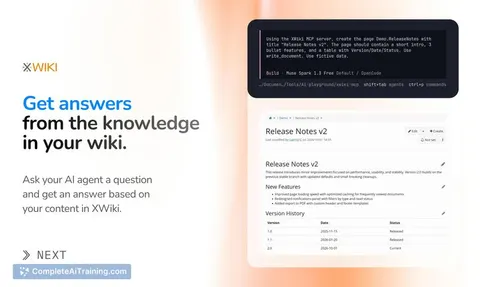
XWiki MCP Server is a self-hostable extension that connects an XWiki knowledge base to AI agents like Claude Code or GitHub Copilot. It lets users query pages, create content, and manage structured data directly within XWiki.
About MCP Server by XWiki
The MCP Server by XWiki is a free, open-source extension that connects an XWiki knowledge base to AI agents. It lets users query wiki content, create and edit pages, and work with structured data through tools like Claude Code, Codex, OpenCode, Pi, and GitHub Copilot. The extension is self-hostable, with write operations disabled by default, and the agent operates under the same permissions as the connected user account.
Review
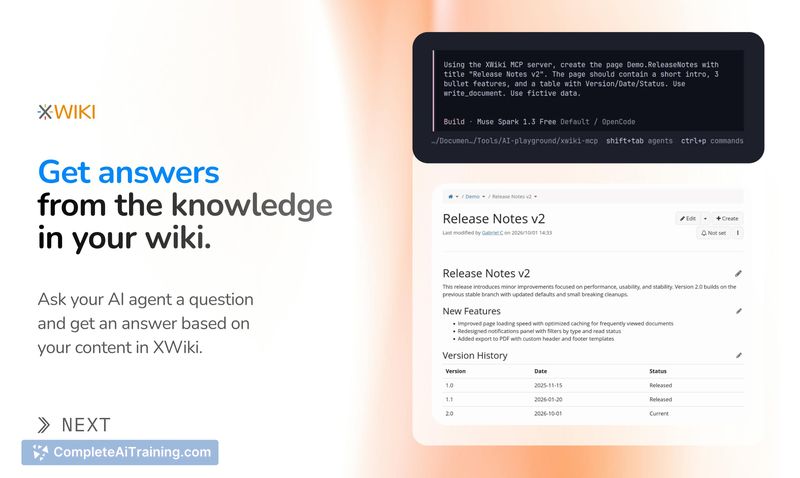
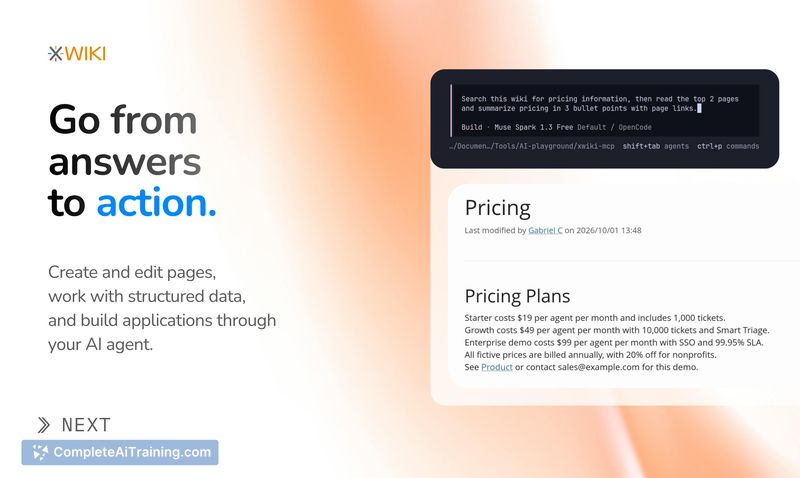

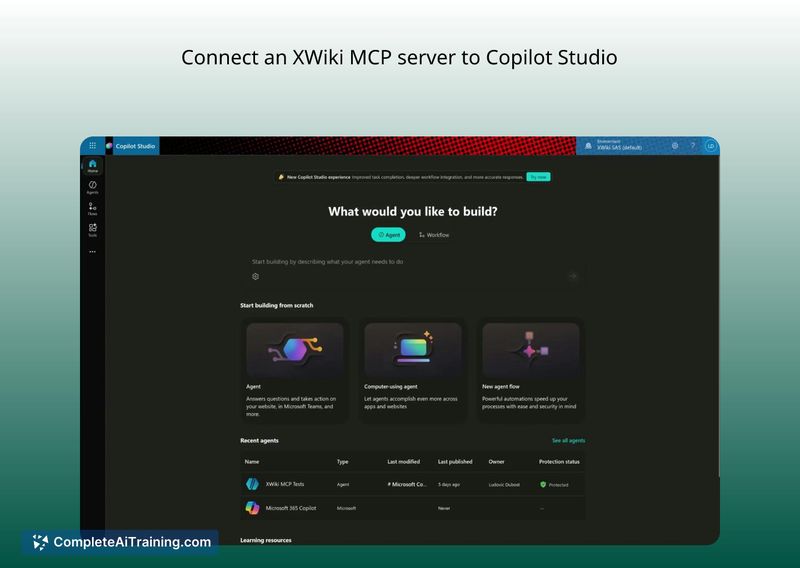

XWiki has been around for over two decades, so organizations often have deep repositories of documentation, procedures, and structured data built up over time. The MCP Server extension bridges that accumulated knowledge with agentic workflows. It's still under active development, and the team is looking for feedback on what to improve next.
Key Features
- Connects XWiki wikis to any MCP-compatible AI agent, including Claude Code, Codex, OpenCode, Pi, and MS Copilot.
- Supports reading and writing pages, plus working with XWiki's structured data objects and classes-not just plain text.
- Write, delete, and page creation tools are disabled by default; administrators enable them by ticking a box on the config page.
- Agent actions run with the same permissions as the authenticated user, using standard OAuth against the XWiki OIDC Provider.
- Self-hostable end-to-end: you can run XWiki, the MCP server, and the AI model on your own infrastructure.
Pricing and Value
The MCP Server extension is free and open-source. There are no listed paid tiers for the extension itself. XWiki, the underlying platform, is also open-source and can be self-hosted. The extension's source code is available on GitHub, and the installation guide is publicly accessible. No enterprise pricing or future monetization for the MCP Server has been announced.
Pros
- Write operations are off by default, reducing the risk of accidental changes when first connecting an agent.
- Respects existing XWiki user permissions, so an agent can't access pages its user account can't already see.
- Because XWiki supports structured data, agents can interact with objects and classes beyond simple page content.
- Fully self-hostable, meaning organizations keep their documentation and AI interactions on their own infrastructure.
- Unlimited page version history in XWiki means agent edits can be reverted to any previous state.
Cons
- Partial reverts aren't directly supported-restoring a page rolls back the entire version, though copy-pasting from previews works as a manual workaround.
- Setup requires familiarity with XWiki extensions and OAuth configuration, which may challenge users without a technical background.
- Not well suited for teams that want a fully managed, cloud-native MCP integration with no self-hosting responsibilities.
Teams that already use XWiki as a knowledge base and want to experiment with giving AI agents controlled access to their documentation will find this extension useful. It fits organizations comfortable with self-hosting and open-source tooling, especially those that prefer to keep write access off until they've evaluated what the agent does with read-only access. The extension is still in active development, so early adopters who are willing to submit feedback and bug reports will likely shape its direction.