AI tool
NoteWorthy
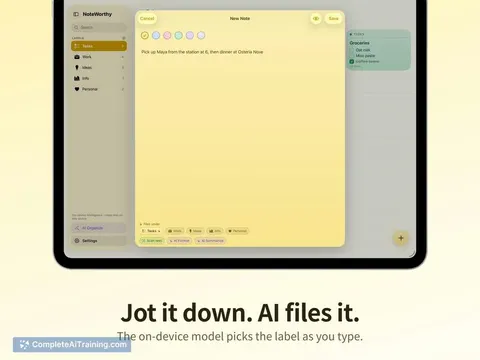
NoteWorthy is a notes app for iPhone, iPad, and Mac that uses on-device AI to automatically title, categorize, and format your notes. It is for anyone who wants to capture thoughts quickly without manually organizing them.
About NoteWorthy
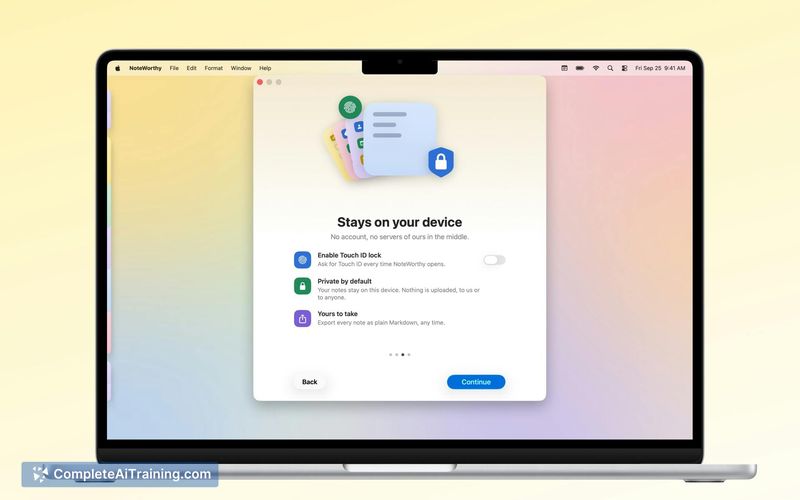
NoteWorthy is a note-taking application for iPhone, iPad, and Mac that runs AI processing entirely on-device. It automatically titles new notes and sorts them into categories like Tasks, Ideas, Info, or Personal using a local language model. The app works offline, requires no account, and does not send any note content to external servers.
Review
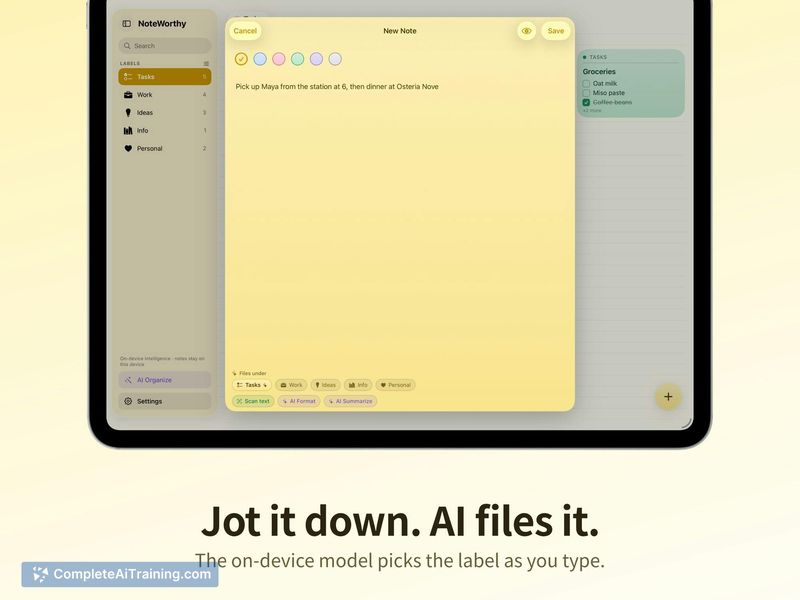
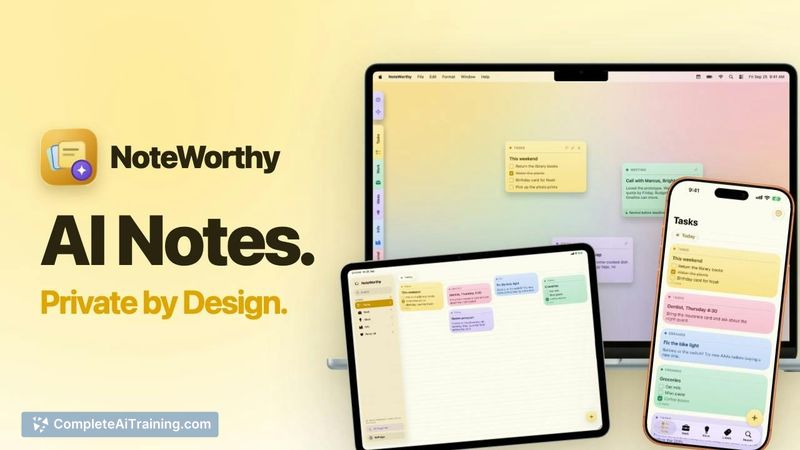
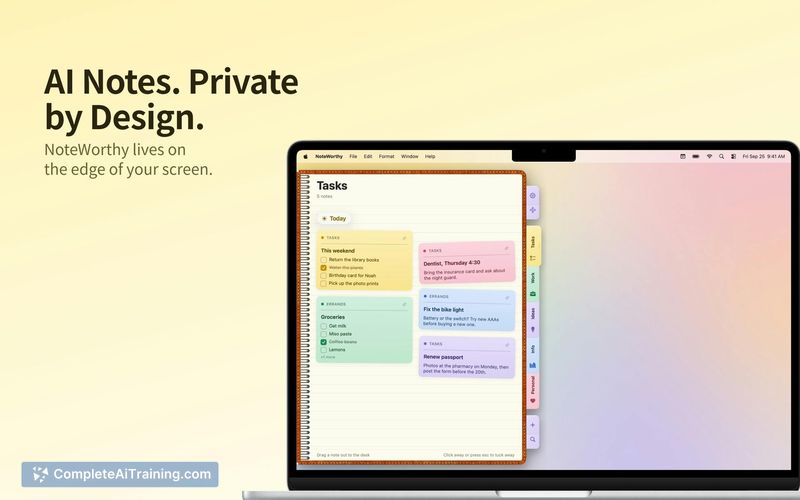
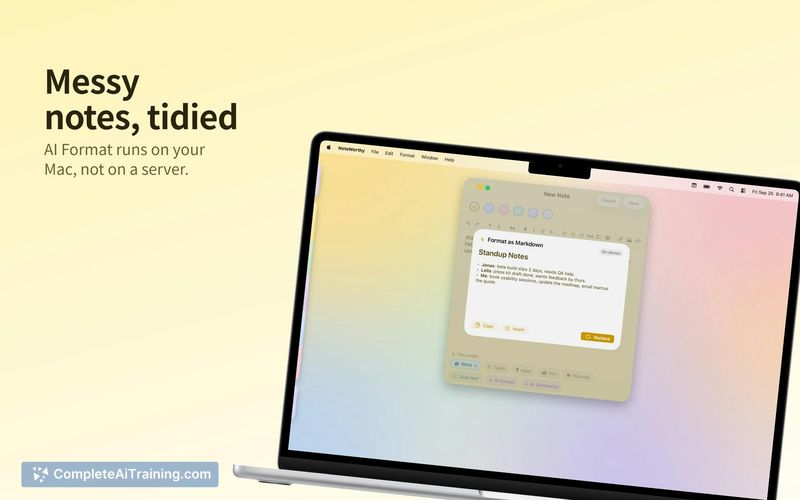
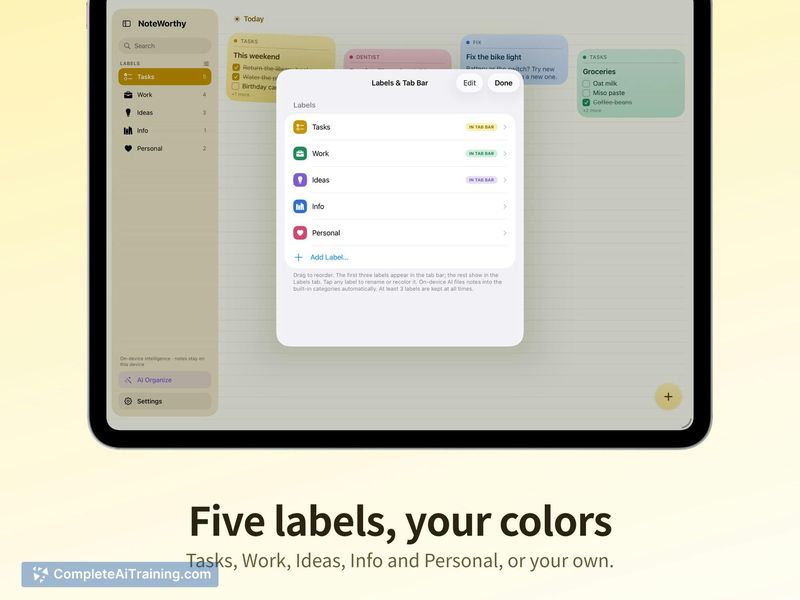
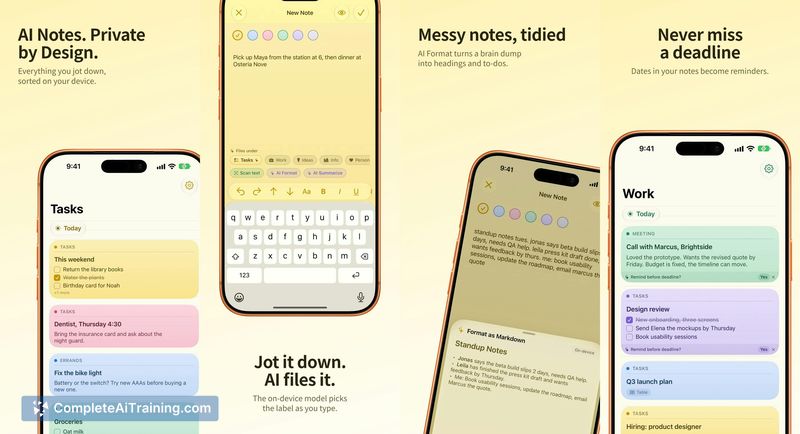
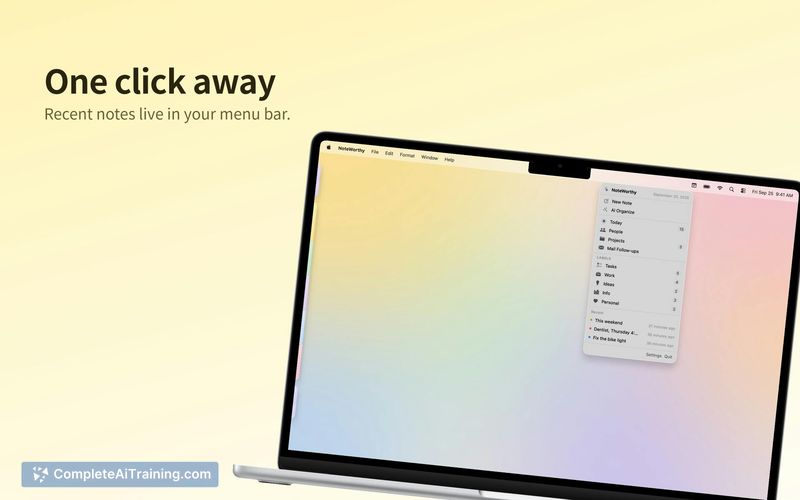
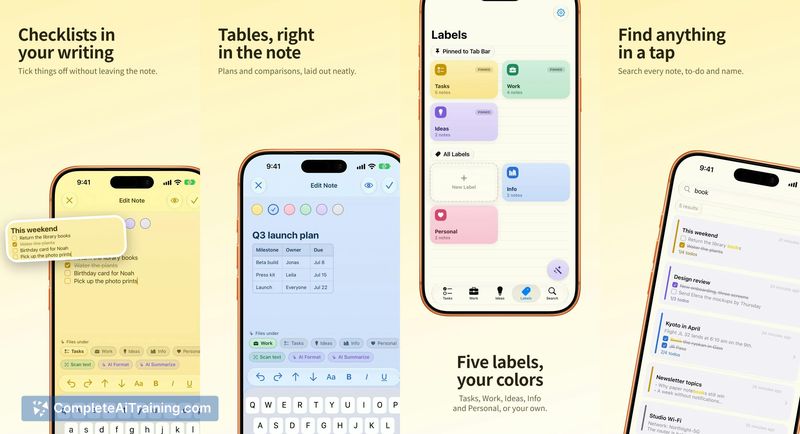
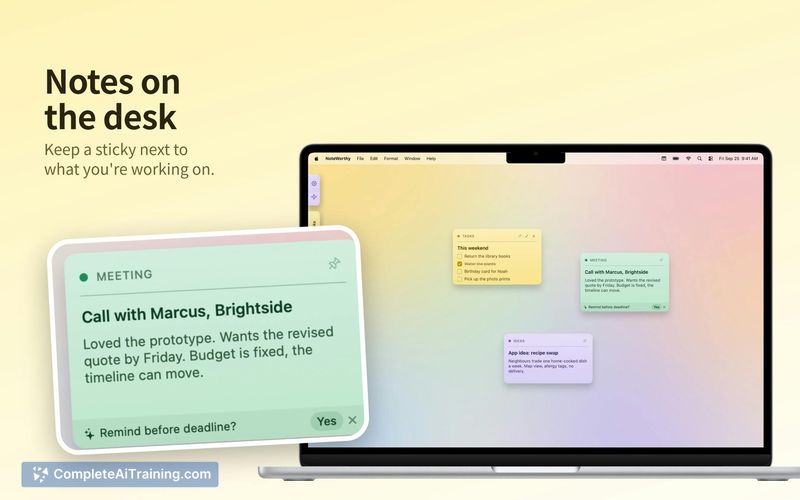
NoteWorthy enters a crowded space with a specific constraint: all AI features run locally on the device. The app uses Apple's Foundation Models framework for text processing and Google's open Embedding Gemma model for categorizing notes by meaning rather than keywords. It's a free, single-purchase-free utility built by solo developer Suman Hansada, who used Claude Code as a pair programming tool throughout the build.
Key Features
- On-device AI that titles notes and files them under default labels (Tasks, Ideas, Info, Personal) or custom labels
- One-tap formatting that converts unstructured text into headings and checklists
- Long-note summarization that condenses content to a single line
- Offline operation with no account sign-up and no data leaving the device
- Availability across iPhone, iPad, and Mac with widgets and an App Clip
Pricing and Value
NoteWorthy is free. The developer has not announced any pricing model changes. There is no subscription, no in-app purchase structure mentioned, and no server costs to offset since processing happens locally. Users download the app and use it without payment or account creation.
Pros
- All AI processing stays on-device, keeping notes private by default
- Works without an internet connection once installed
- No account setup means immediate use after download
- Automatic sorting removes the need to manually organize every note
- Summarization condenses walls of text into a scannable line
Cons
- iCloud sync is not yet available, so notes don't move between a user's own devices automatically
- Voice input is not implemented, and the developer cites weak on-device models for continuous listening as the reason
- The tool is not well suited for users who need real-time collaboration or shared notebooks across teams
NoteWorthy fits someone who jots down scattered thoughts throughout the day and wants automatic organization without configuring folders or tags. The on-device constraint makes it relevant for people handling sensitive notes who won't send data to a cloud service. The developer has stated iCloud sync is planned for an upcoming release, which would address the current single-device limitation.